Standalone notes vs. manuscript documents
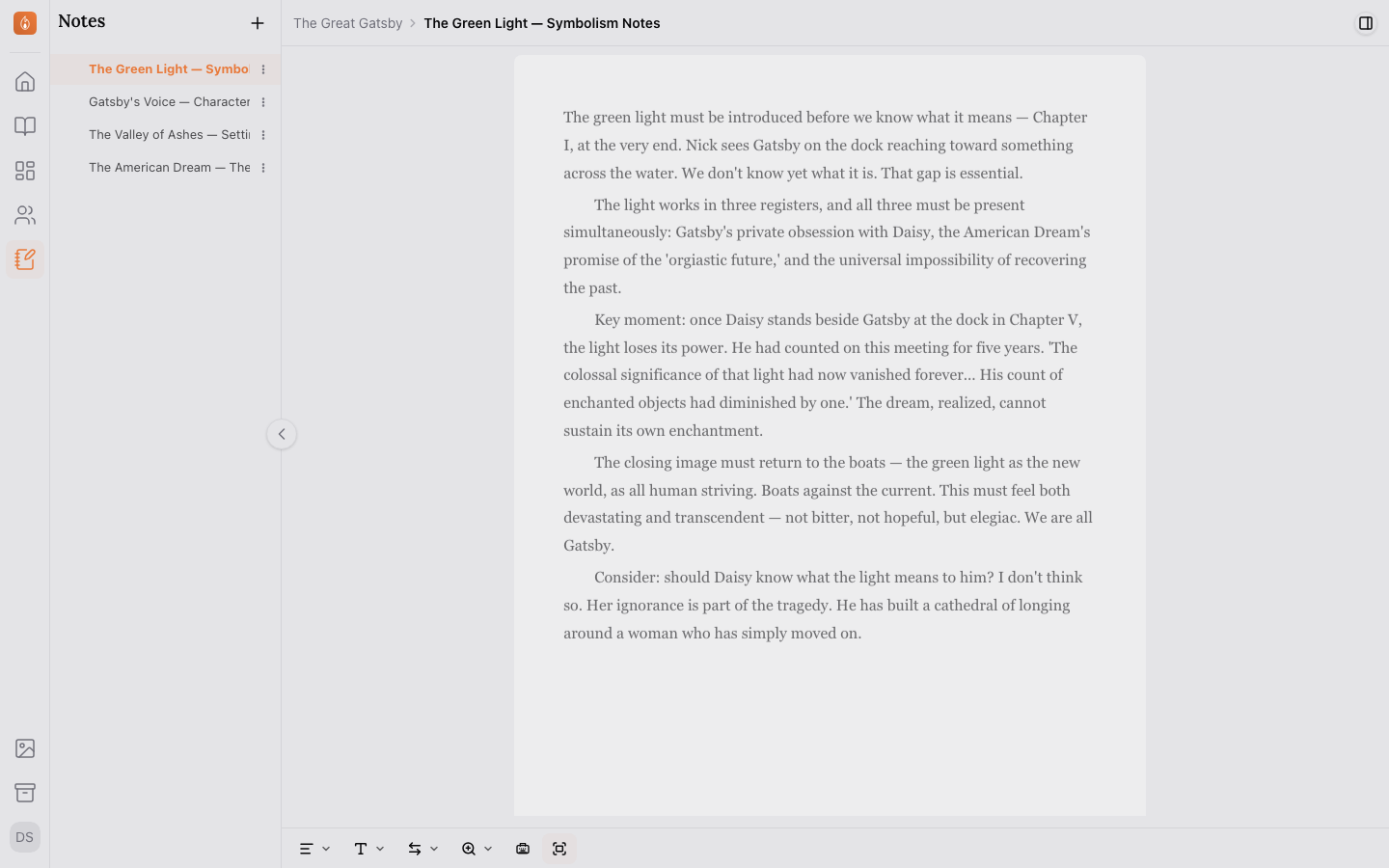
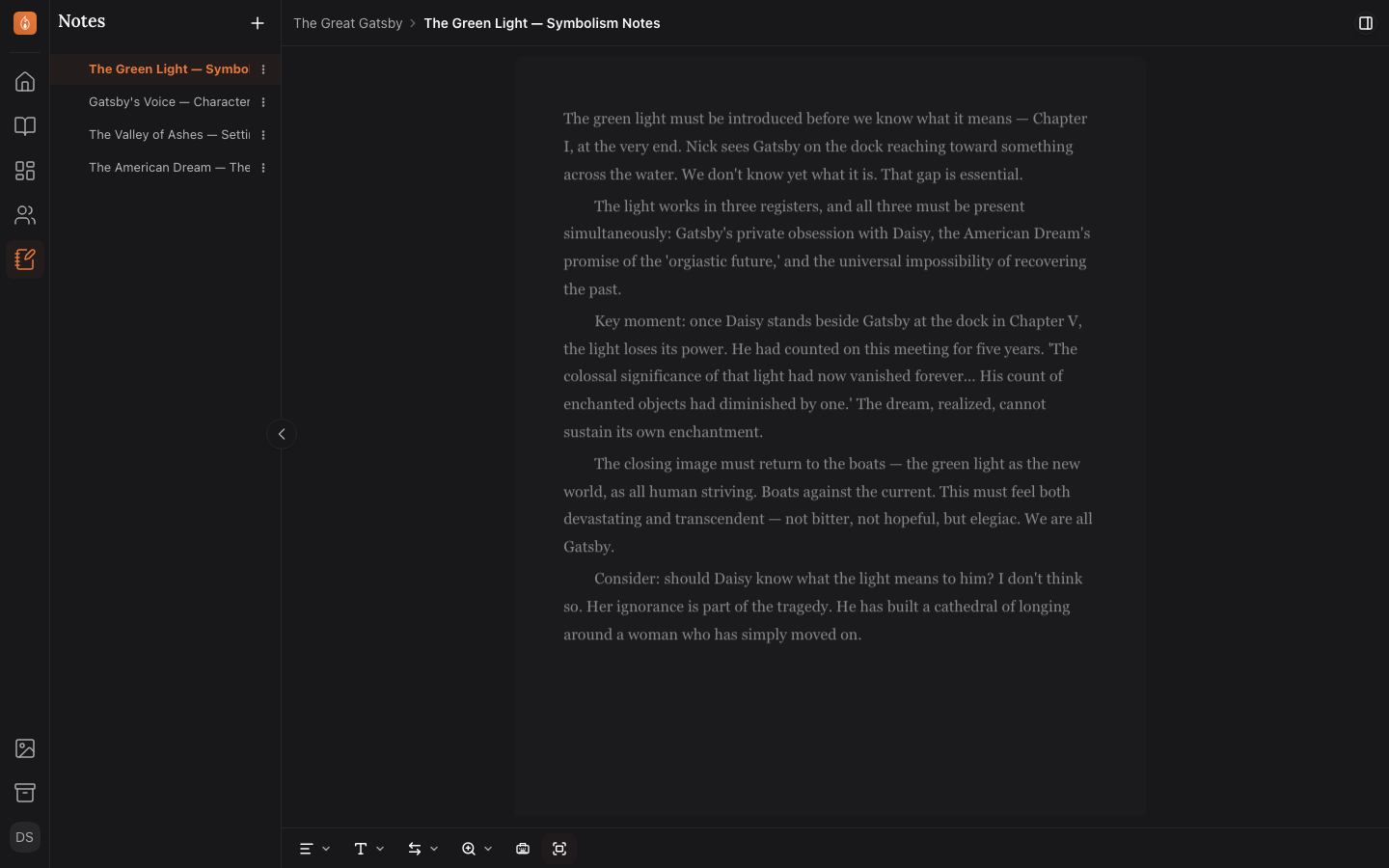
Notes hold research and world-building alongside your manuscript, without counting toward its word count or appearing in exports.
Your manuscript tree is for the book itself: chapters, sections, and scenes that make up the actual draft. Notes are separate on purpose.
What notes are for
Anything that supports the manuscript without being part of it: world-building details, research, timelines, style decisions you want to stay consistent about, or a running list of questions to resolve later. A note uses the same rich-text editor as a chapter, but doesn’t count toward your manuscript’s word count.
Finding your notes
Opening the Notes section without a note selected shows every note in the project as a card, with the first few lines of each one and when it was last edited. Select a card to open it.
Creating a note
From the Notes section in the sidebar, select New Note, give it a title, and start writing. The same button sits on the notes overview.
Research you’ve already written elsewhere can come in as a file instead. The same + button offers Import from a file…, which creates one note per top-level heading in the file. See Importing an existing manuscript.
Related
Was this helpful?
Thanks for letting us know.