Inviting collaborators and reviewers
Send an invite link to bring a co-author or reviewer into your project, with an expiry you control.
Plan: Studio (free during the beta). See Plans and billing.
A project doesn’t have to stay solo. You can bring in a co-author at any point. Readers who only need to see a draft are invited from the round itself, not from here; see Inviting editors and beta readers.
Sending an invite
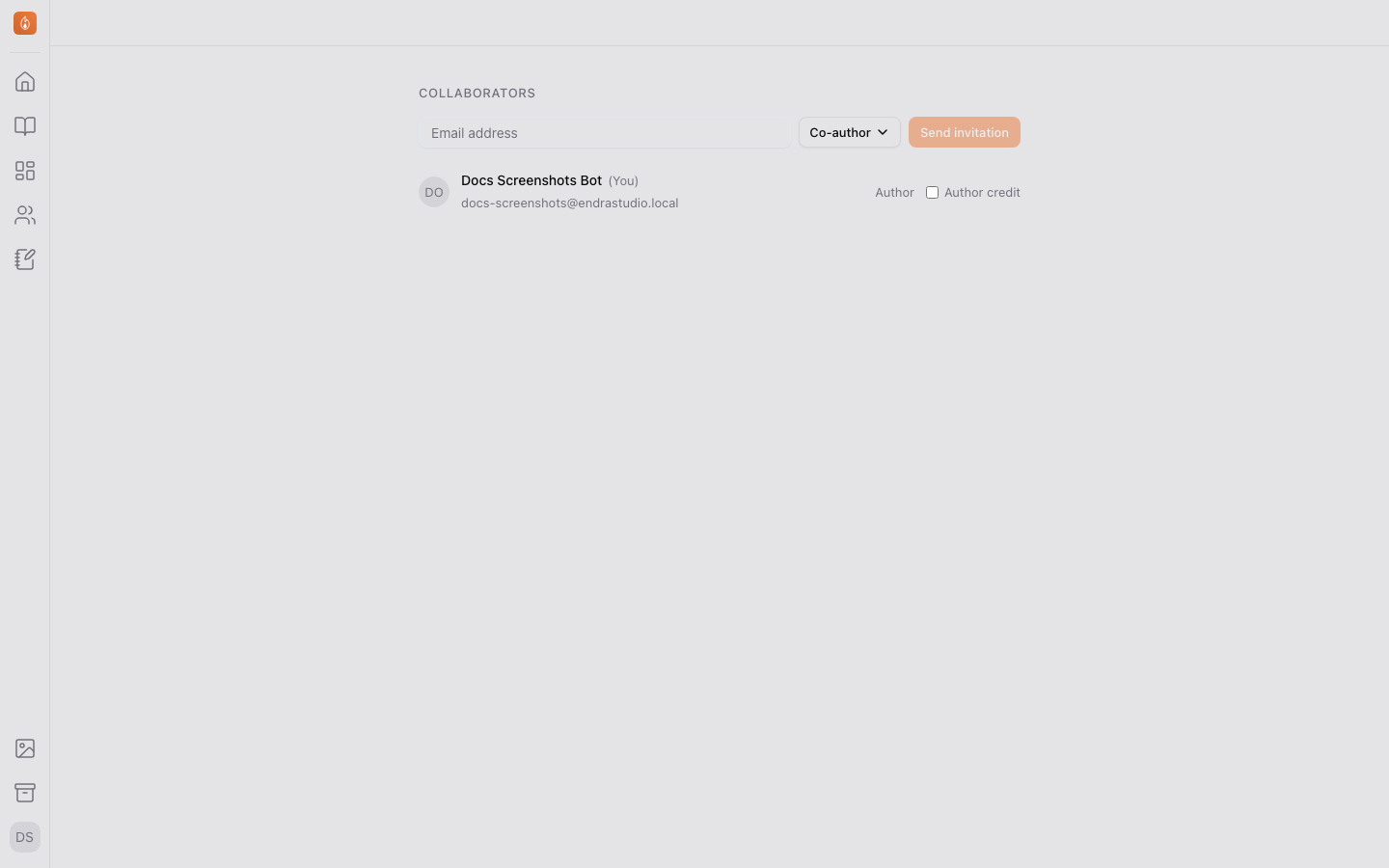
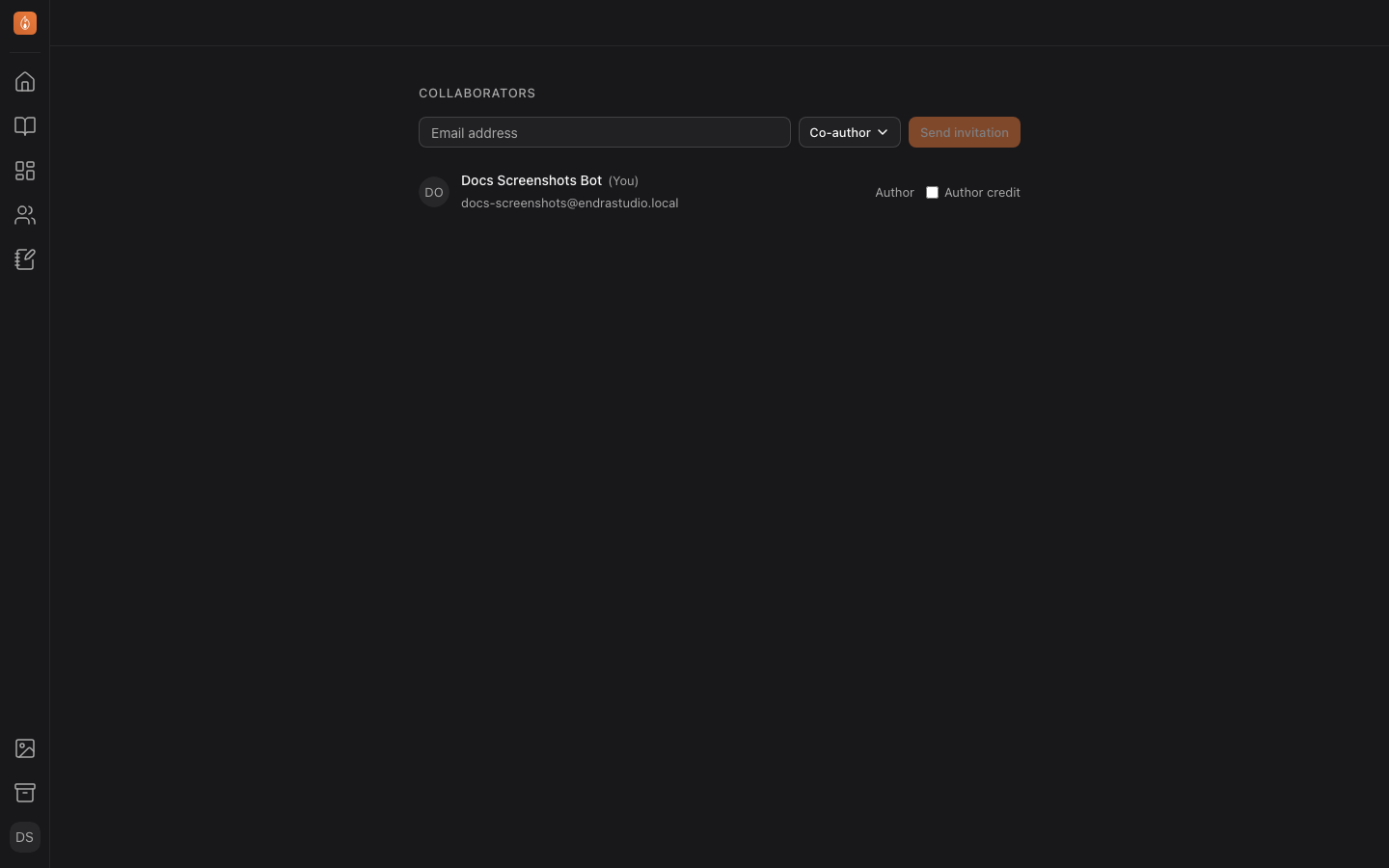
From your project’s home page, under Collaboration, select Manage to open the Collaborators page. Select Invite, choose a role, and share the generated invite link. The link expires after seven days and can be revoked at any time before it’s accepted. If it hasn’t been opened with two days left, the person gets one reminder email.
You get an email when someone accepts. Inviting needs a confirmed email address on your own account; if you haven’t confirmed yours yet, the banner at the bottom of the app can resend the link.
Managing existing collaborators
The same Collaborators page lists everyone with access to the project, and lets you remove someone or change their role after the fact. Removing someone also takes them off every draft round in the project, including any round invitation they haven’t opened yet. To take someone off a single round while keeping them on the project, use the × on that round’s Invites tab instead.
Writing together
Once a collaborator joins, you can both write in the same document at the same time. See Writing together in real time.
Related
Was this helpful?
Thanks for letting us know.