Focus Mode, Focus Dimming, and Typewriter Mode
Three editor settings that clear distraction out of the way, by hiding the interface, fading the text you aren't working on, or holding your cursor on a fixed line as you type.
Three settings in the editor control how much of the Studio you see while you write. Any combination works.
Focus Mode
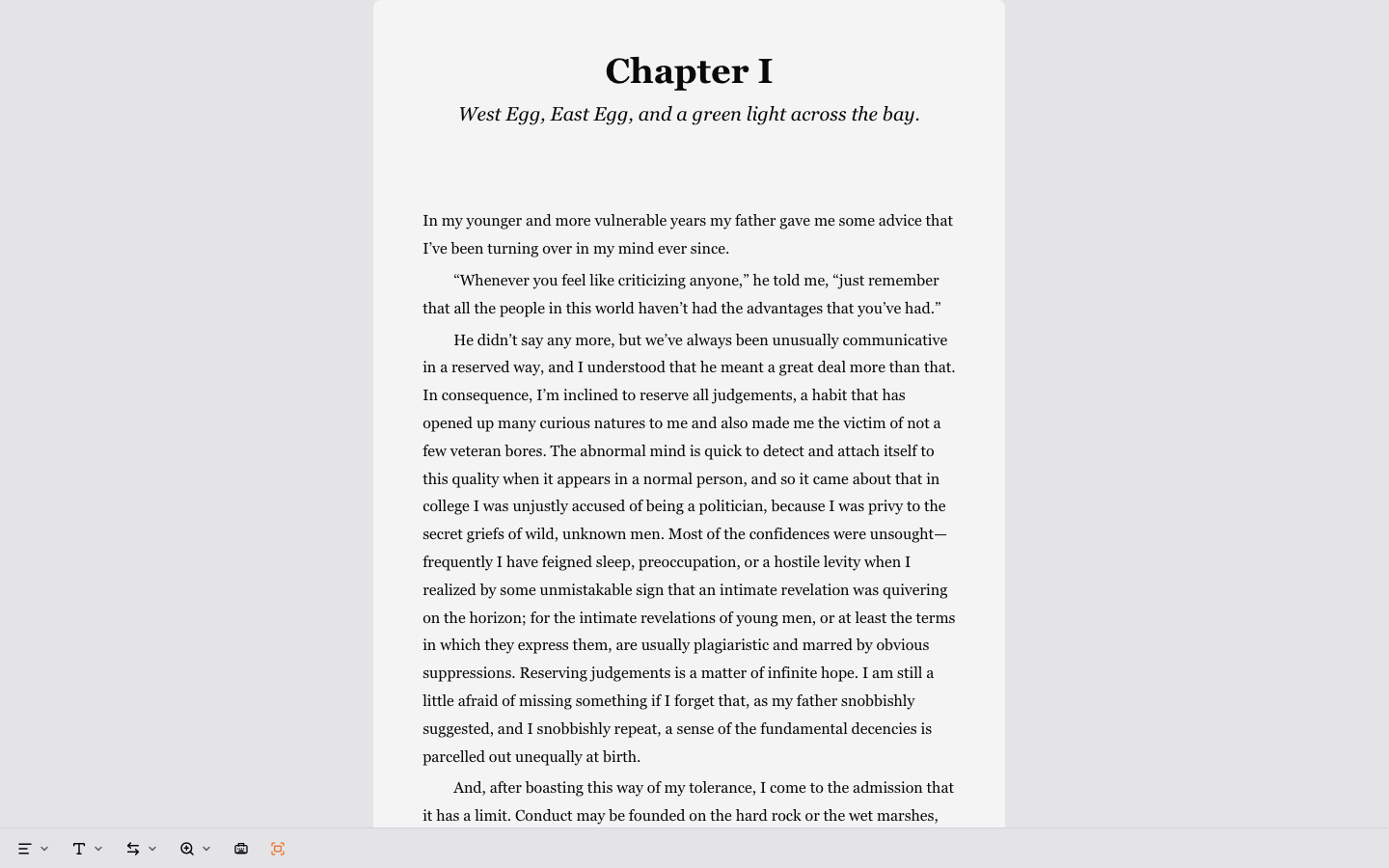
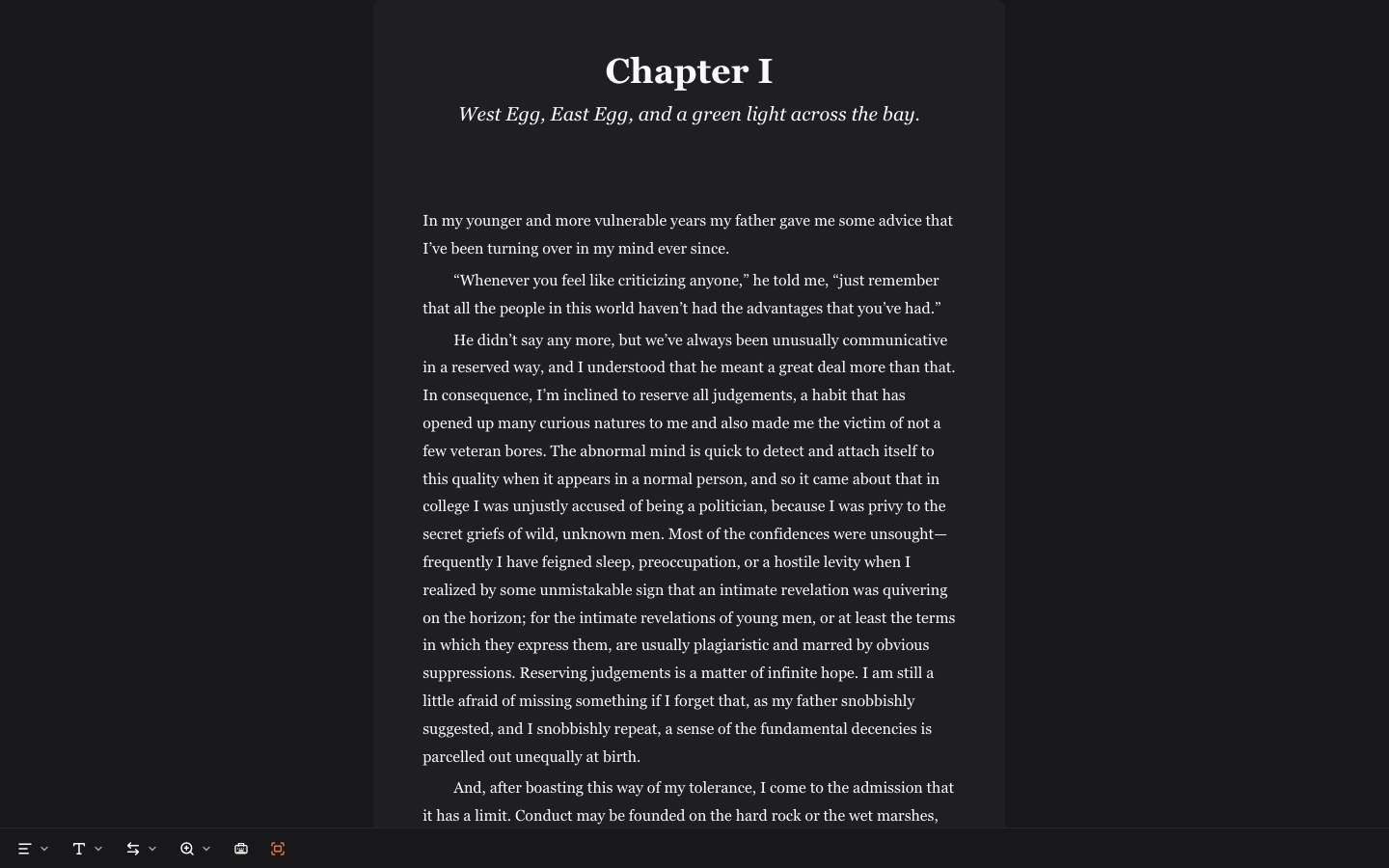
Focus Mode hides everything around your manuscript: the sidebar, the icon rail, and the toolbar. Turn it on from the editor footer, or press ⇧⌘. (Ctrl+Shift+. on Windows). The editor footer fades out too. Move the mouse and it fades back in. Press Escape to leave.
Focus Mode resets whenever you open a document again, so it’s a per-session choice rather than a preference you set once.
Focus Dimming
Focus Dimming fades the prose you aren’t working on, so the part under your cursor is the only text at full strength. Set it from the editor footer:
| Setting | What stays sharp |
|---|---|
| Off | Everything |
| Sentence | The sentence your cursor is in |
| Paragraph | The paragraph your cursor is in |
Your choice stays put until you change it, including after a reload.
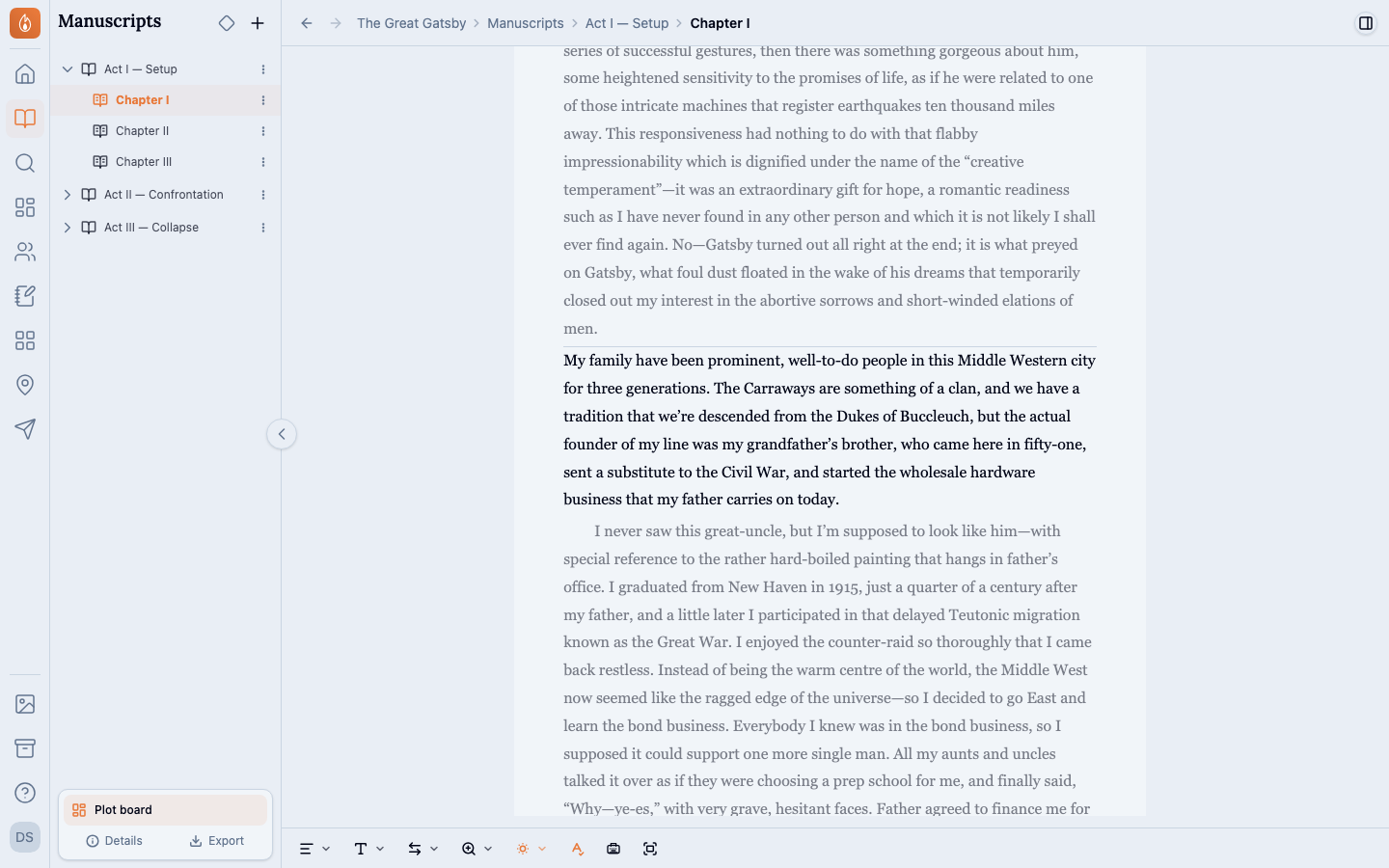
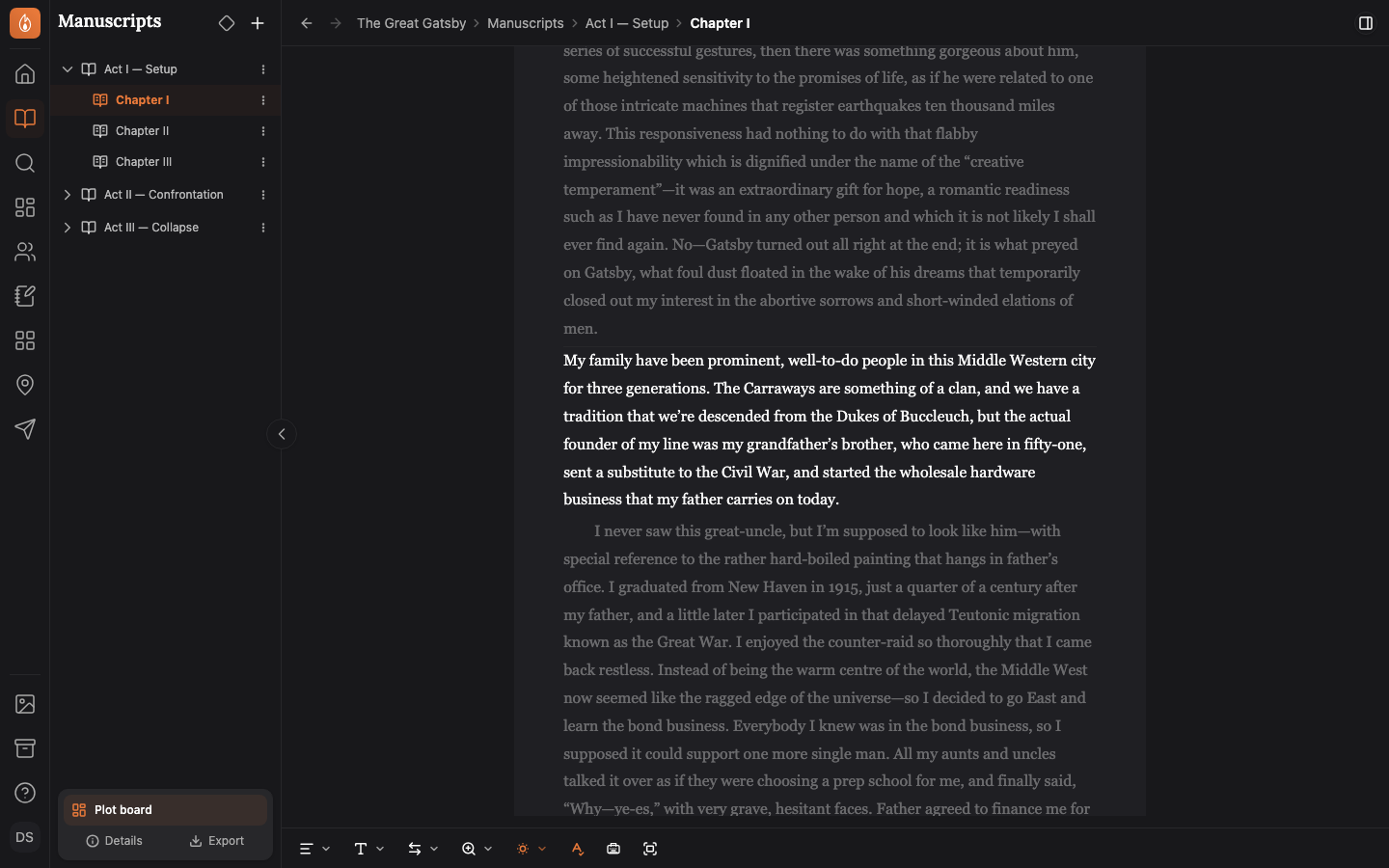
Select across several paragraphs and every one you’ve touched stays sharp. In Sentence mode, headings, list items, and block quotes are never broken partway; they light up whole. Sentence detection follows ordinary prose punctuation, so quoted dialogue and abbreviations like “Mr.” stay attached to the sentence they belong to.
Typewriter Mode
Typewriter Mode keeps your cursor locked to a fixed line about a third of the way down the screen. Instead of your text scrolling up and out of view as you type, the page scrolls with you, so the line you’re writing always sits in the same spot, with the paragraph you’re building visible beneath it. It’s closer to how it feels to write on an actual typewriter. Turn it on from the editor footer, or press ⇧⌘Y (Ctrl+Shift+Y on Windows).
Each time you start a new line, the page eases up under your cursor rather than snapping. If you’ve turned on reduced motion in your system accessibility settings, the page moves to its new position instantly instead.
Turn on all three
Turn on all three for the most stripped-down view there is: one sharp paragraph, held on the same line as you type, with the interface out of the way.
Was this helpful?
Thanks for letting us know.