What your readers see
Readers open a frozen copy of your draft in a paginated reader, react to paragraphs, leave notes, answer your questions, and send their feedback when they're done.
A reader follows the link in their invitation and lands on the draft. They don’t see your studio, your notes, or anything you’ve written since you sent the round. Only the frozen copy.
Before the first page
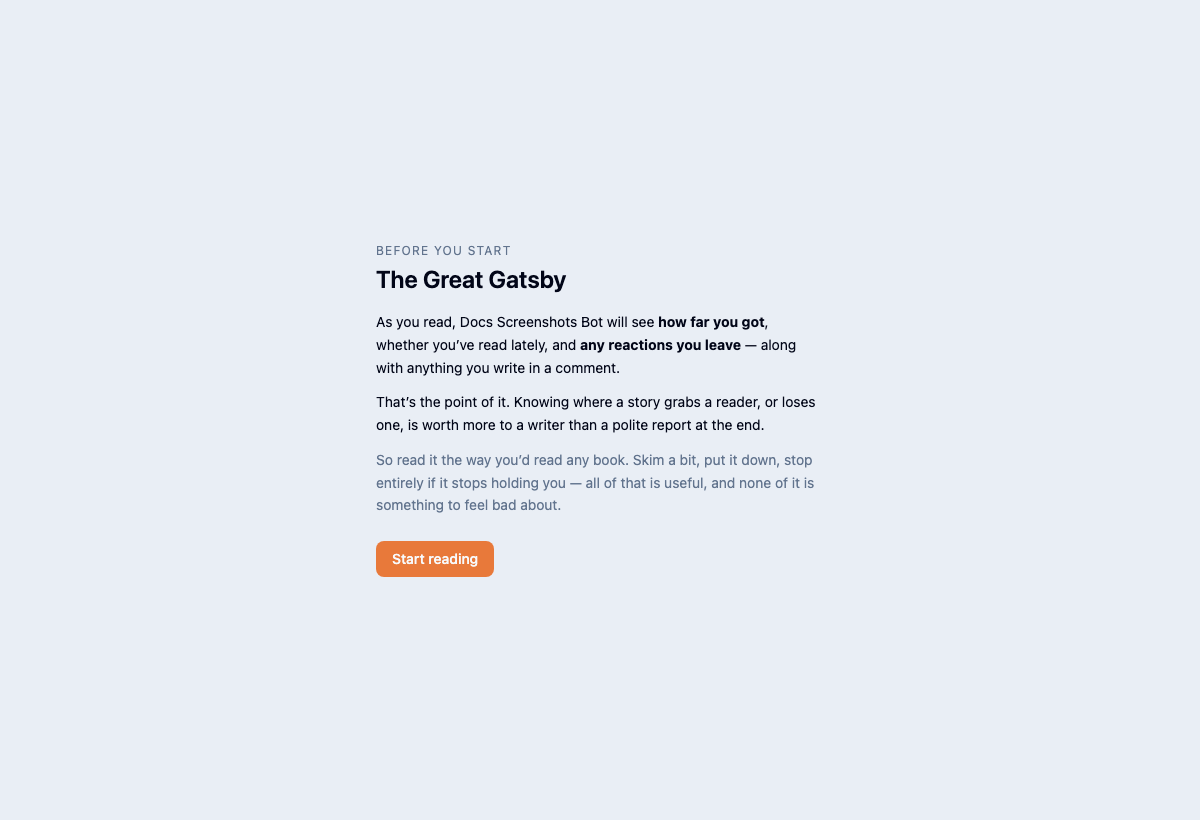
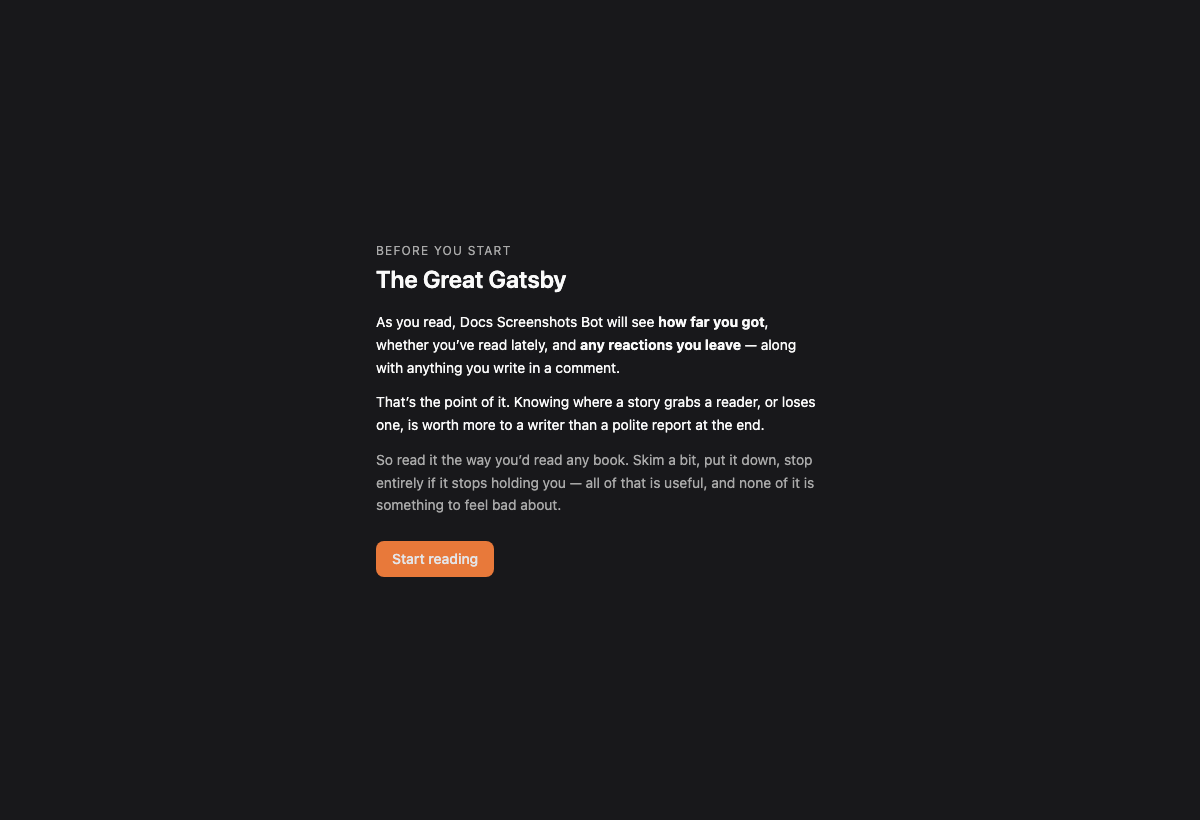
The first time they open a round, readers see your note and a plain statement of what you’ll be able to see: how far they got, whether they’ve been reading lately, and what they react to and comment on.
After that comes a short walkthrough with a practice paragraph, so they can try a reaction before they meet your writing. Nothing from the practice paragraph is recorded. They can bring the walkthrough back from the Aa menu.
Reading
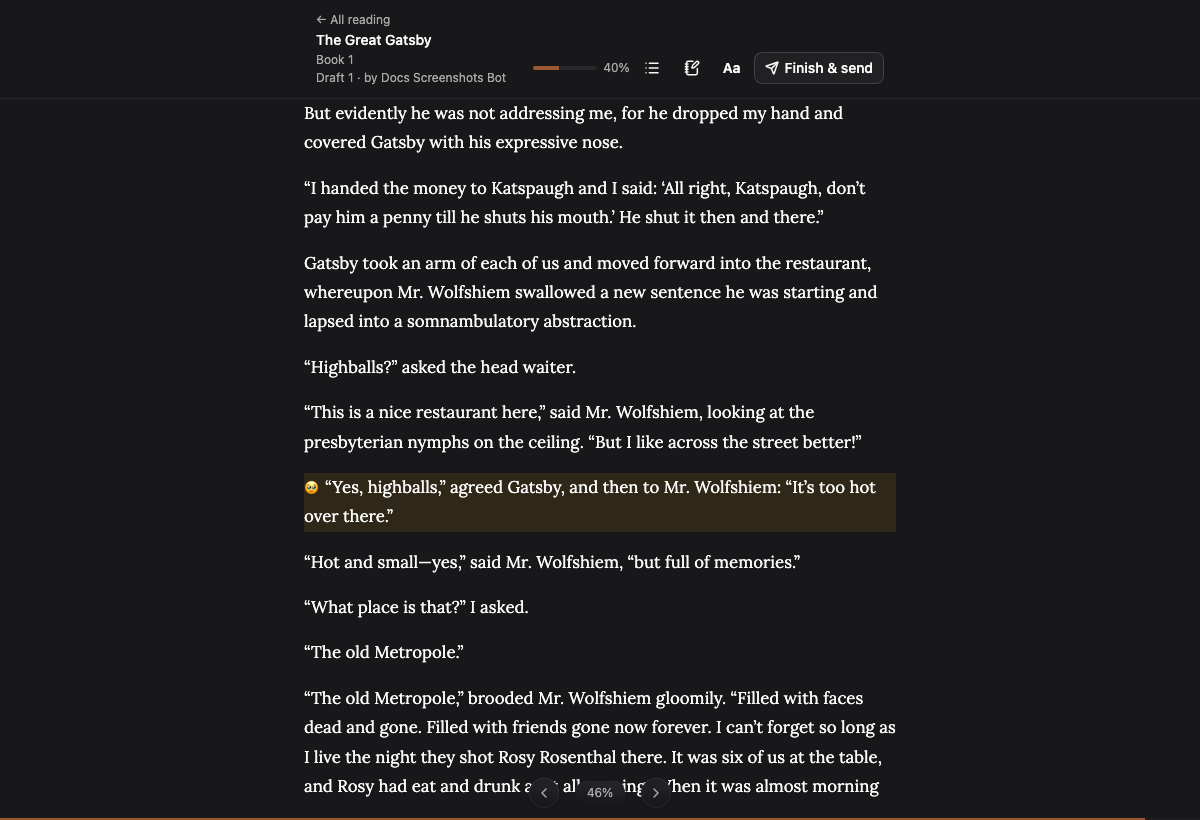
The draft opens as pages, like an e-reader, with the book’s contents a tap away. Readers can change the font, size, spacing and theme, or switch to a scrolling view.
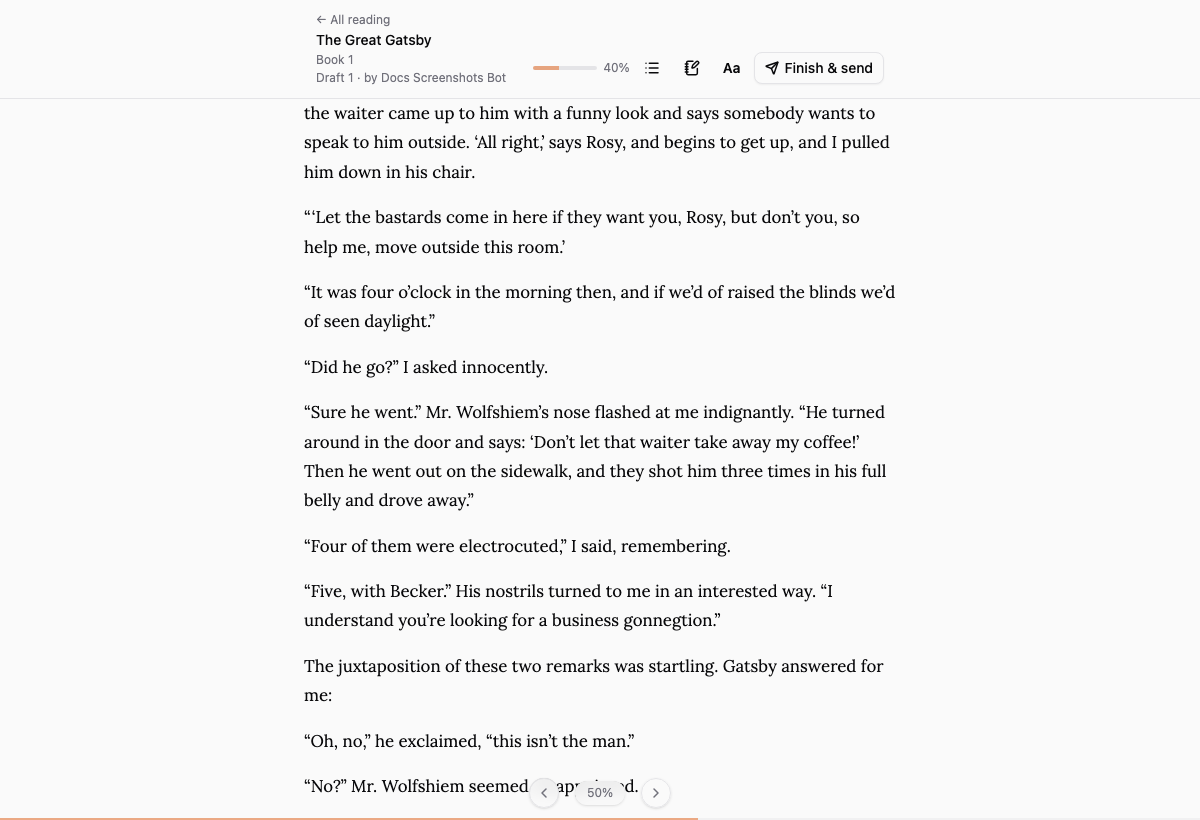
Coming back later lands them where they left off, even if they’d jumped ahead through the contents.
Reacting and commenting
Selecting a paragraph brings up a row of reactions and a comment button.
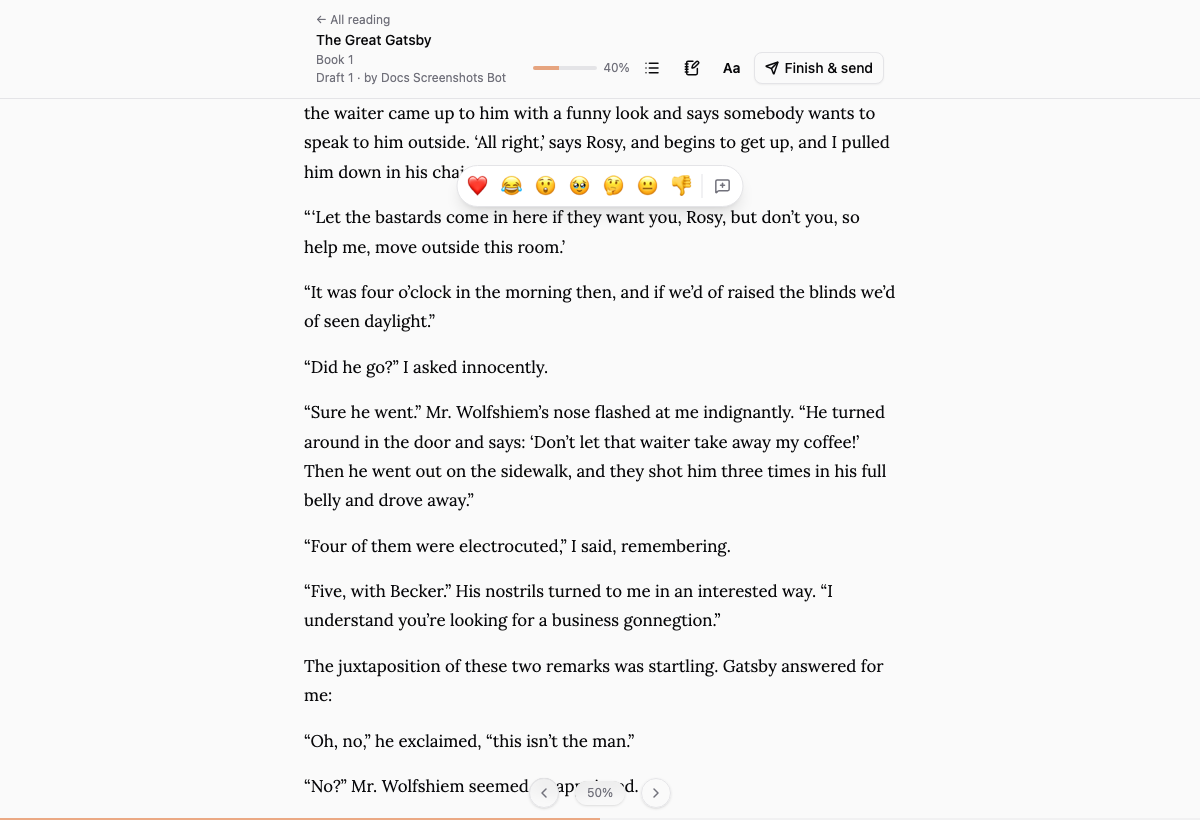
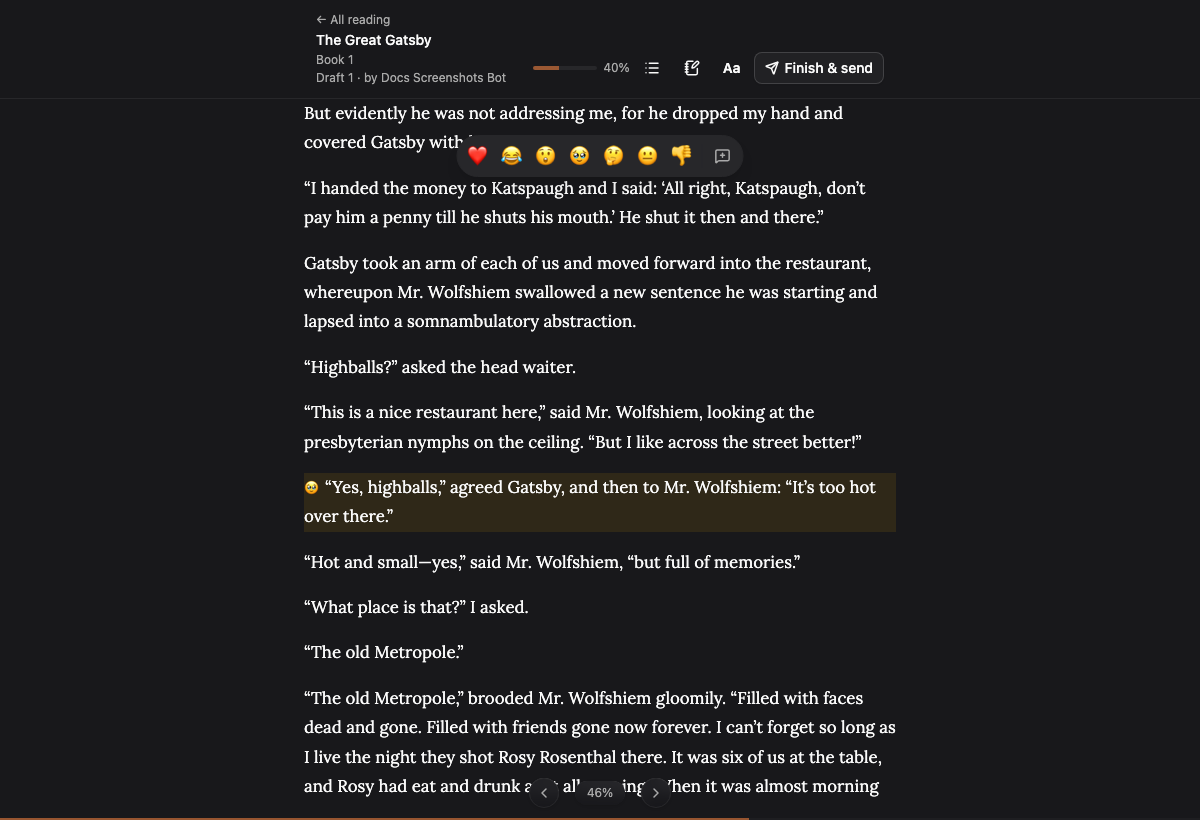
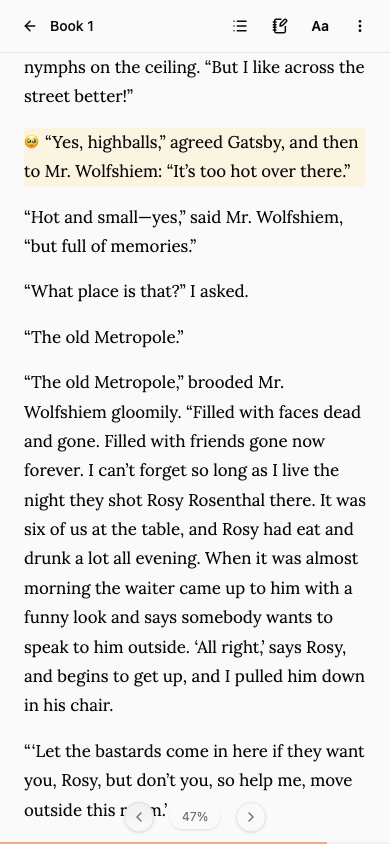
A reaction shows beside the paragraph once left. A comment is anchored to the paragraph, and readers can edit or delete their own comments at any time. Readers never see each other’s reactions or comments.
On a phone
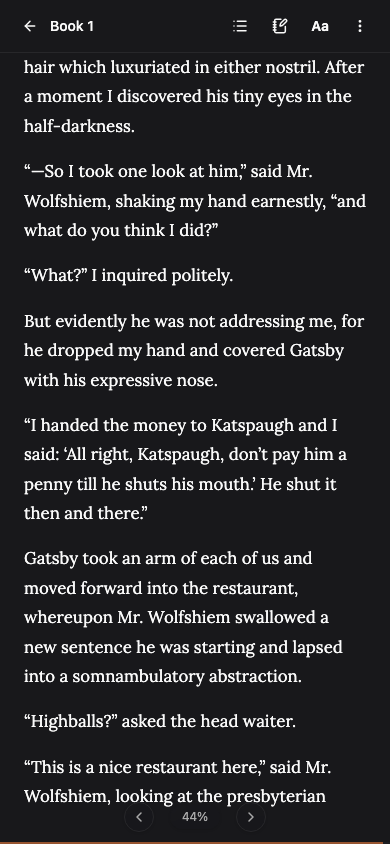
The controls get out of the way. Readers swipe to turn the page, tap a paragraph to react, and tap the page itself to bring the header back. Finish & send sits in the ⋮ menu.
Their own notes
The notebook icon opens a private page of notes for the round. You never see it. Readers keep it after the round closes.
Finishing
Finish & send tells you they’re done. It doesn’t lock anything: they can keep reading and their comments stay editable.
Was this helpful?
Thanks for letting us know.