Turning notes into revisions
The Notes tab lists every reader comment by chapter; promote the ones that matter into your manuscript as comments and dismiss the rest.
Plan: Studio (free during the beta). See Plans and billing.
The Notes tab is where you work through what your readers wrote. Every comment is a card, grouped by chapter and in the order it appears in the book.
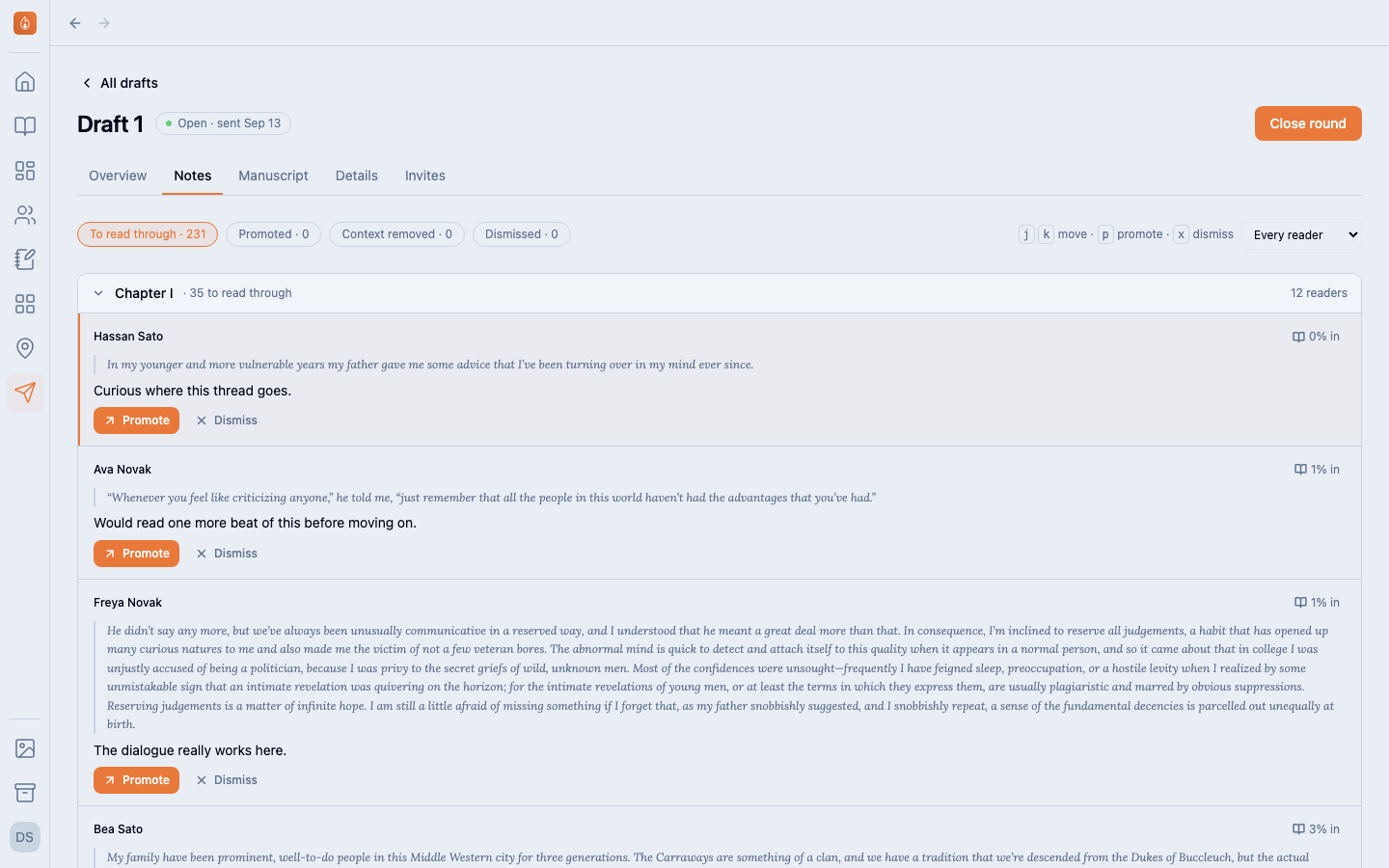
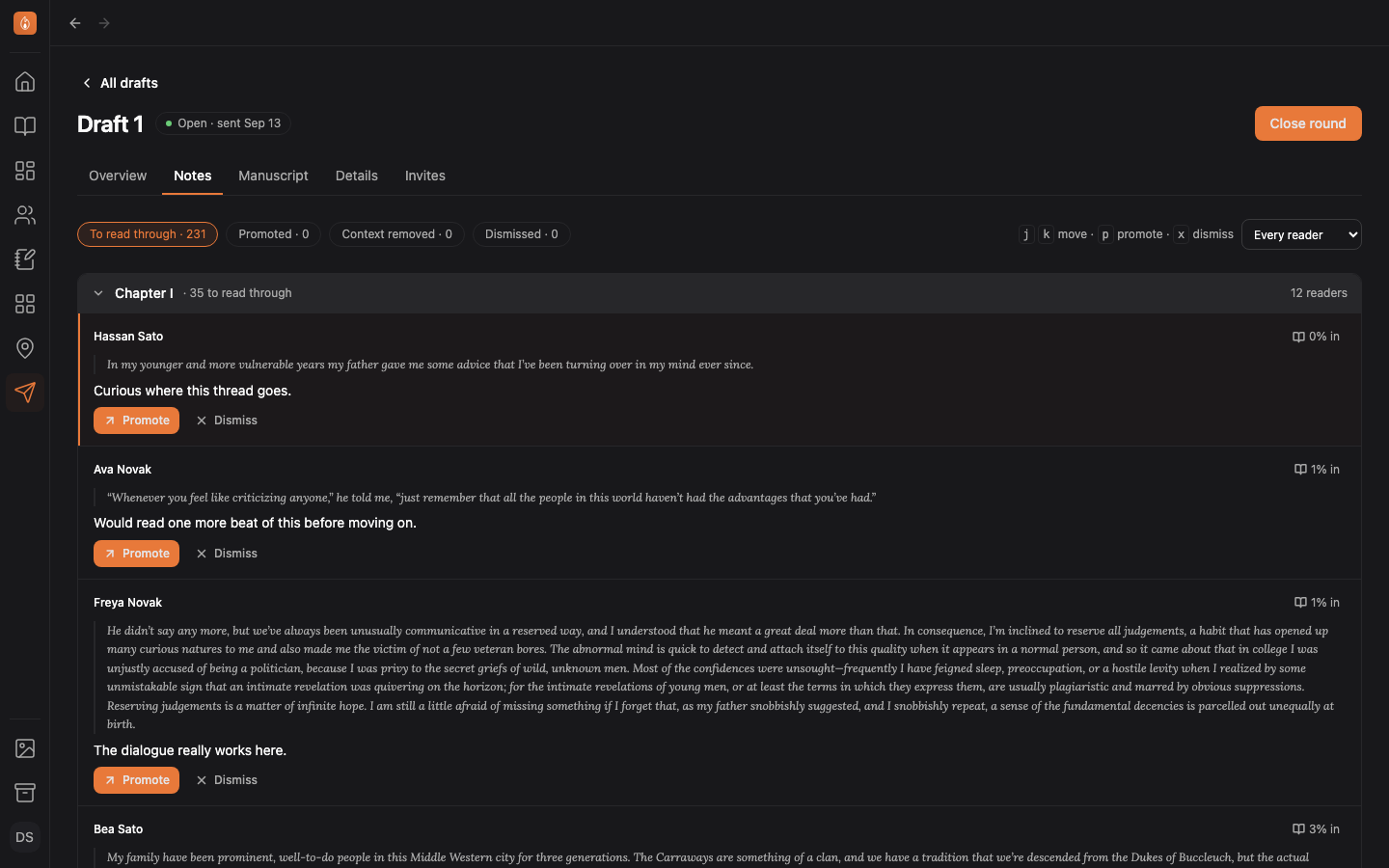
The first chapter with notes starts open. Select a chapter heading to open or close it.
Promote or dismiss
- Promote copies the note onto your manuscript as a comment, next to the passage it was about and signed by the reader. Your prose isn’t changed.
- Dismiss takes the note off the list. Nothing is deleted, and Put back undoes it.
Both are one keypress away: j and k move between notes, p promotes, x dismisses.
Select N% in on a note to open the Manuscript tab at that paragraph.
Notes that lost their context
If you’ve rewritten a passage since sending the round, a note about it is marked context removed. The passage the reader quoted is kept on the card so you can still tell what they meant.
Filtering
The chips at the top switch between notes still to read through, promoted, dismissed, and those that lost their context. Pick a reader from the menu on the right to see only theirs.
Was this helpful?
Thanks for letting us know.