Sending a draft to readers
A draft round sends a frozen copy of your manuscript to editors and beta readers, so you can keep writing while they read.
Plan: Studio (free during the beta). See Plans and billing.
Drafts is where you send your manuscript out for feedback. Each round is a snapshot: you choose what goes in, send it, and your readers see that copy while you carry on writing.
Open it from the Drafts icon at the bottom of the studio rail.
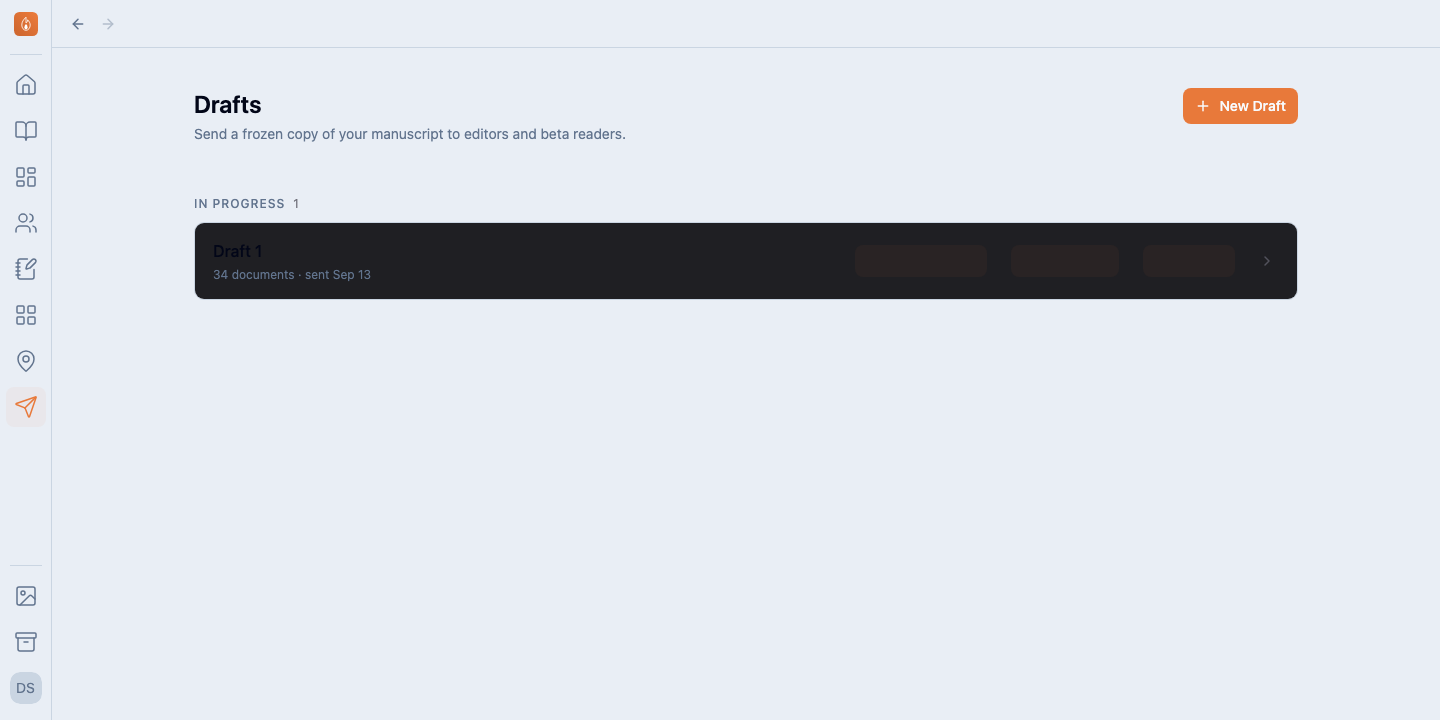
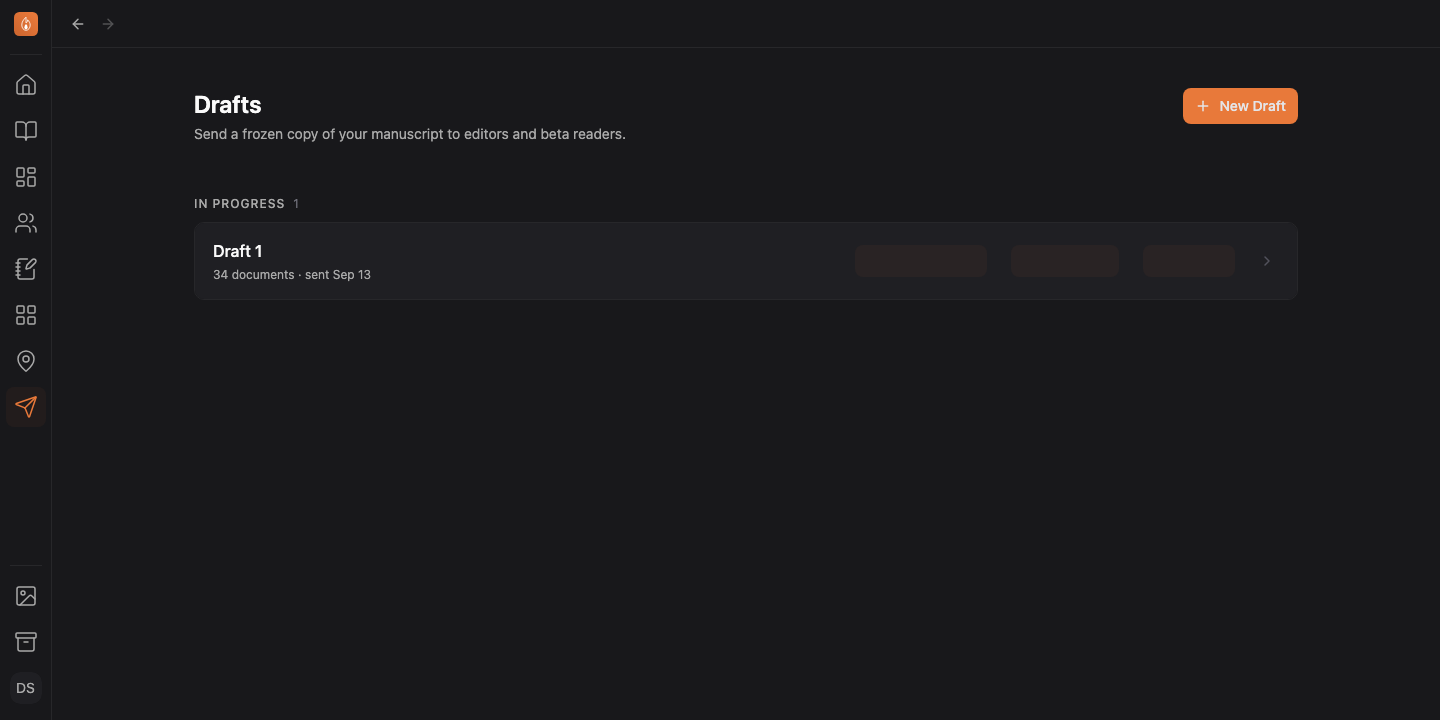
Start a round
- Select New Draft. On a series, pick which book the round covers.
- On the Details tab, tick the documents to send. Whole book selects everything; you can also tick single chapters.
- Give the round a title and a due date if you want one. Both are optional.
- Add questions for your readers if you have any. See Asking your readers questions.
- Invite people on the Invites tab. See Inviting editors and beta readers.
- Select Send.
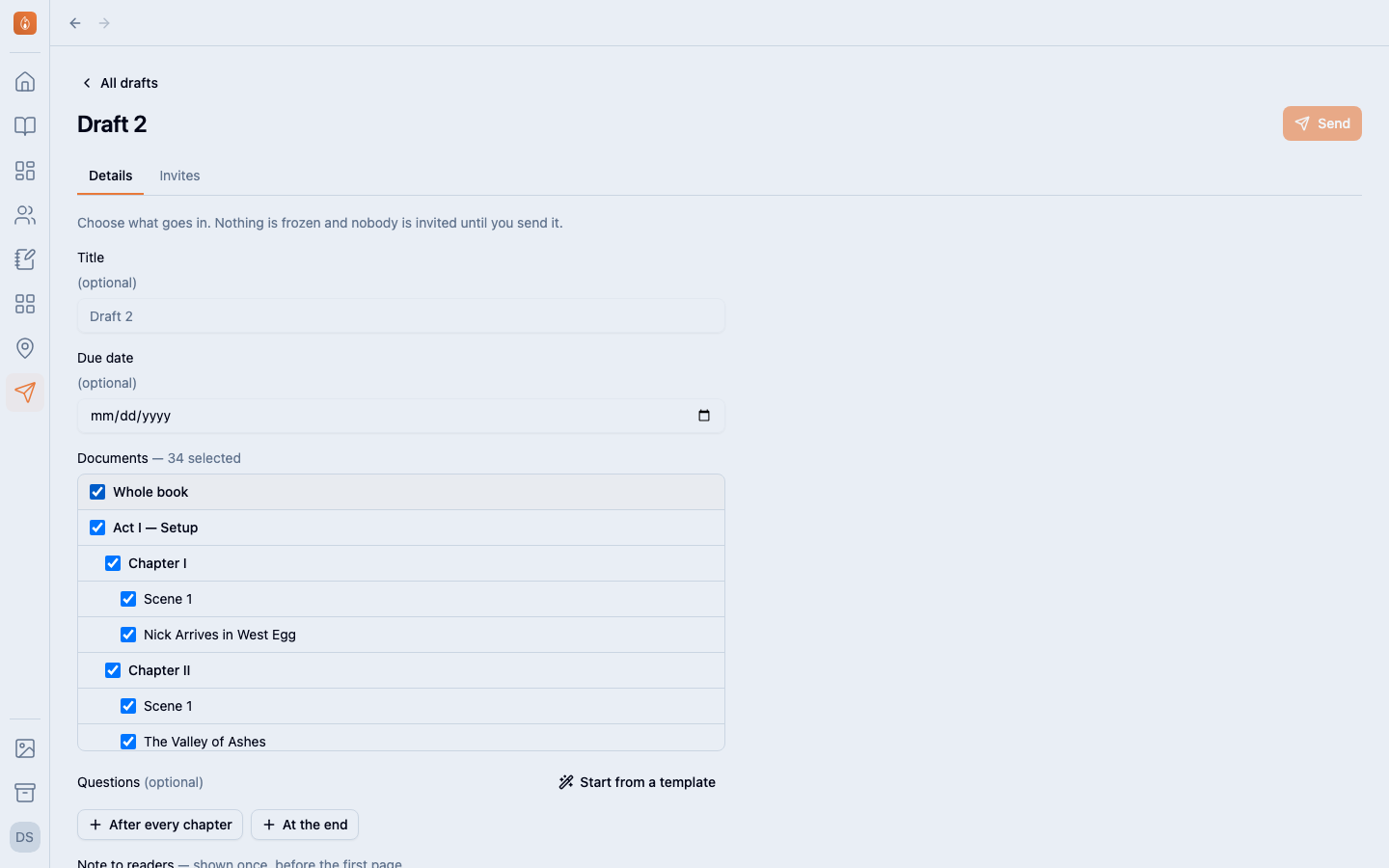
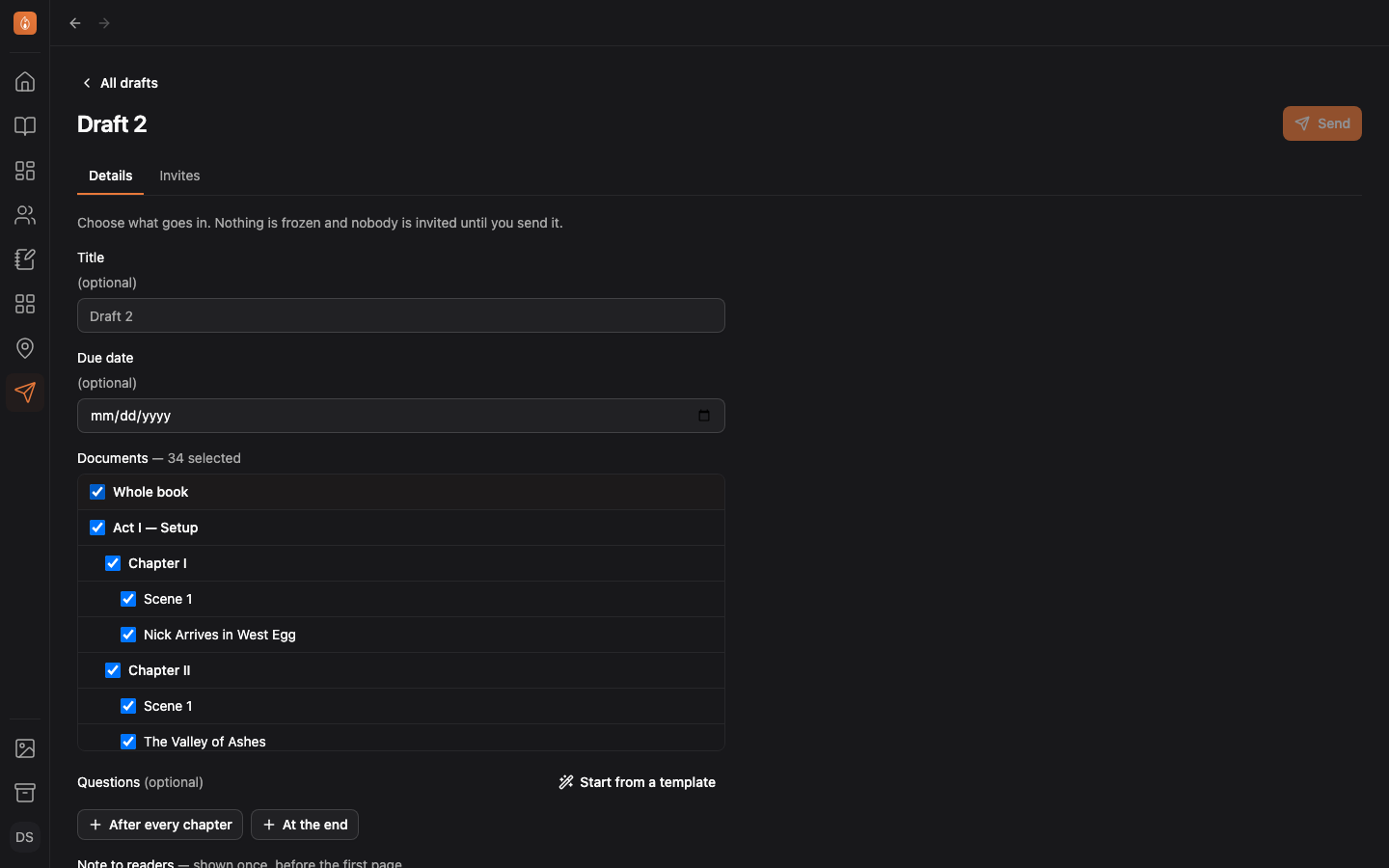
Everything on the Details tab saves as you go. There is no Save button.
What sending does
Sending freezes a copy of every document you ticked. Readers see that copy and nothing else: edits you make afterwards don’t reach them, and nothing they do touches your manuscript.
A chapter with one scene is sent under the chapter’s name. A scene among several is named after both, as in “Chapter II · Scene 1”.
Invitations you staged while setting up are mailed when you send. Sending needs a confirmed email address on your account; if you haven’t confirmed yours, the banner at the bottom of the app can resend the link.
The note to readers
Before the first page, readers see a short note. The built-in one tells them what you’ll be able to see (how far they got, whether they’ve been reading lately, and what they react to and comment on) and asks them to read the way they’d read any book.
You can rewrite it in the Note to readers box. Whatever you write, readers are still told what you can see.
After sending
The Details tab becomes a record of the round: when it went out, what was frozen, and what readers were asked.
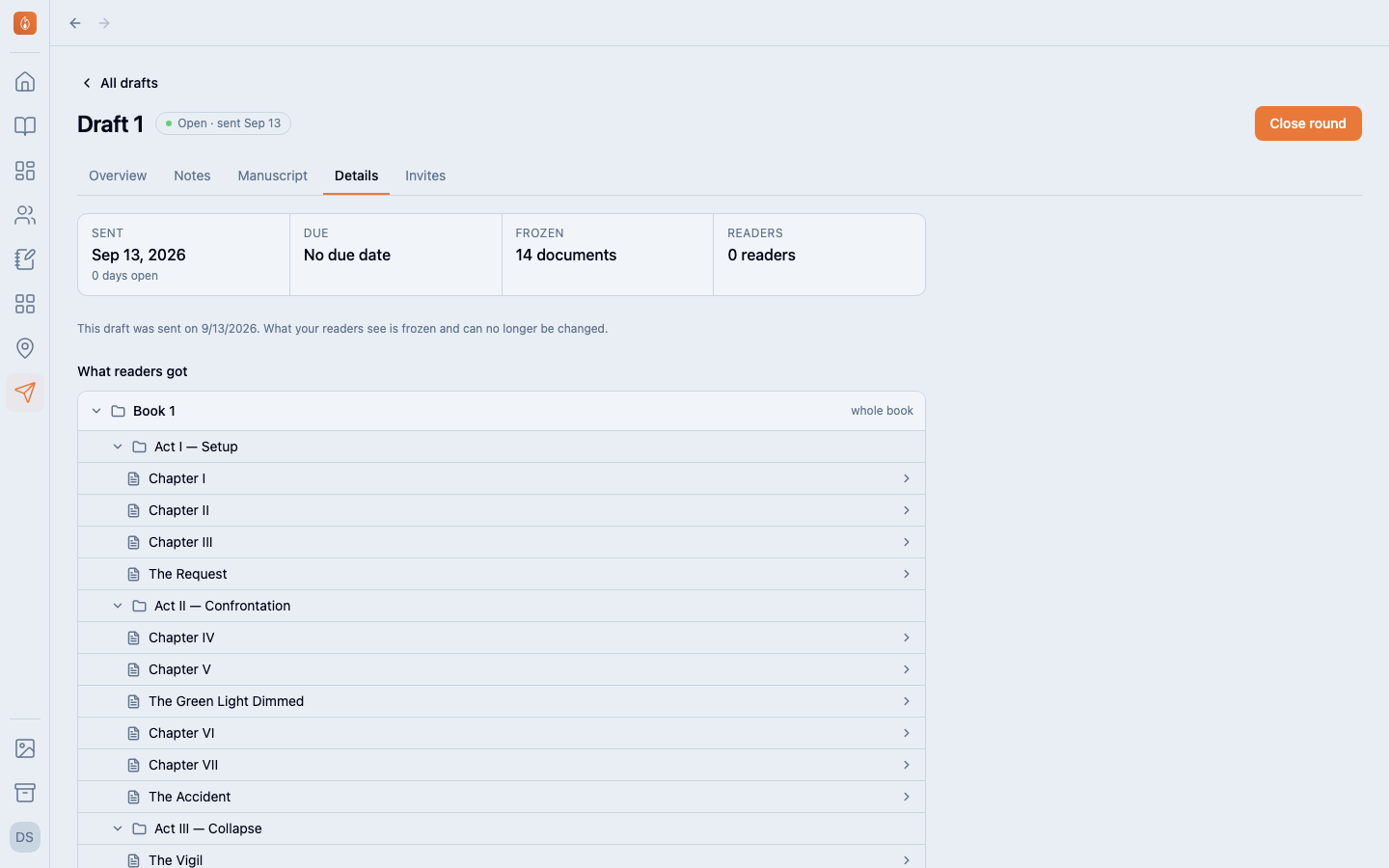
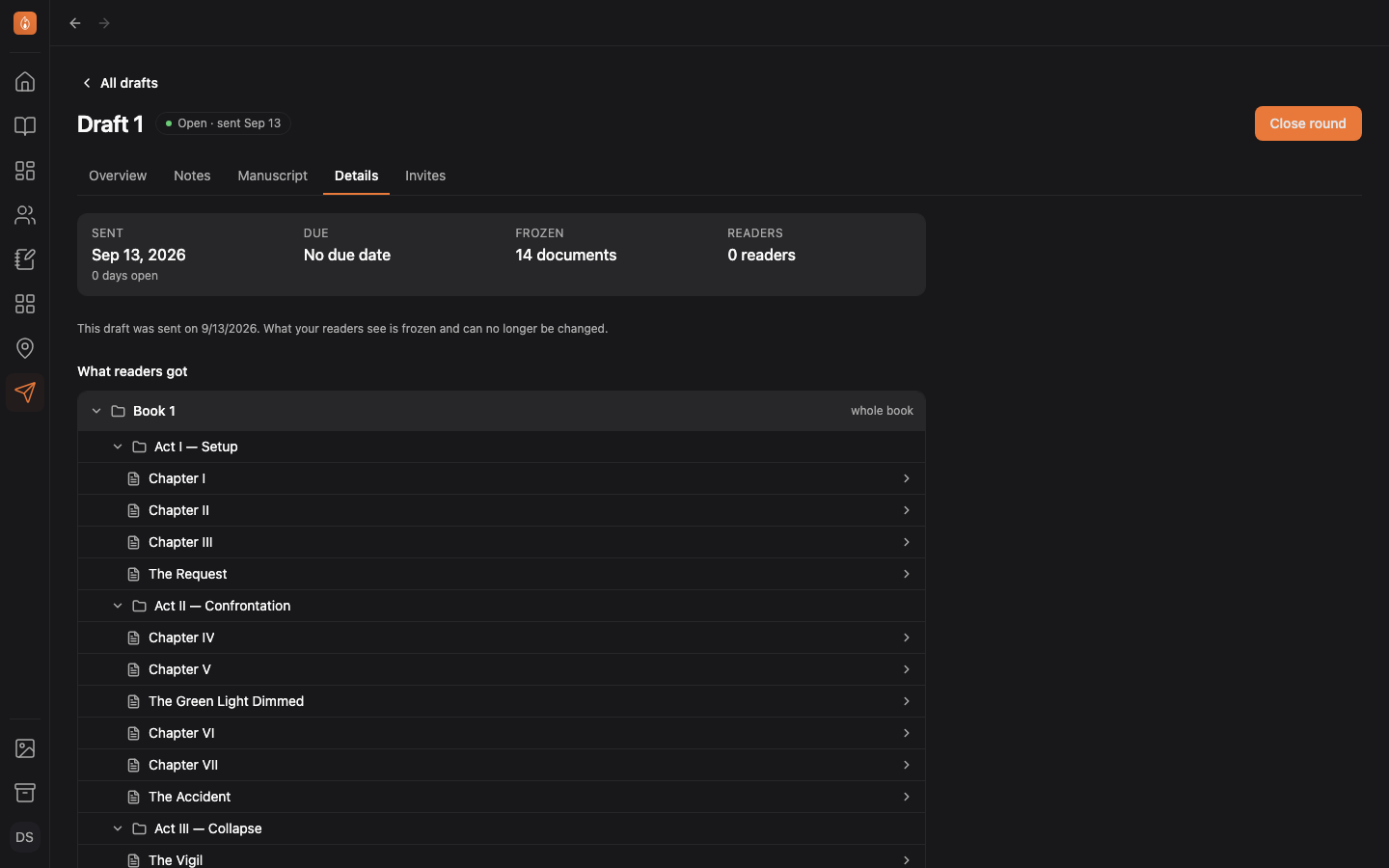
Select a chapter in the tree to read the frozen copy on the Manuscript tab.
Was this helpful?
Thanks for letting us know.