Reading the feedback
The Overview tab shows where readers stopped, what they reacted to, and what they answered, and links to every note and every page.
Plan: Studio (free during the beta). See Plans and billing.
Once a round is out, opening it lands on the Overview tab.
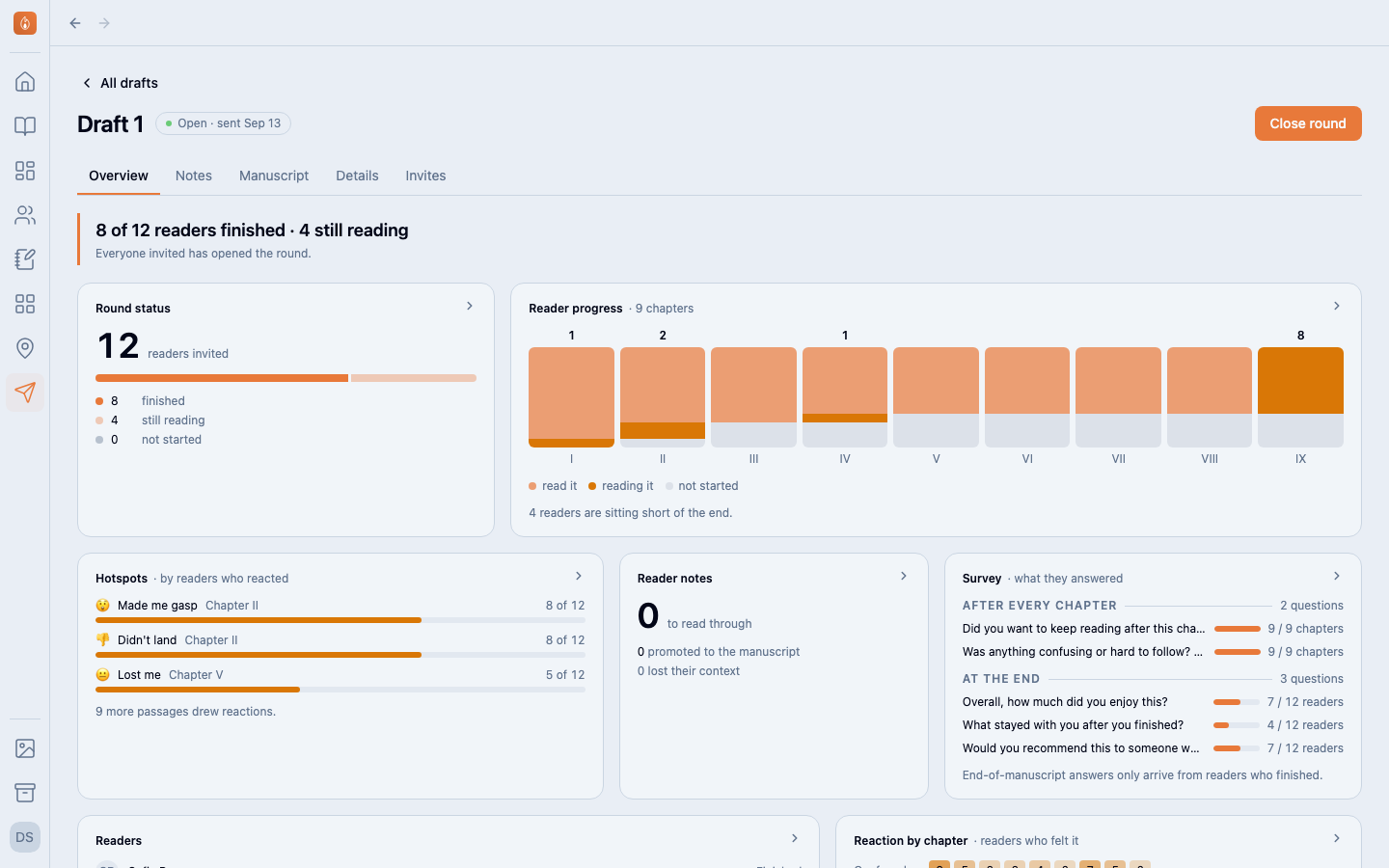
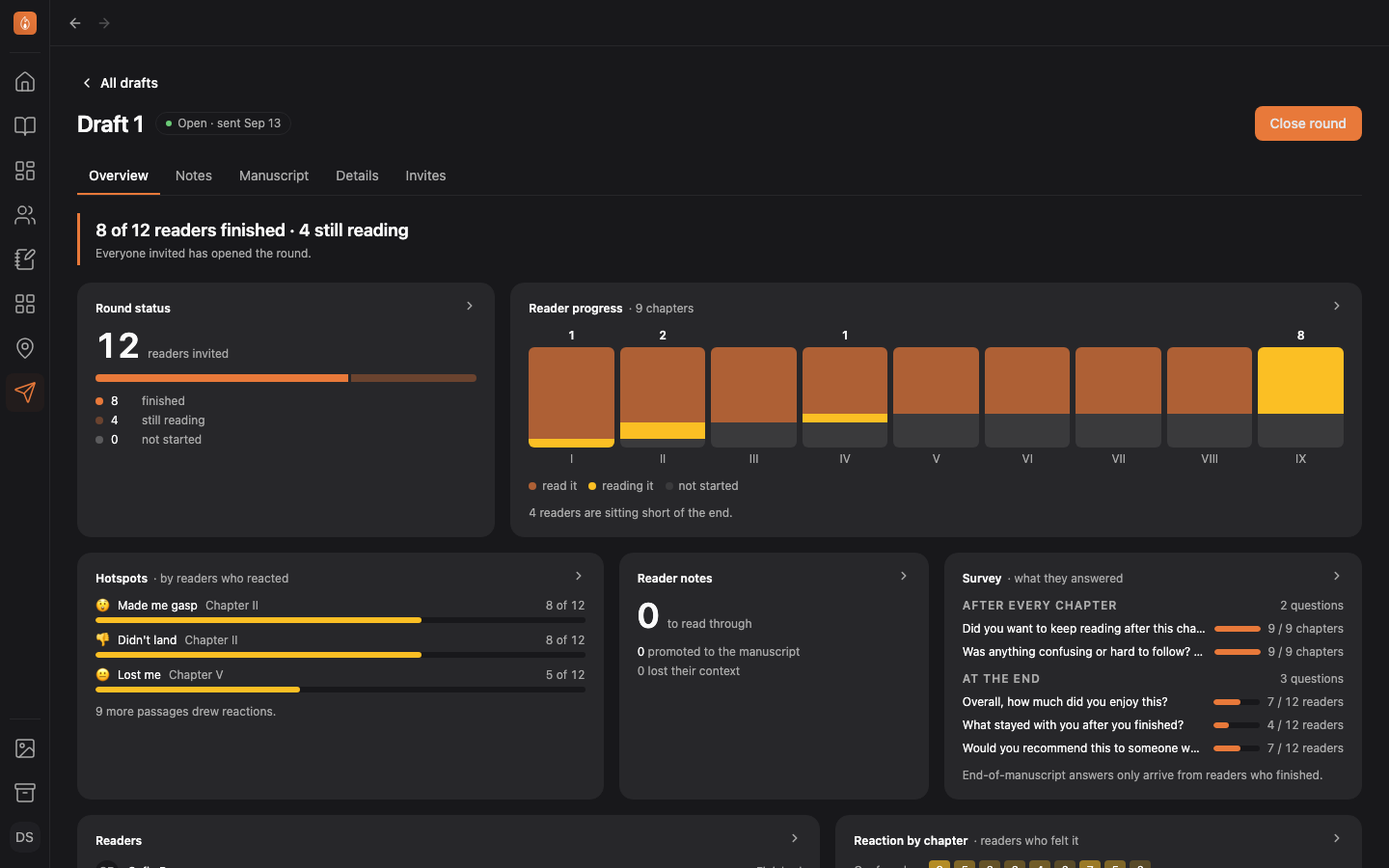
What each panel shows
- Round status: how many readers have finished, are still reading, or haven’t started.
- Reader progress: a column per chapter. The dark part is readers who got through it; the lighter part is readers still in it. A chapter where the bars fall away is where the book loses people.
- Hotspots: the passages most readers reacted to, with the reaction they picked.
- Reader notes: how many comments are waiting for you. See Turning notes into revisions.
- Survey: how many readers answered each question. Select a question to read the answers.
- Readers: everyone on the round and how far each got.
- Reaction by chapter: how each reaction spreads across the book.
Every panel opens into a fuller view.
Reading it back with the notes in the margin
The Manuscript tab shows the frozen copy with reactions counted beside each paragraph and comments in the margin next to the passage they’re about.
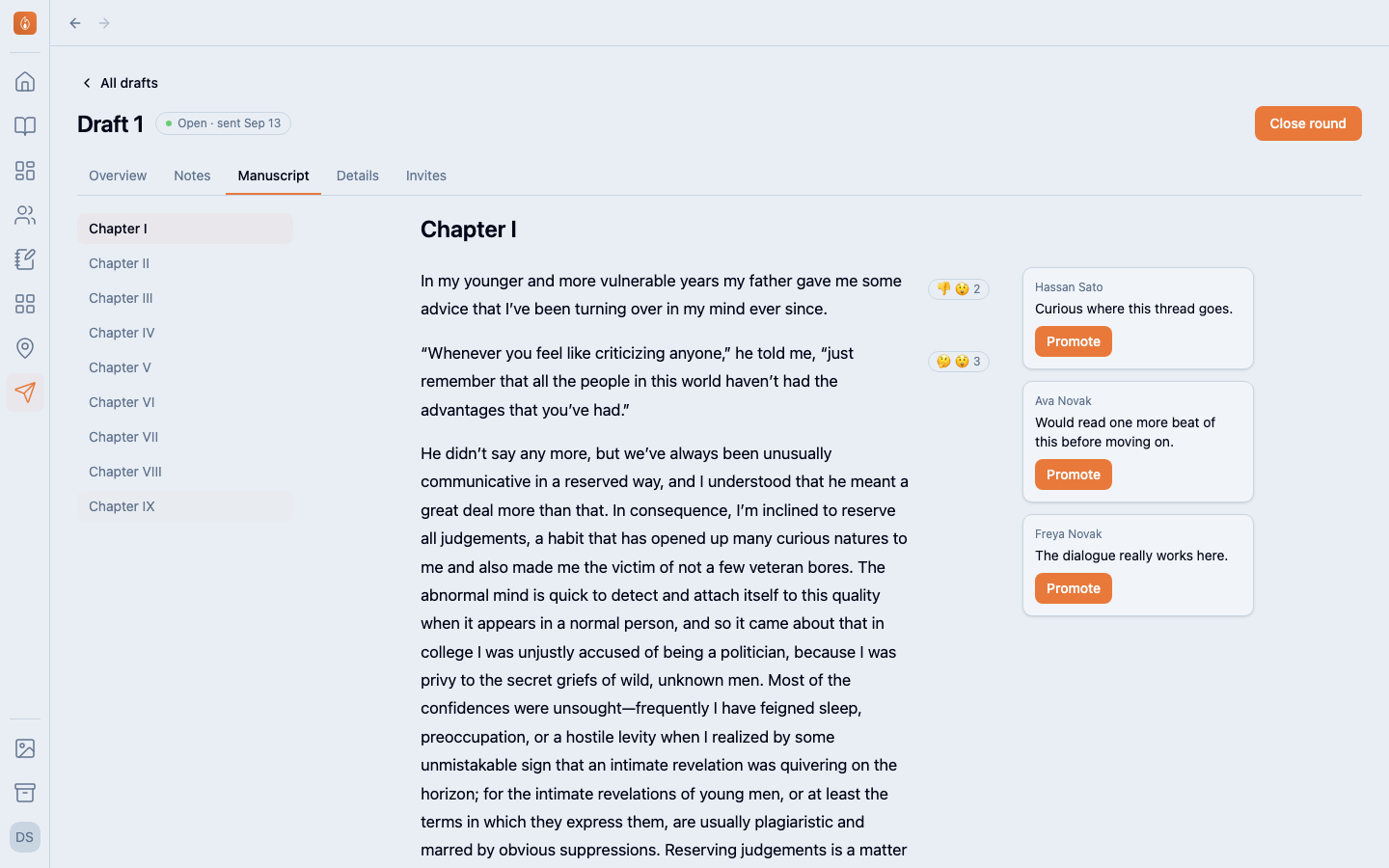
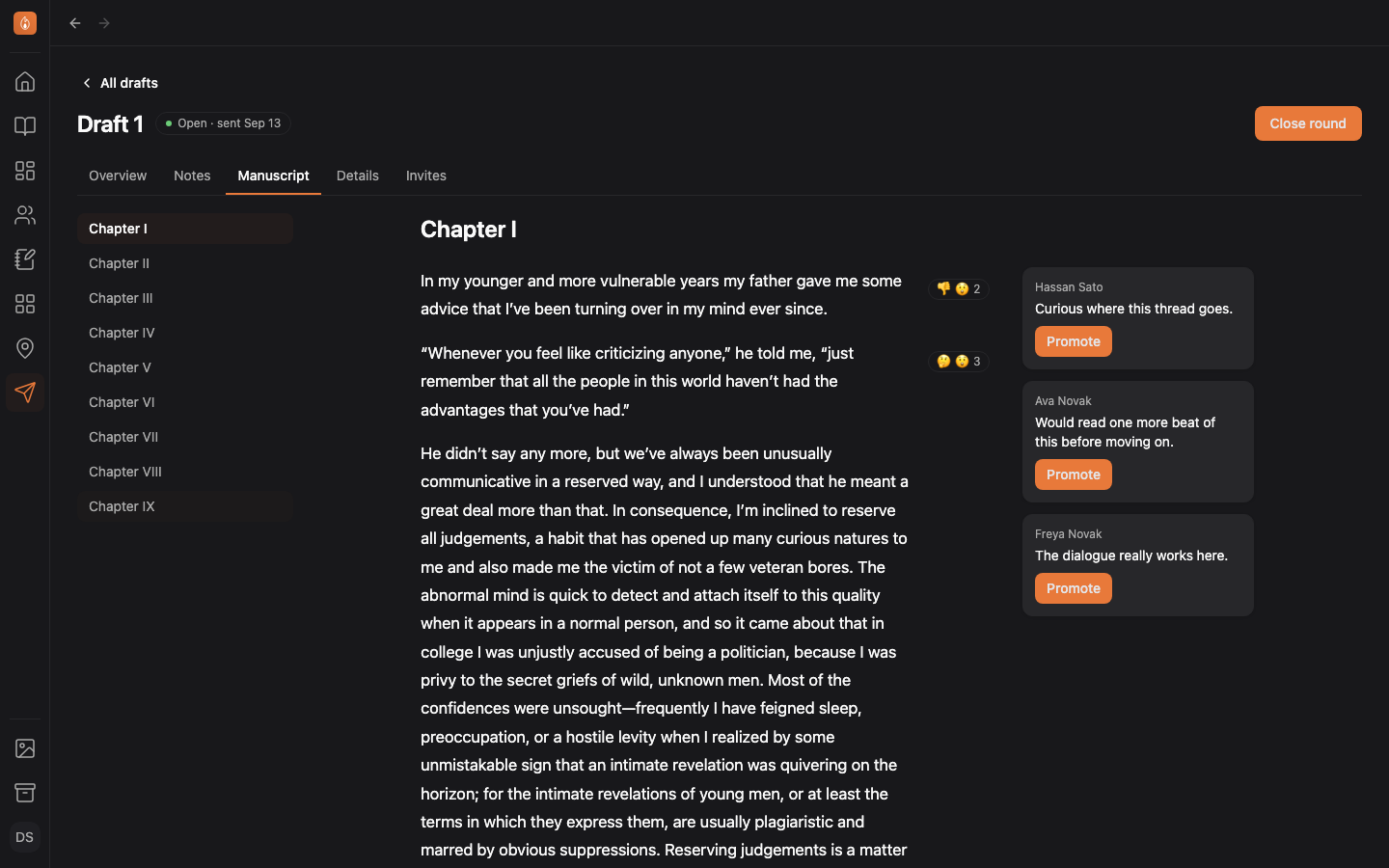
This is the copy readers saw, so it stays as it was sent even after you’ve revised the chapter.
Was this helpful?
Thanks for letting us know.