A simple and elegant editor for your best writing
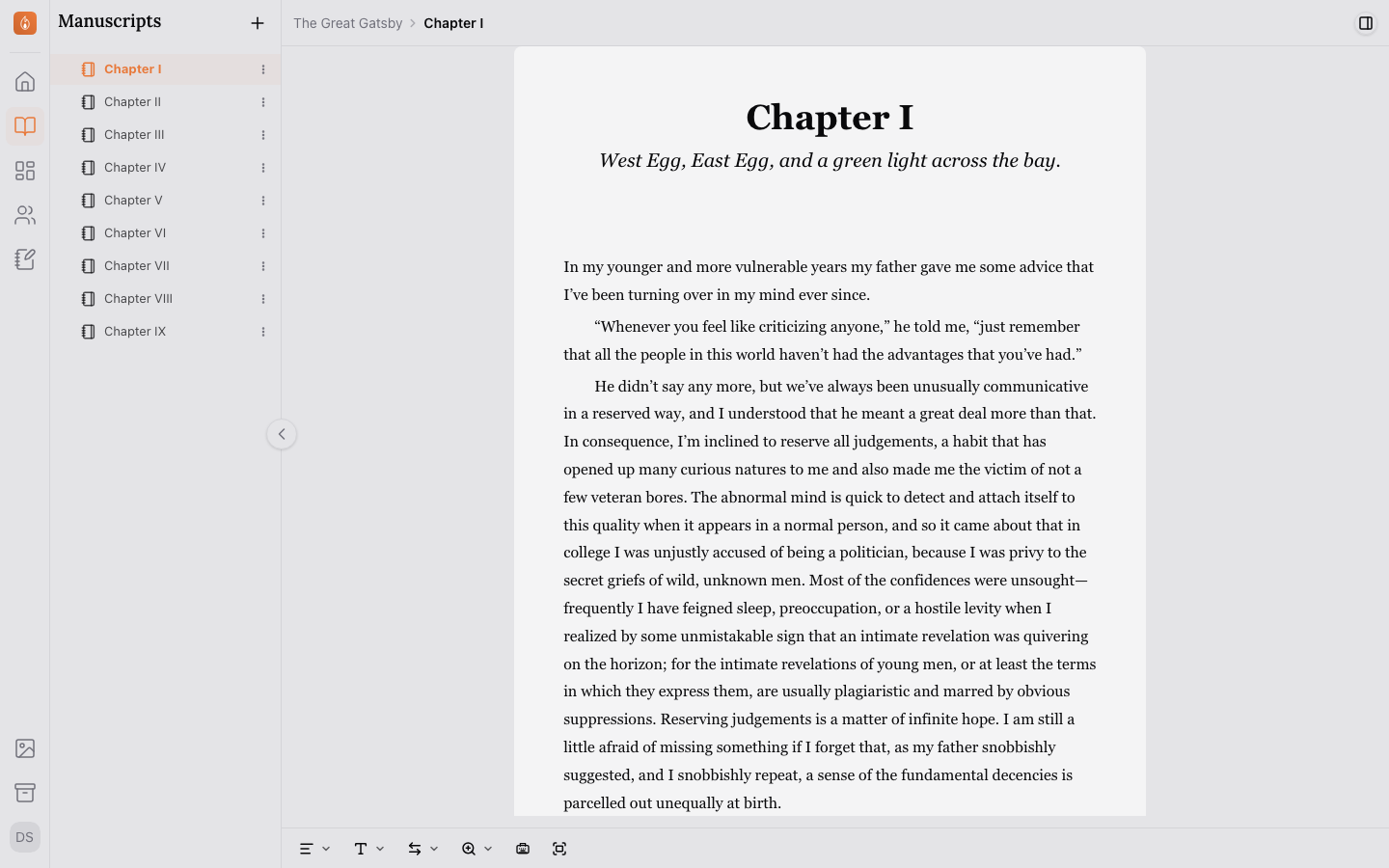
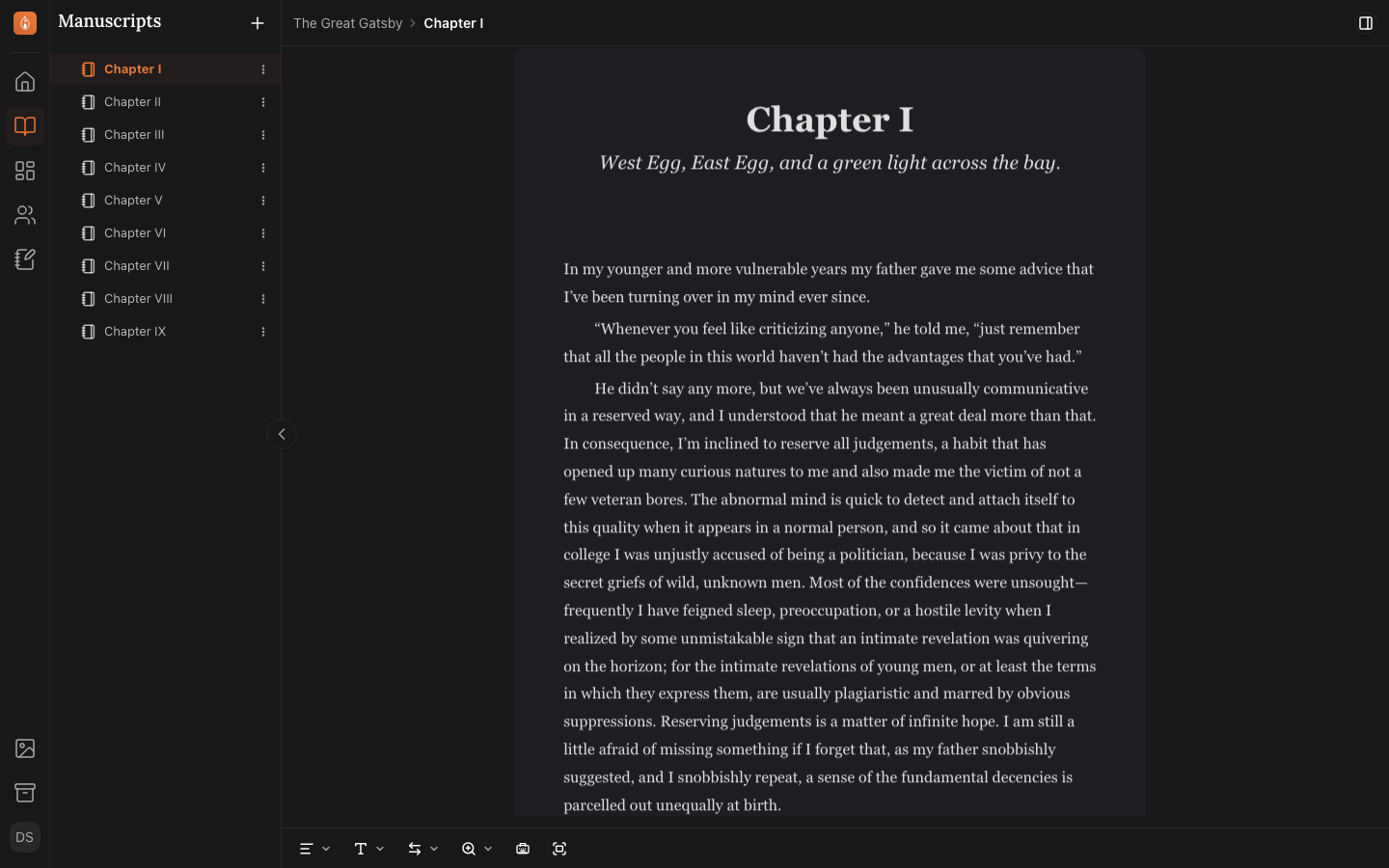
Endra Studio is designed to be a pleasure to write in. The manuscript view lists all your chapters and scenes in one place, and the prose editor is a simple yet elegant space for your words.
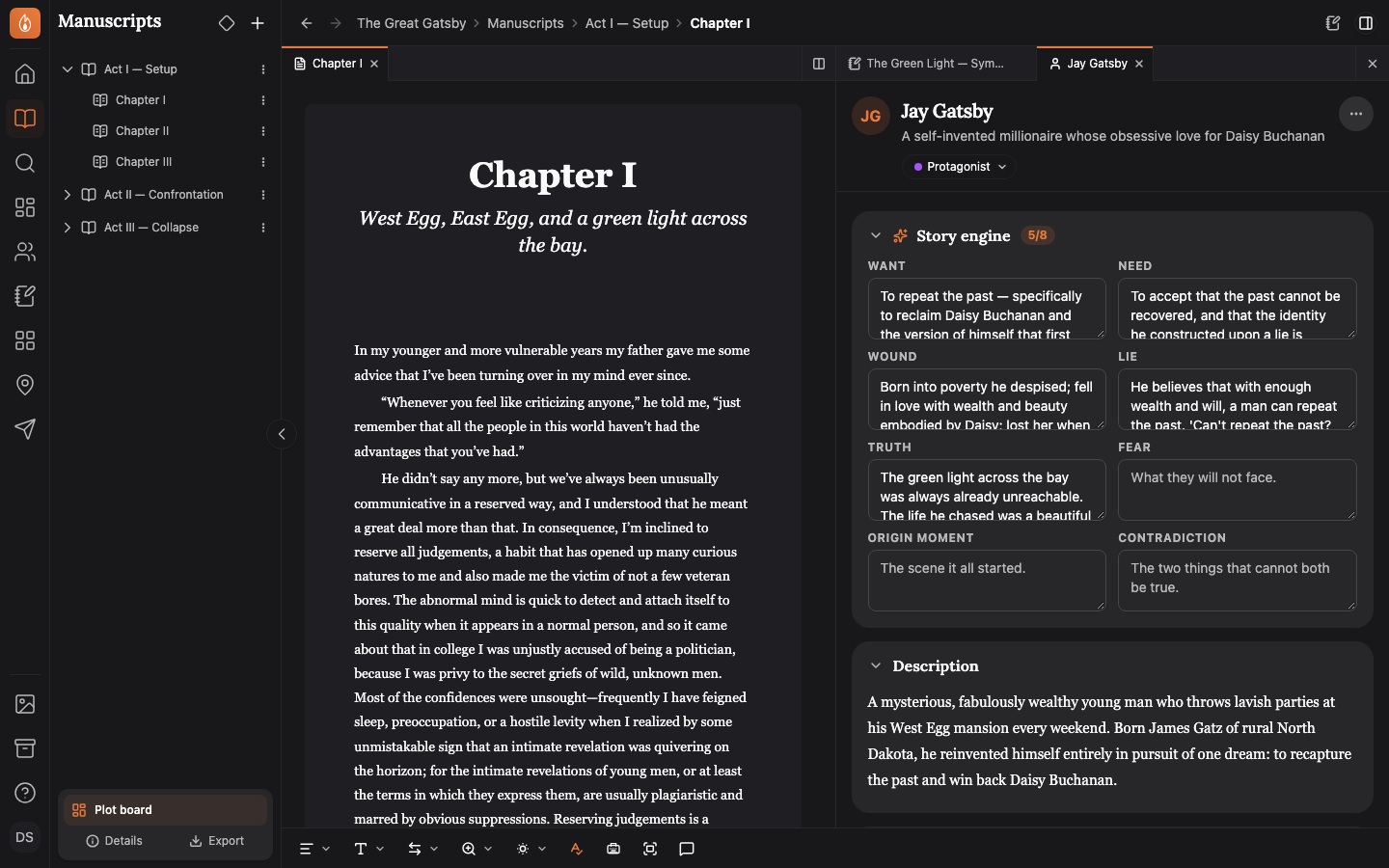
Keep your other chapters, notes, and characters open side by side while you write
You can open another document next to your current one and view them side by side, keeping you in the flow. Open multiple documents in tabs and switch back and forth between them quickly.
Read about working side by side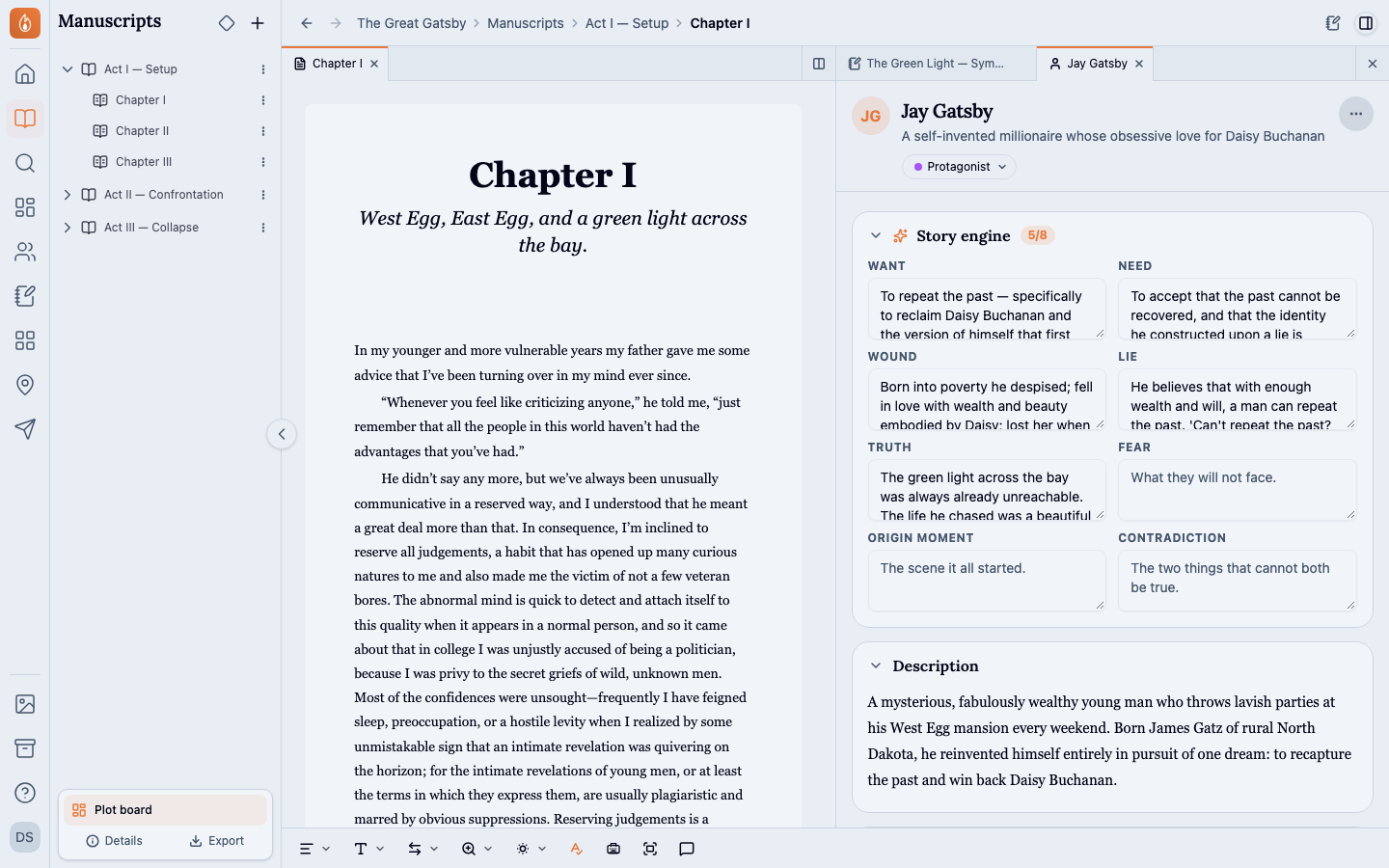
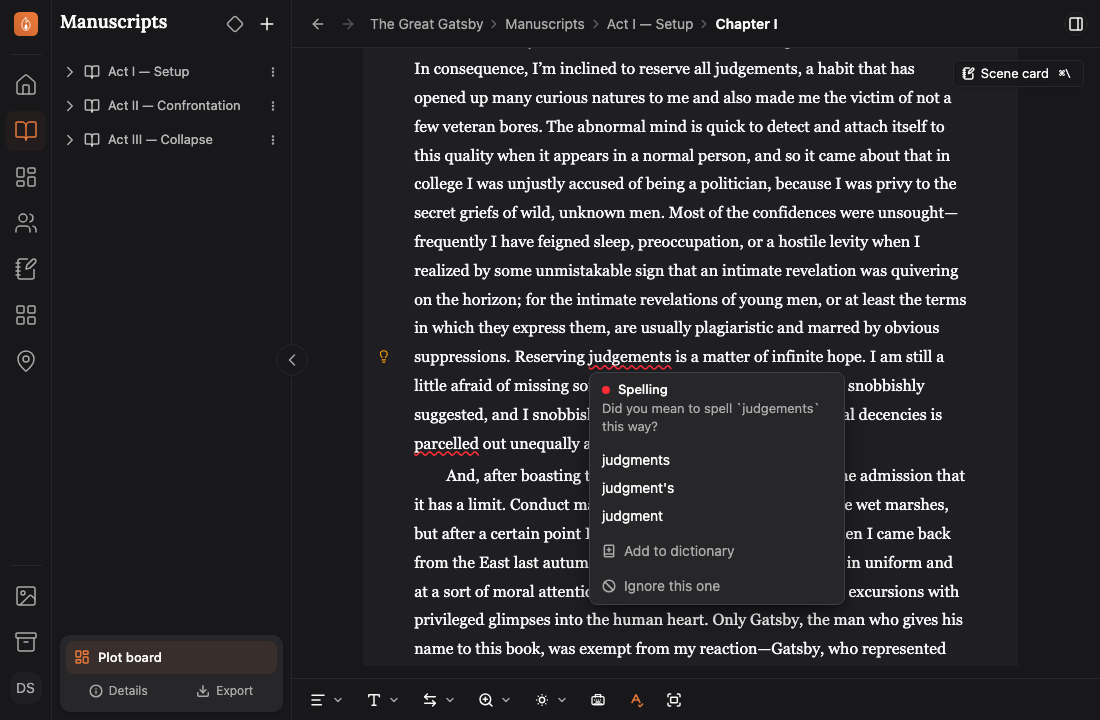
Spell check and light grammar checking included
The editor includes spell check and light grammar checking to help you catch mistakes as you write.
Read about spelling and grammar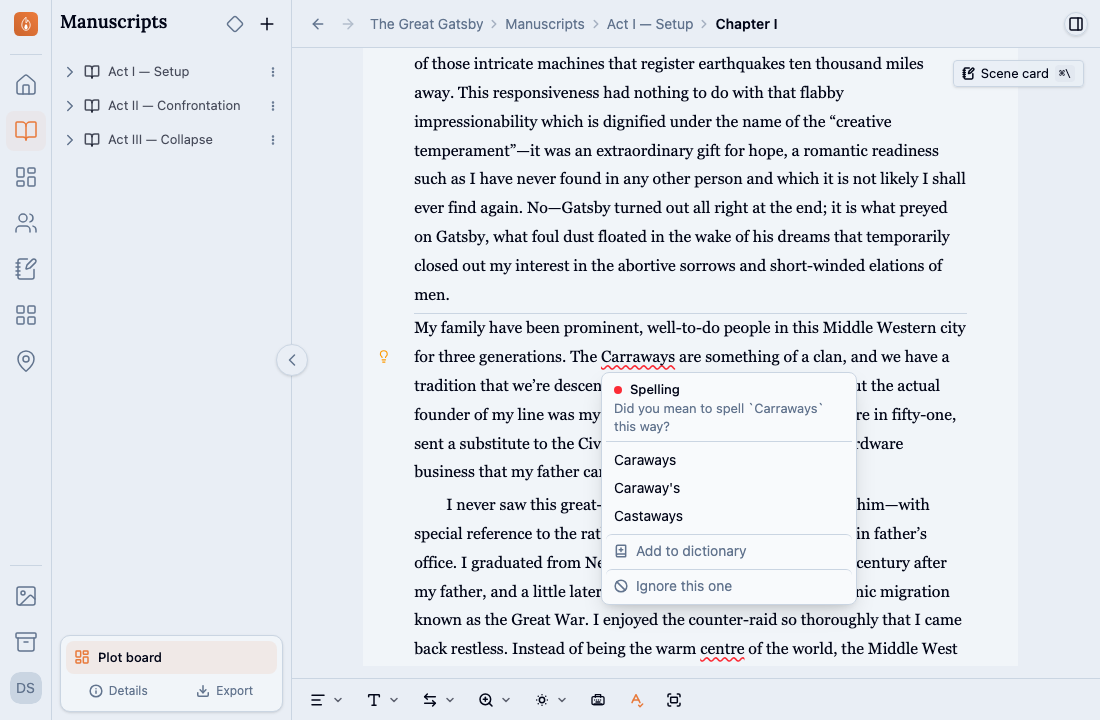
Automatically track characters in your manuscript
Mention a character by name or alias, and the character is automatically linked to that chapter so you can easily track their appearances throughout your manuscript.
Read how names linkStay in the flow with focus mode
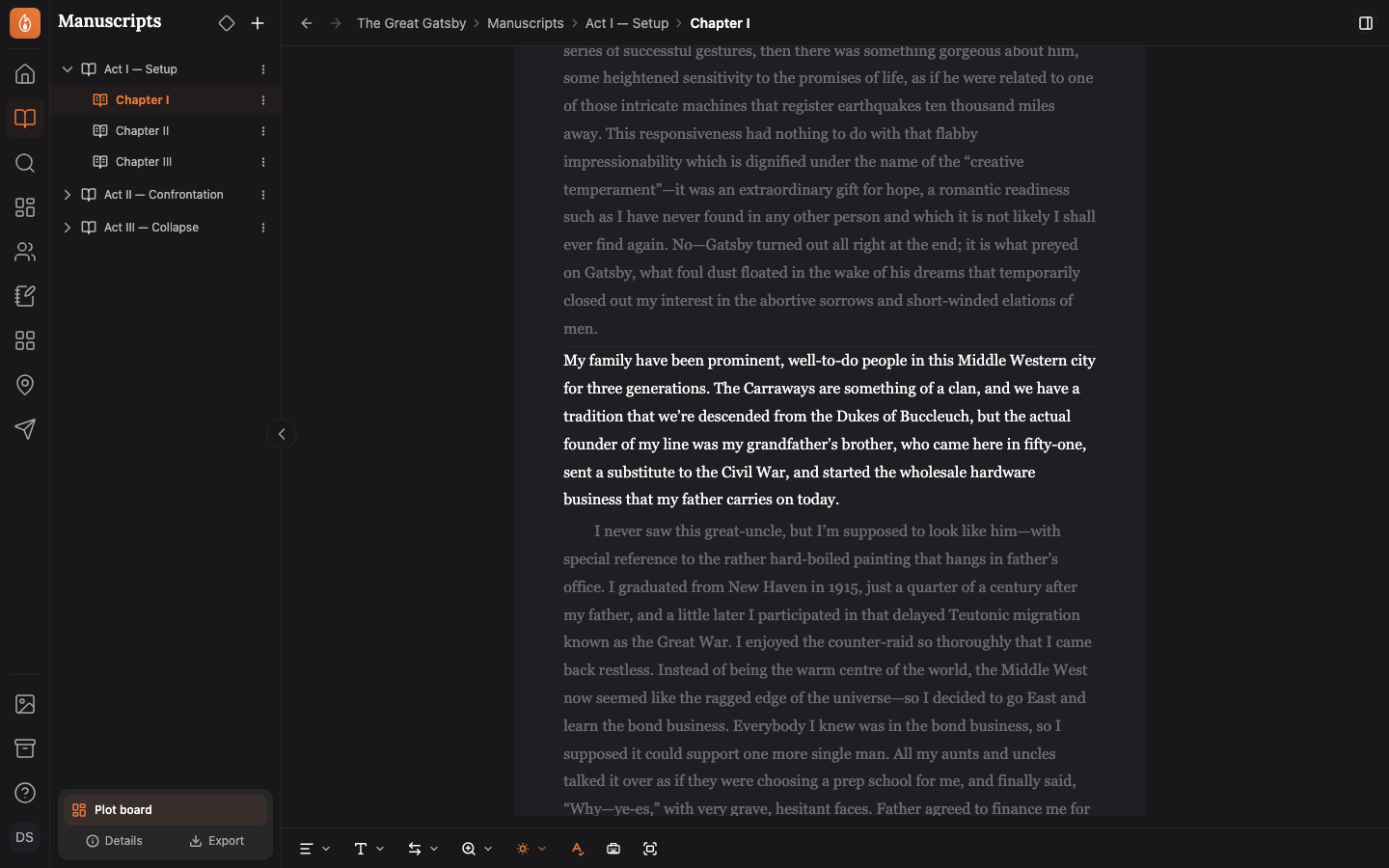
Focus Mode hides the sidebar and the menus so nothing gets in the way between you and your words. Focus Dimming fades every paragraph but the one you’re in, and Typewriter Mode holds the line you’re typing in one place on the screen.
Read about the writing modes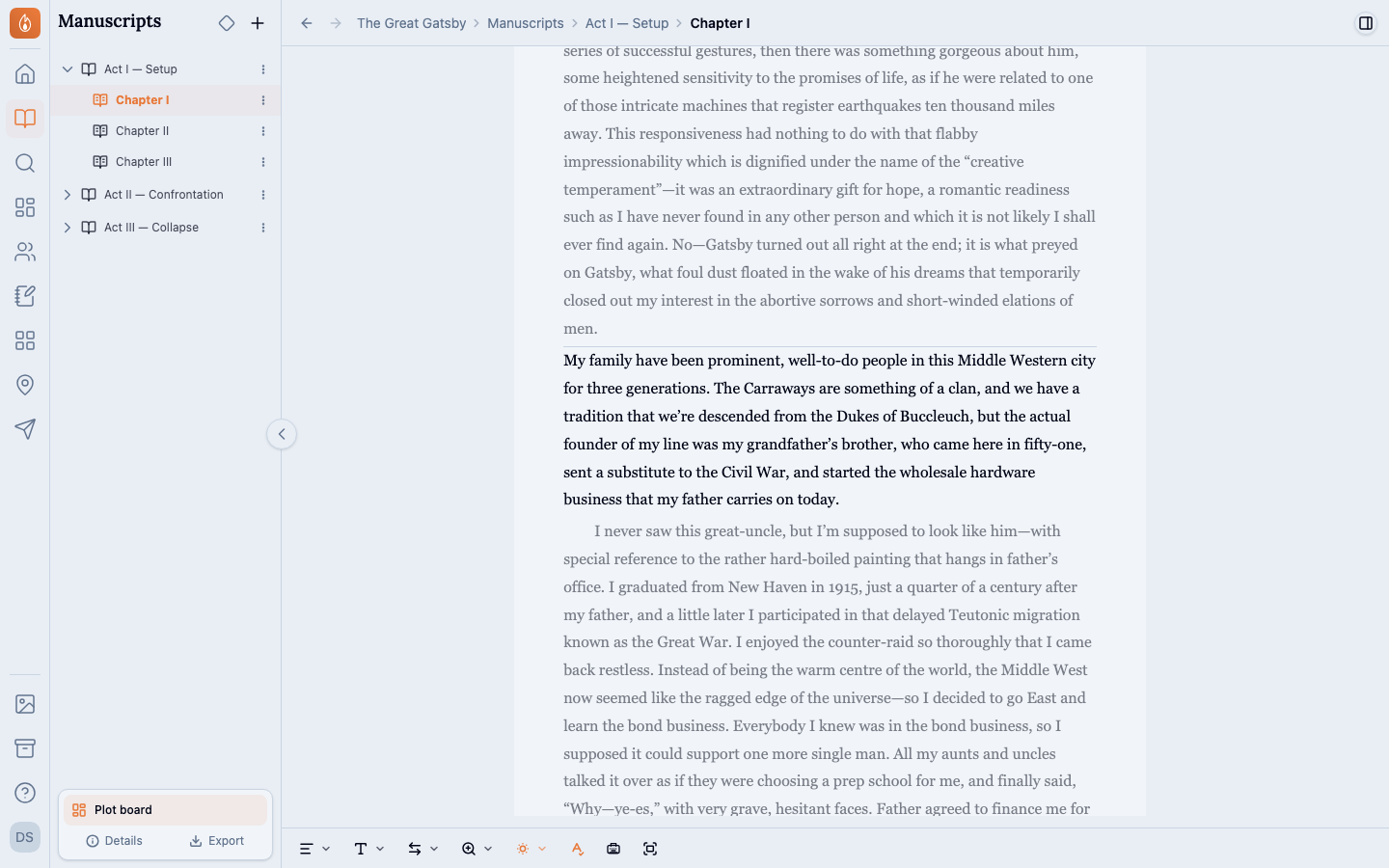
Lose wi-fi? No problem.
If your device goes offline, you can keep writing without interruption. Your words save on your device and sync when you’re back online.
Read about working offlineAlso in Writing
On every plan, Free included. See the plans
Questions
- Can I bring in a book I started in Word?
- Yes. Import a .docx, pictures included, or a .txt file, and you check its chapters and scenes before anything is created. From Google Docs, download the book as a .docx first.
- Is there a save button?
- No. The editor saves as you write, and keeps saving to your device while you’re offline.
- Can I change the font?
- Yes. Pick from 6 fonts, and set the paragraph style, page width and zoom. They’re your own preferences, so they apply everywhere you write.
Write your next chapter here.
Start writing free