Plan your novel visually, or see it take shape on its own
The Plot Board represents your novel visually. Plotters can use it to plan their story and see how it unfolds. Pantsers can watch their story take shape as they write.
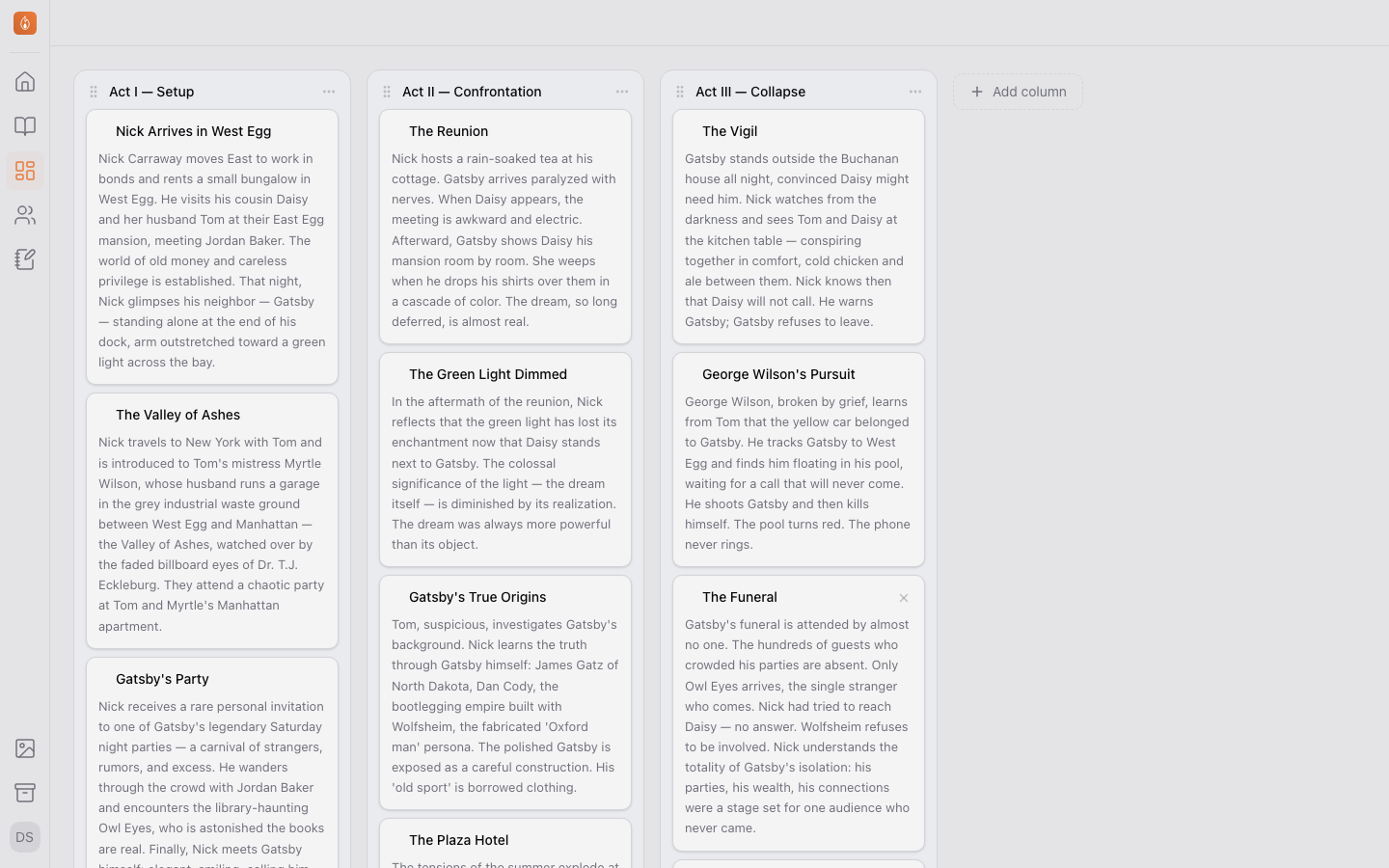
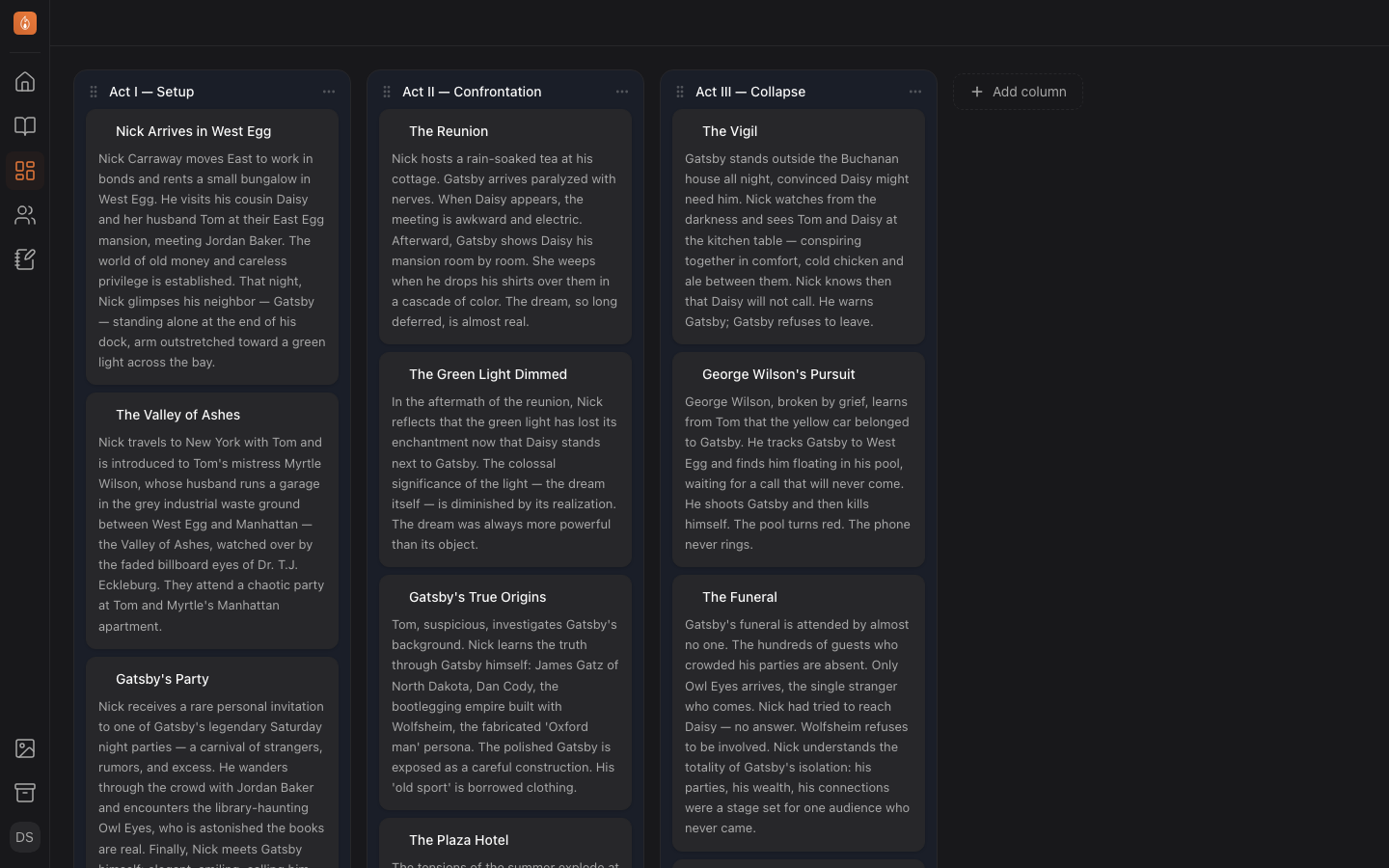
Your book, drawn to scale
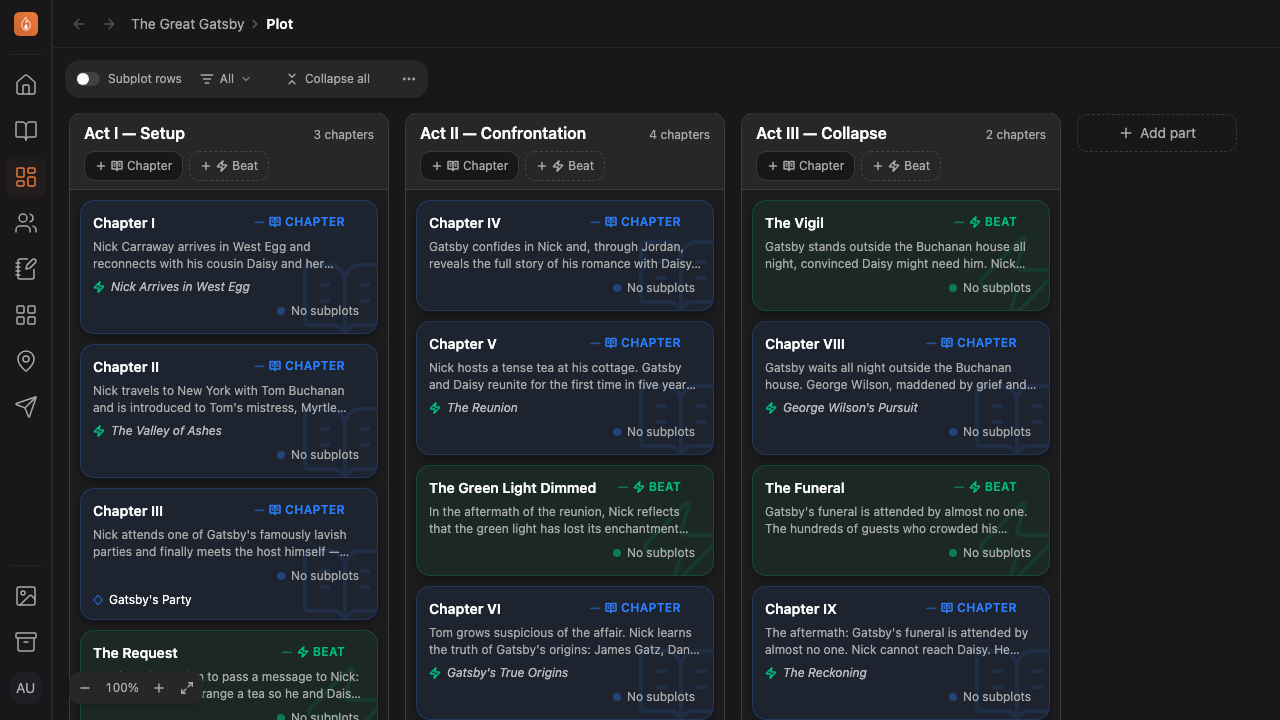
Each part is a column, with its chapters in reading order and the beats you planned among them. The board reads your manuscript, so the two never disagree.
Read how to map your story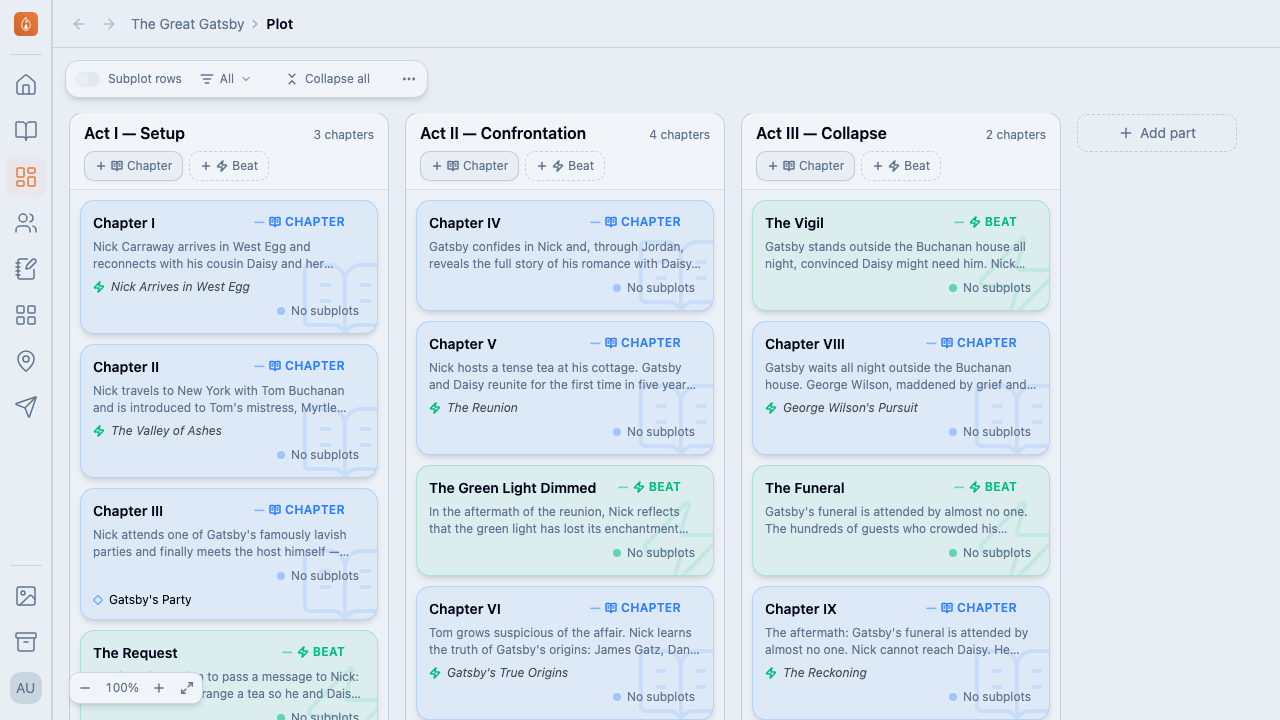
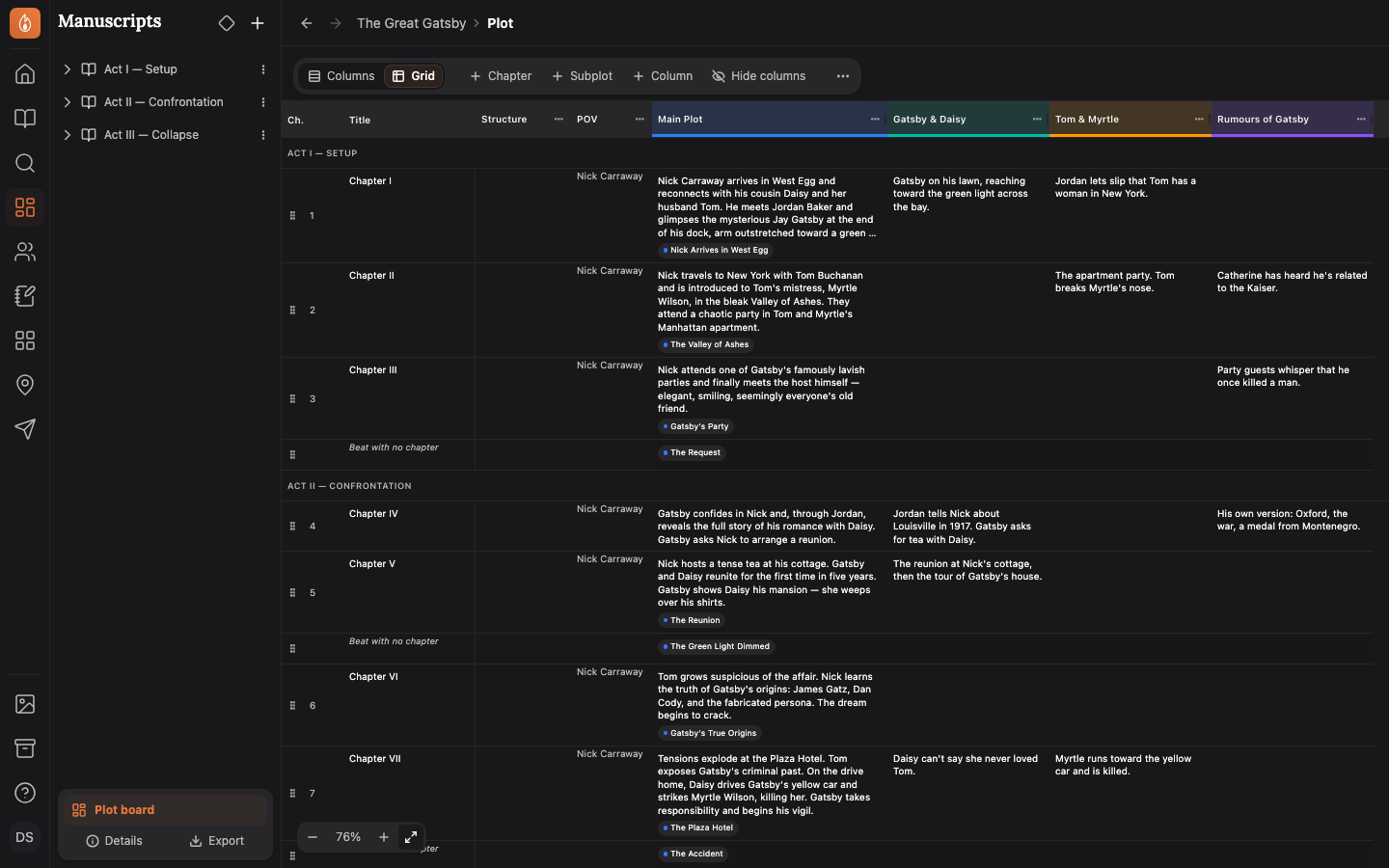
Switch to the Plot Grid to see your story in a new way
Switch to Grid and the book becomes a spreadsheet: a row per chapter, a column per subplot, and a short note where they meet. Type in a cell like any spreadsheet.
Read about the Grid view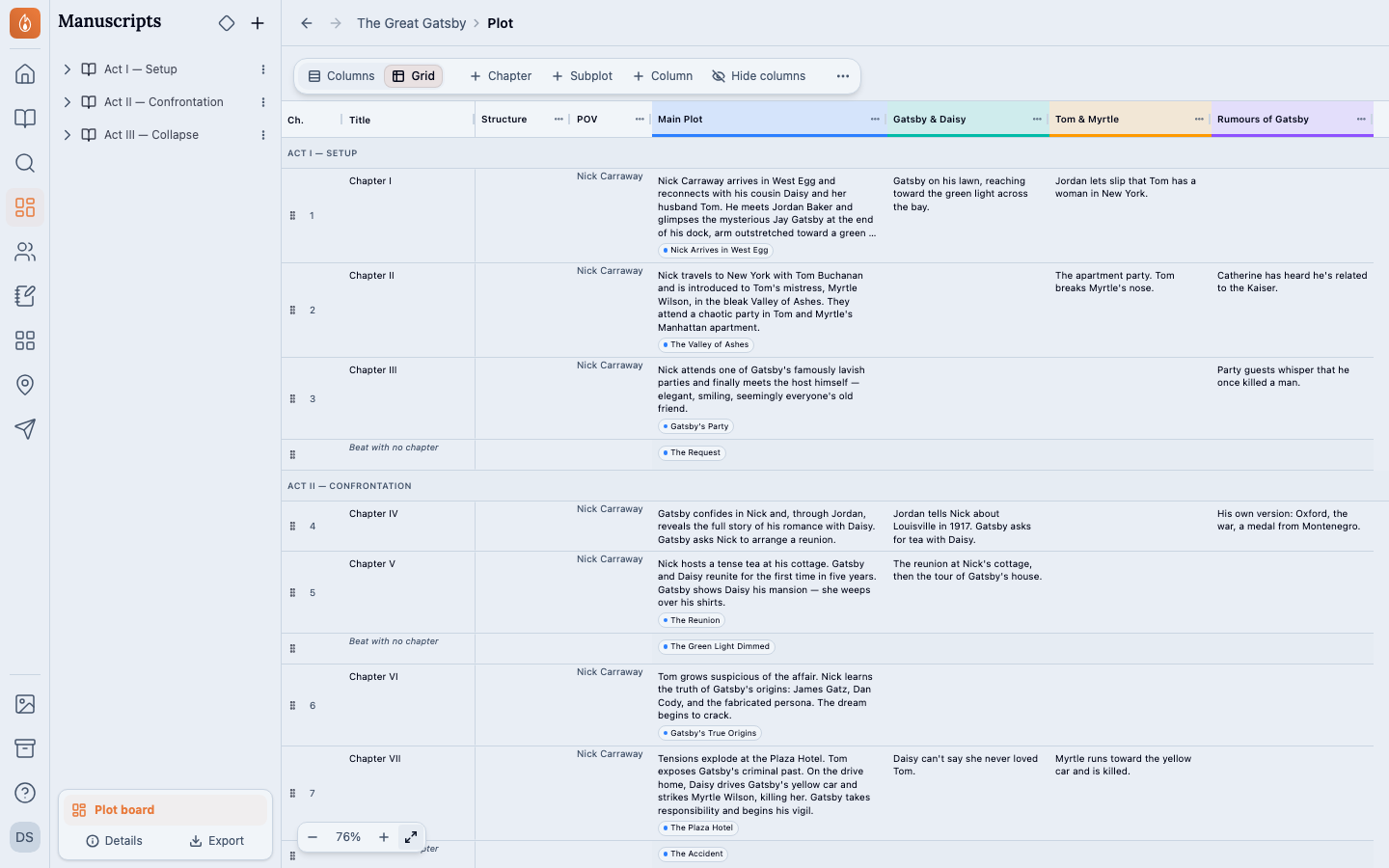
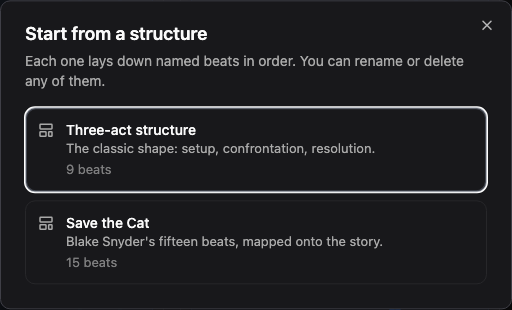
Start from a structure
Lay down the beats of the Three-act structure or Save the Cat. A beat you haven’t decided on yet shows dashed, so the gaps in your plan stand out.
Read how to start from a structure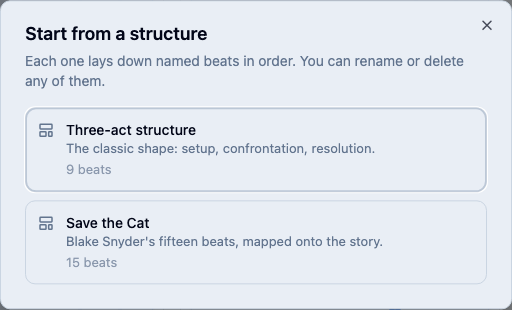
The Plot Board and your manuscript stay in sync
Move a card on the board and the chapter moves in your manuscript too. The board reads your manuscript, so the two stay in sync.
Read about beats and scenesAlso in Plot Board
On every plan, Free included. See the plans
Questions
- Can I use my own structure?
- Two are built in: the Three-act structure and Save the Cat. You can’t save a structure of your own yet. Add your own beats to any part instead, and your own columns on the Grid.
- Does moving a card change my manuscript?
- It moves the chapter to that place in your manuscript, because the board reads your manuscript’s order. The chapter’s text doesn’t change.
- Does it work offline?
- Yes. Everything on the Plot Board works with no connection, and syncs when you’re back.
Plan the book, then write it in the same place.
Start writing free