Keep track of every character and location
A comprehensive character and location database helps you keep track of every character, place and note in your story.
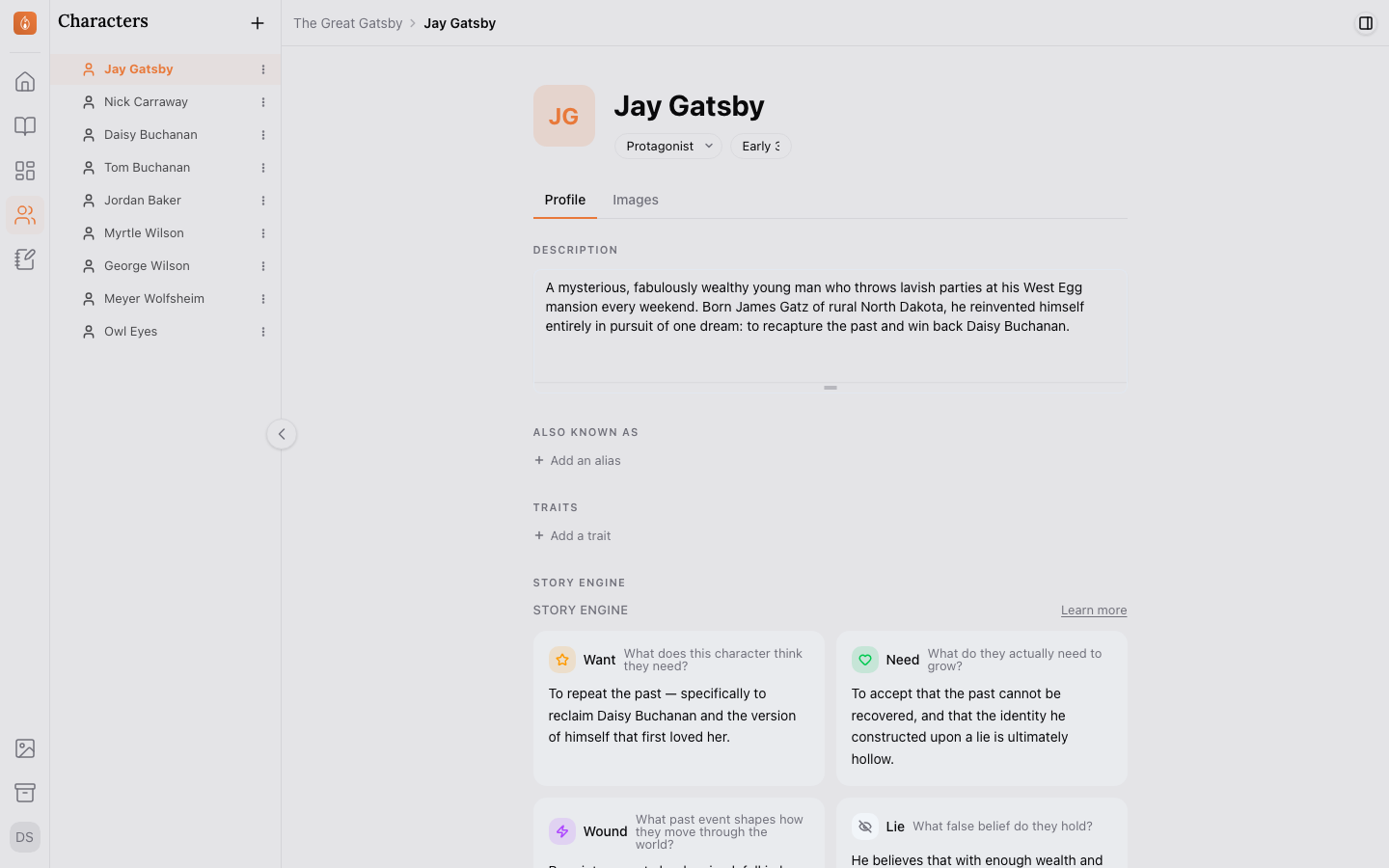
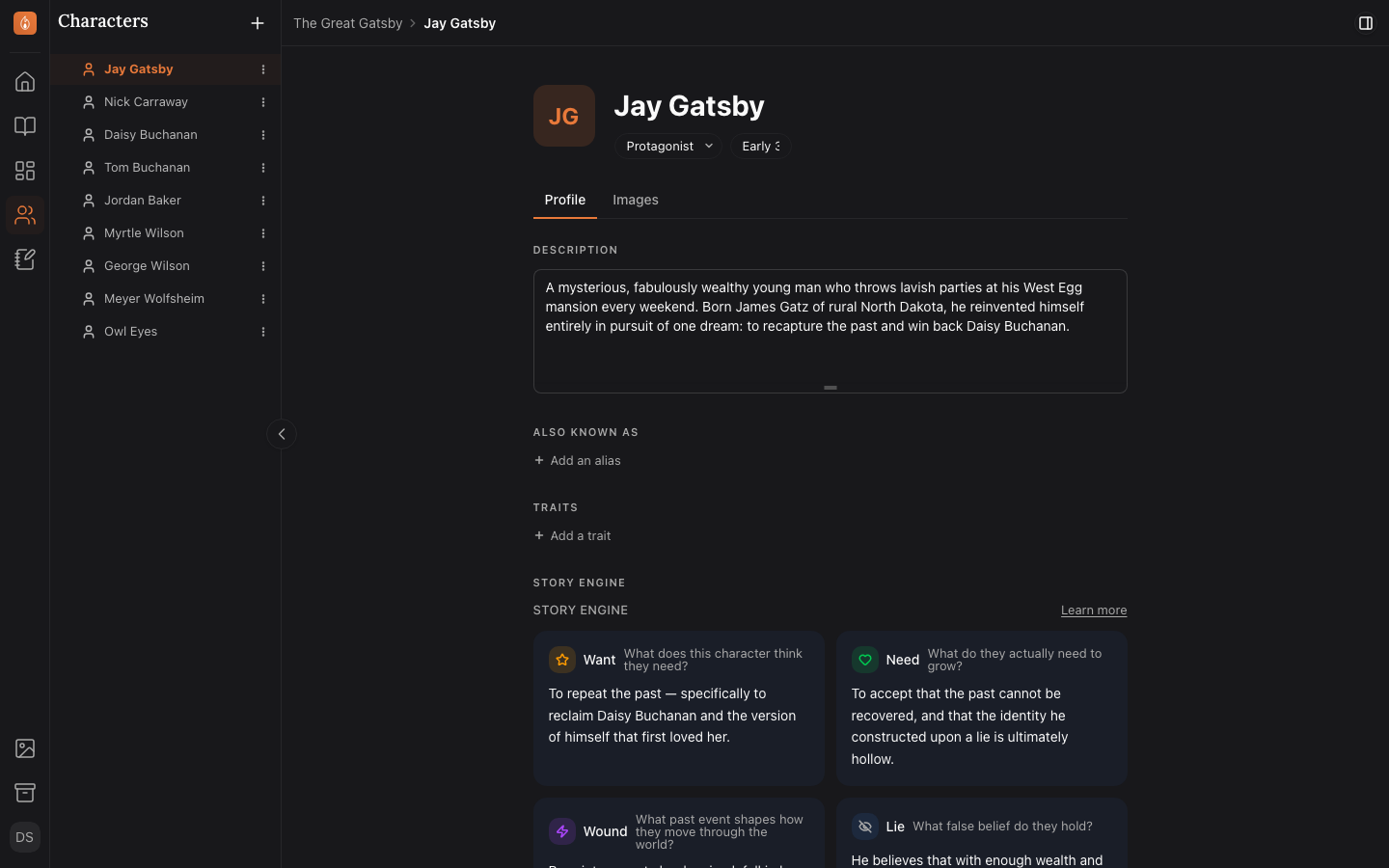
A profile to help bring your characters to life
Create a character profile for each character, and fill in their details, relationships and appearances, voice, story arc, images, and more.
Read how character profiles workSee every scene a character is in
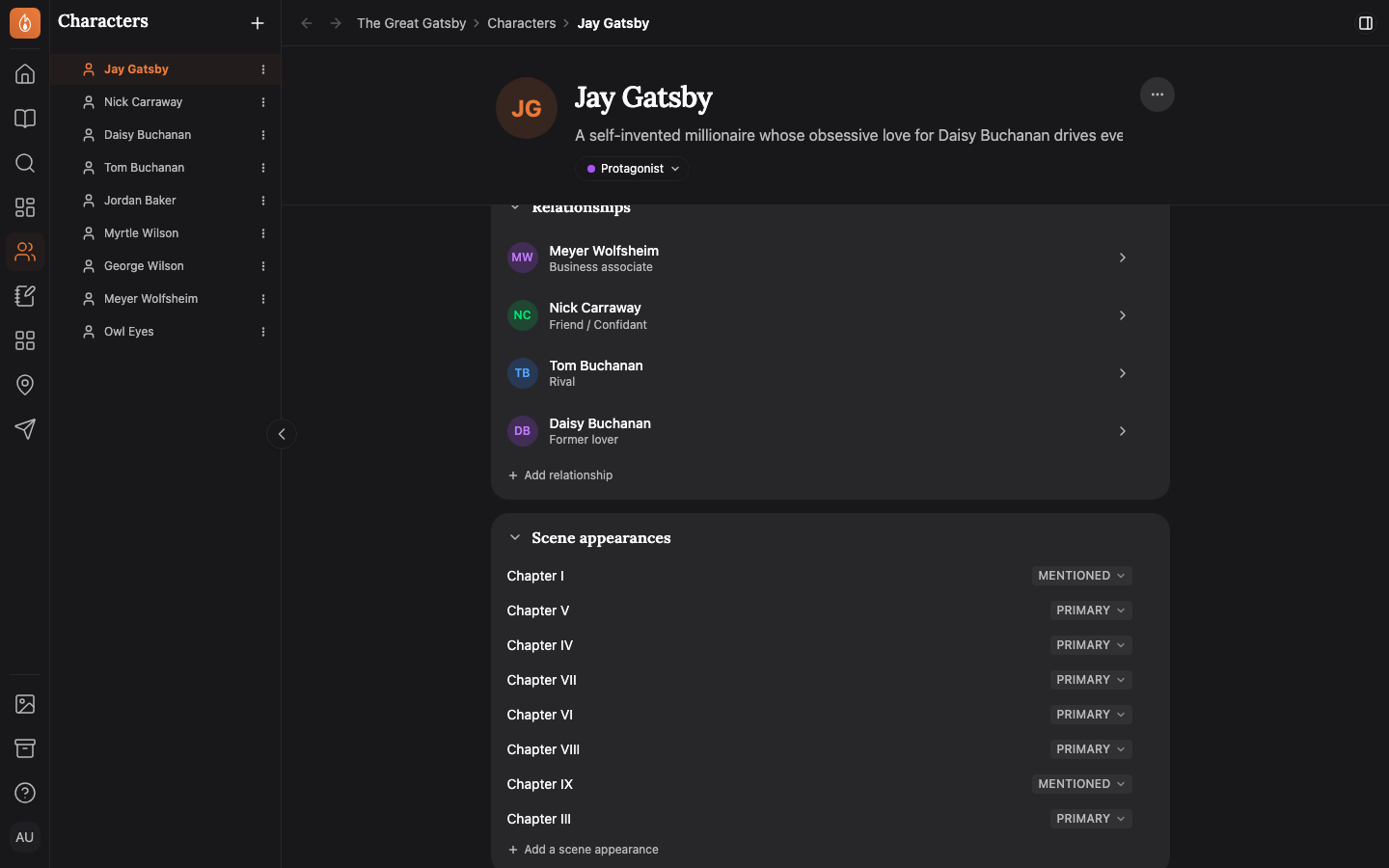
Type a character’s name in a scene and the scene is added to their page. Mark them POV, Primary, Secondary or Mentioned, and jump to every line that names them.
Read how appearances work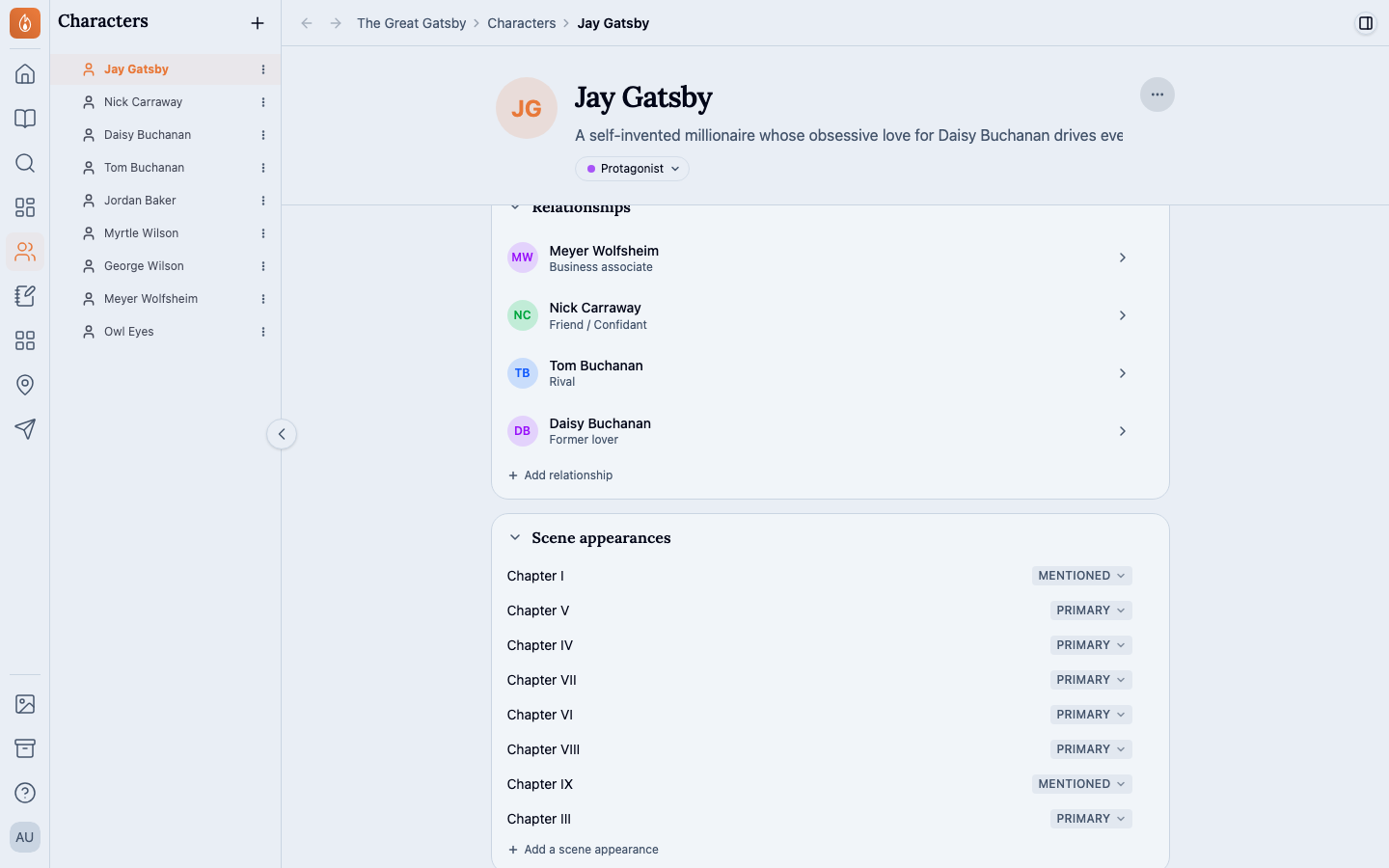
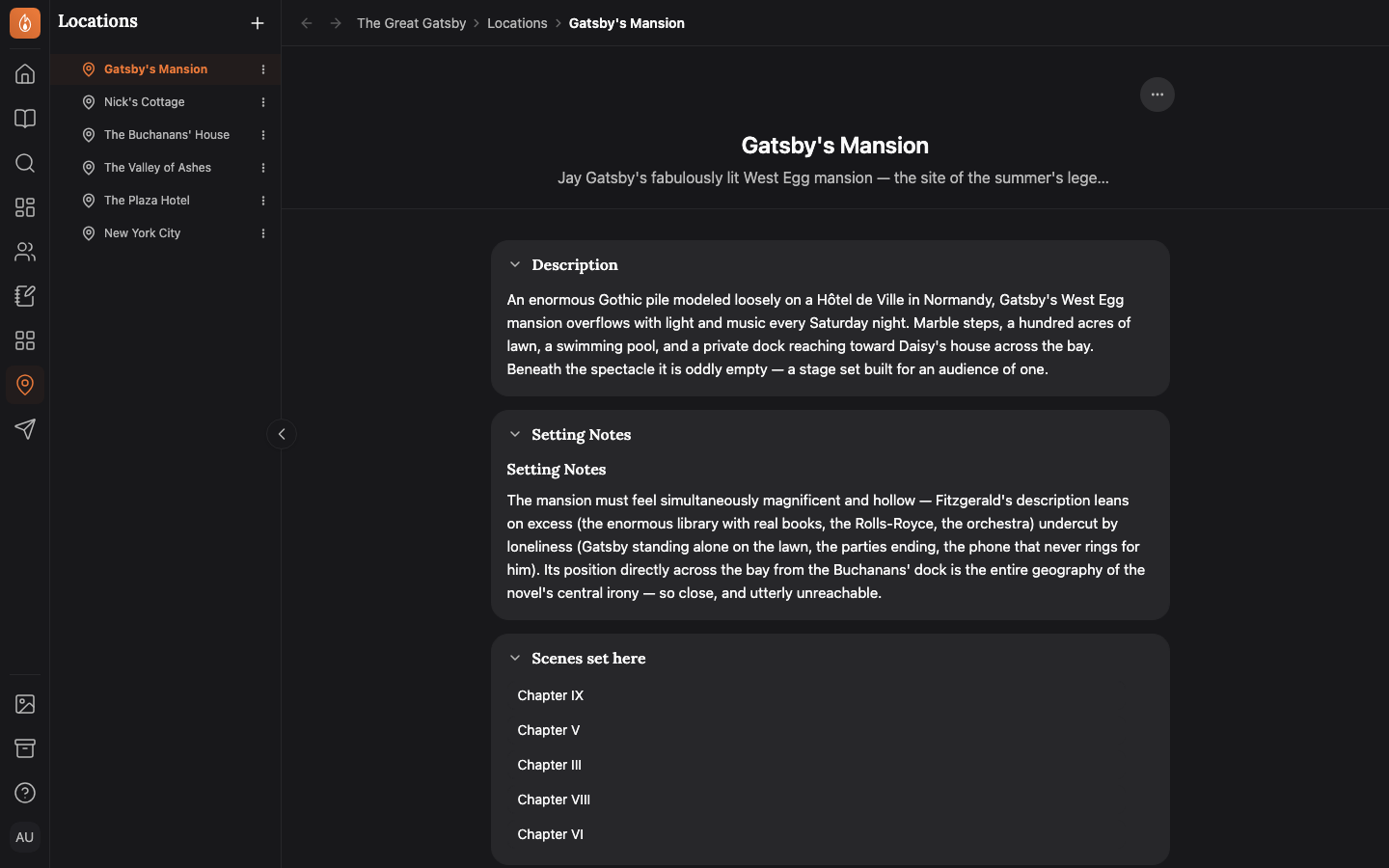
Give each location a page, with its scenes
Describe a place once and link it from the scenes set there. Its page lists every one of them.
Read how locations work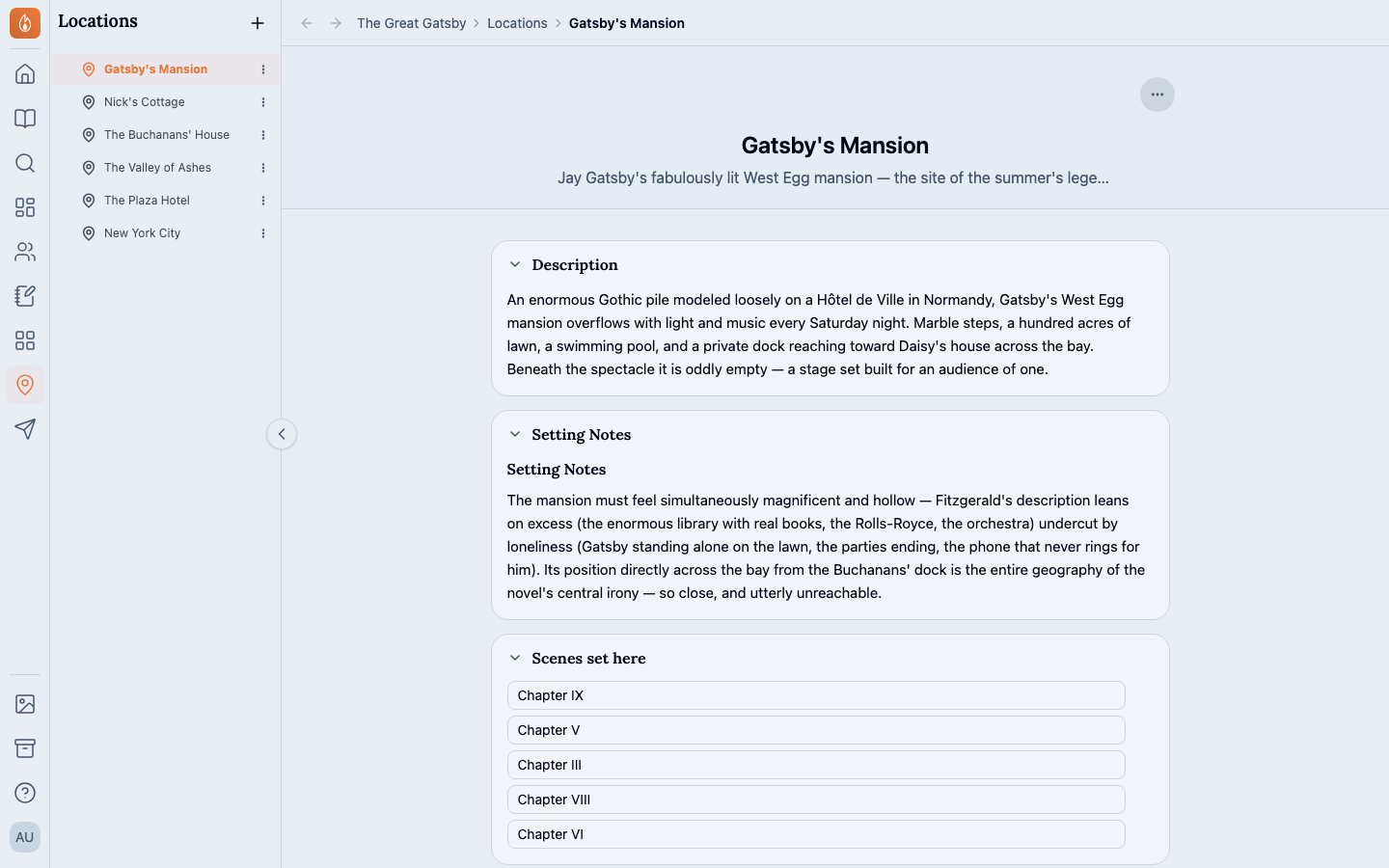
Know what drives each character
Add a Story engine to a character: their Want, Need, Wound, Lie, Truth, Fear, Origin moment and Contradiction. Every field is optional, so fill in what you know.
Read about the Story engine Also in Characters and world
On every plan, Free included. See the plans
Questions
- Can a series share its characters?
- Yes. Put every book of the series in one project, and they share its characters, locations and notes. Books and series are on the Writer plan, free during the beta.
- Can I bring in my Scrivener research?
- Yes. Import a Scrivener 3 project, and its research comes across as notes, its characters folder as character pages and its places folder as locations.
- Do I have to fill in every field?
- No. A new character starts with a description and an appearance. Add the Story engine and the other blocks when you want them.
Start with your first character.
Start writing free