Stop emailing .docx files to your beta readers
Send a frozen draft with one link. Readers turn pages like a book and react as they go, and you see where each one stopped.
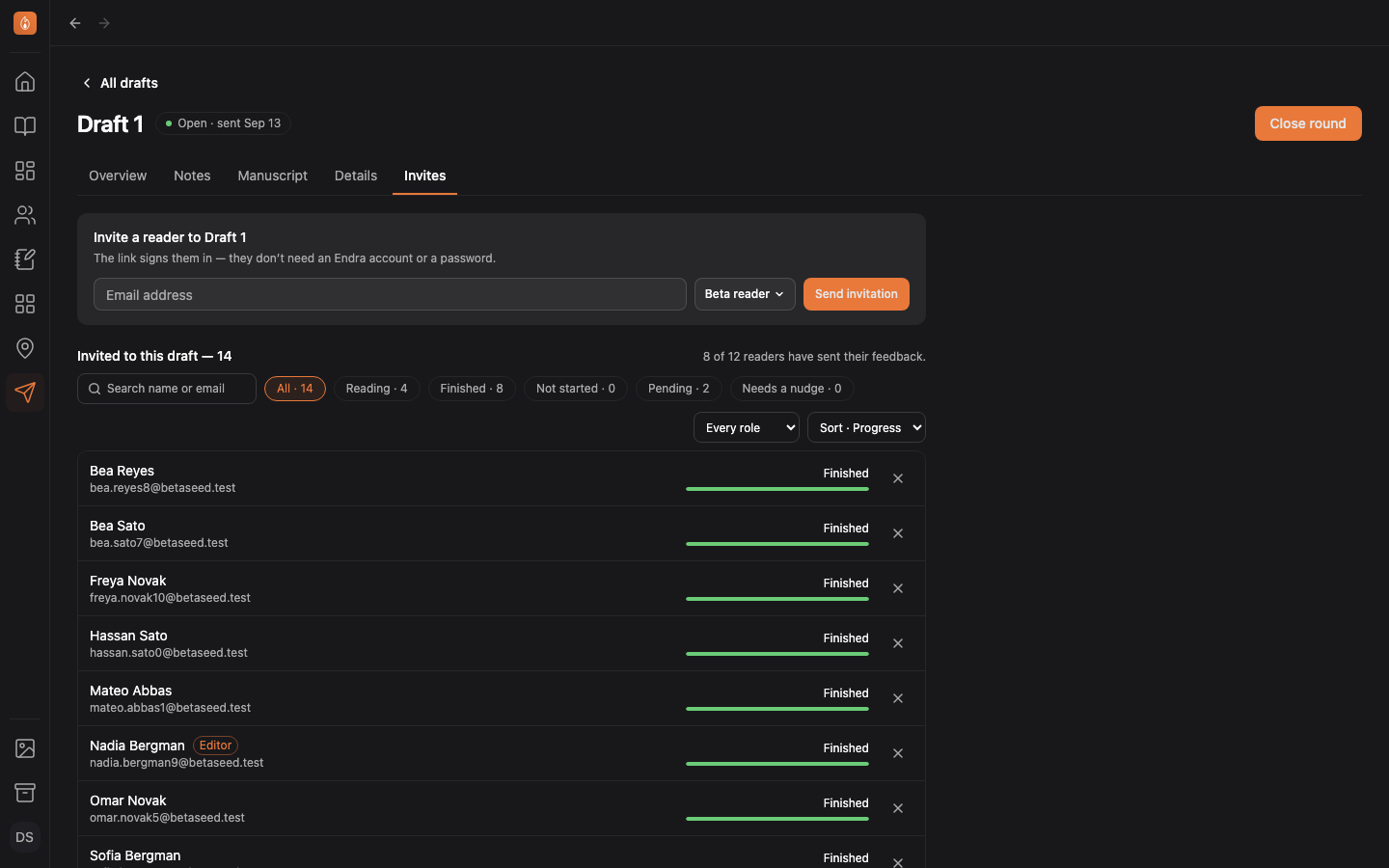
Invite beta readers to your draft
Pick the chapters you want feedback on and invite each reader by email. Their link opens your draft like a novel, where they leave feedback and answer your questions.
Read how to send a draft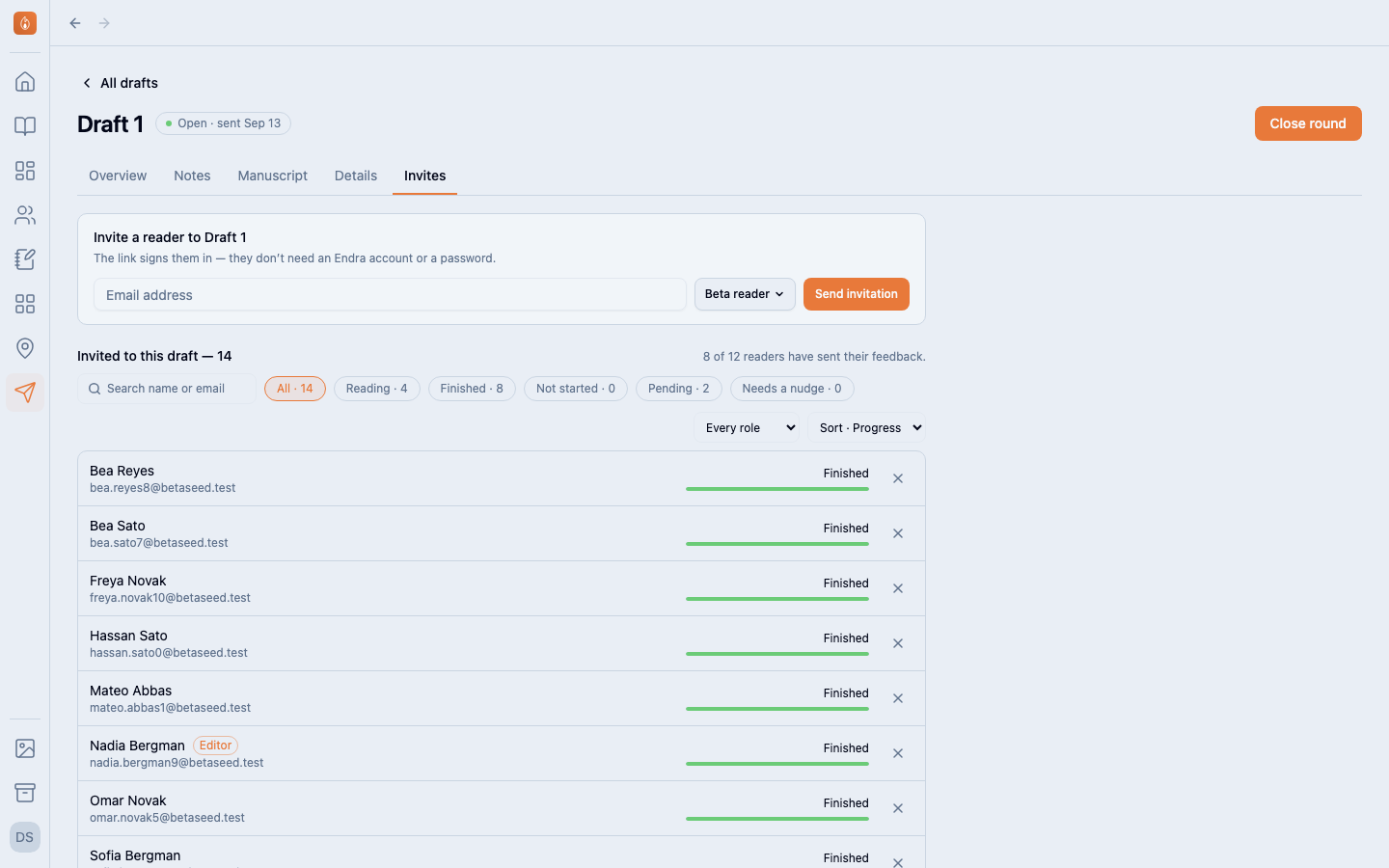
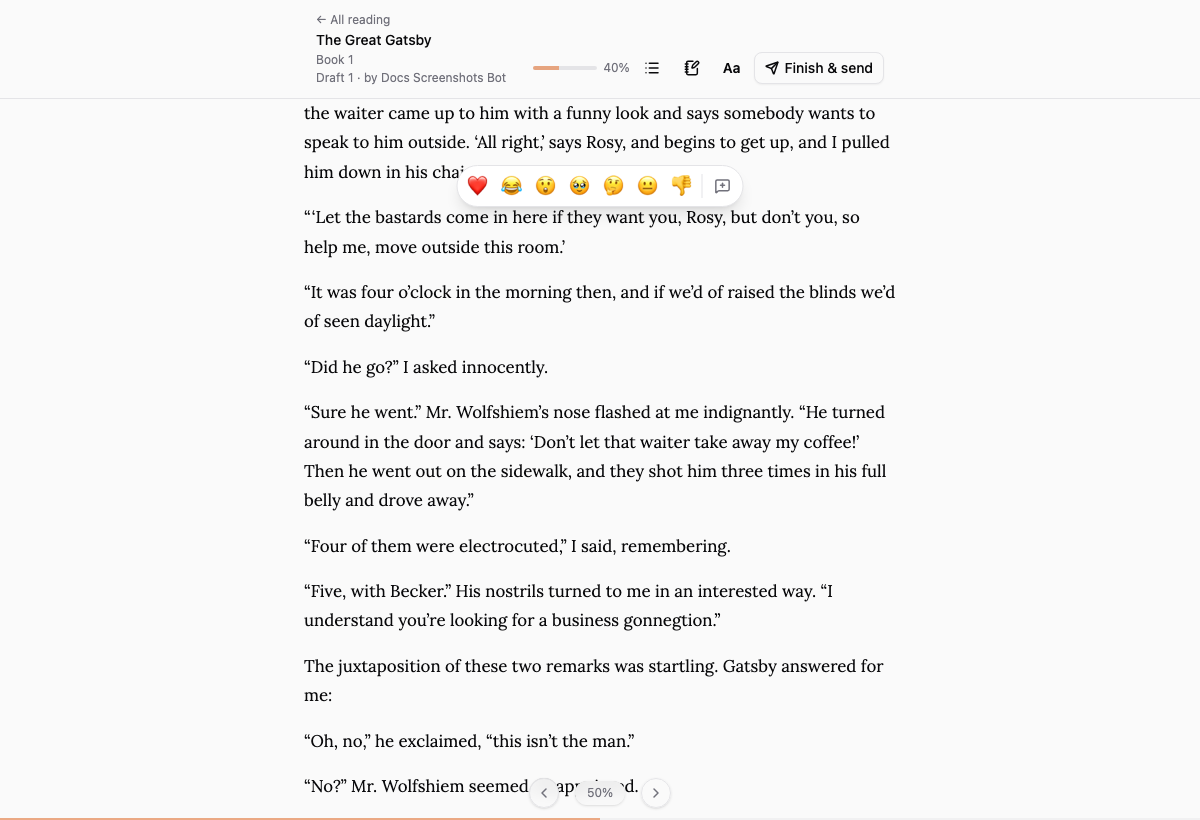
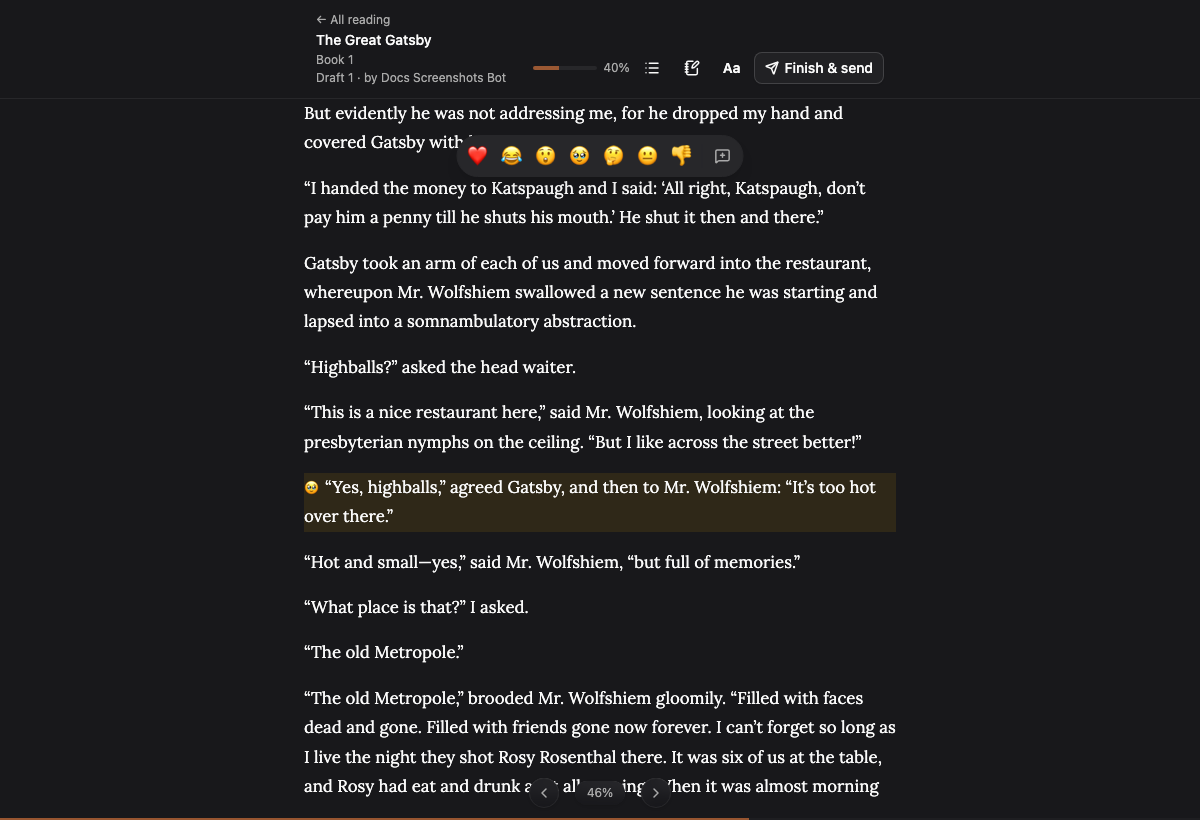
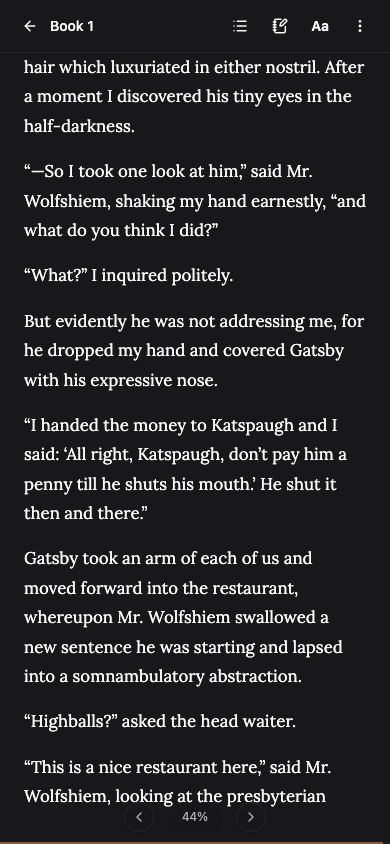
They read it like a book
The draft opens as pages, like an e-reader, on a laptop or a phone. Readers tap a paragraph to react or leave a comment. No reader sees what the others said.
See what your readers see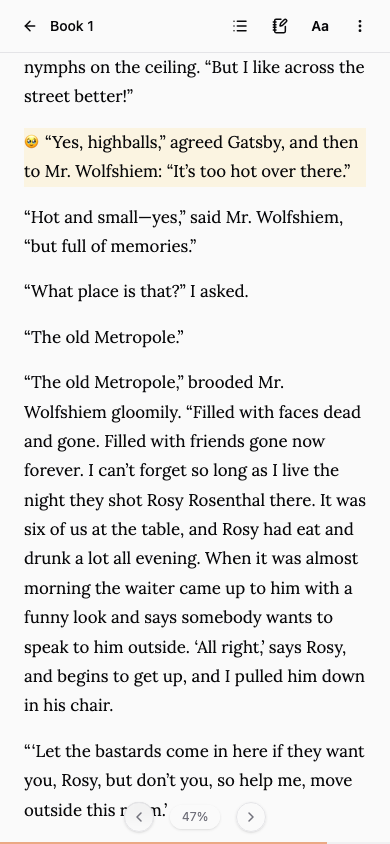
Set up surveys, ask readers what you want to know
Ask questions at the end of each chapter and at the end of the draft, and get the specific feedback you’re looking for.
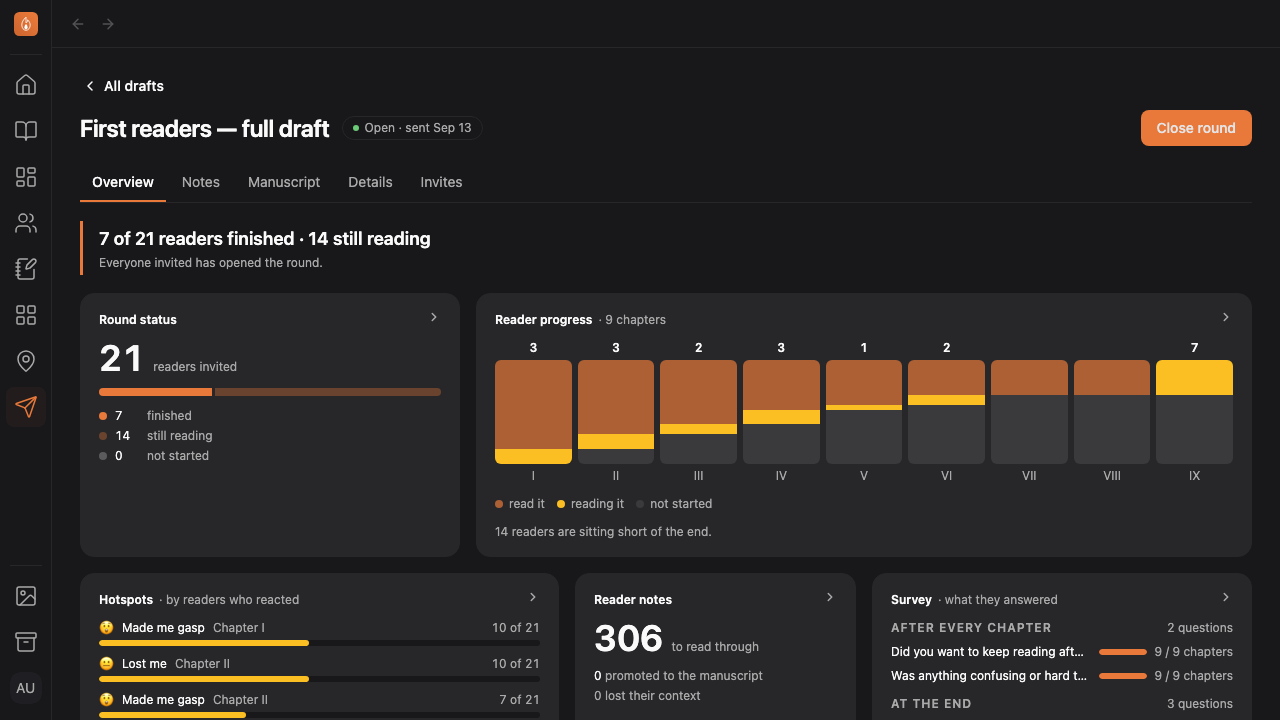
Read how to ask your readers questionsSee where they stopped
The overview shows how far each reader got, the passages they reacted to most, and the chapters that confused them or lost them.
Read how to read the feedback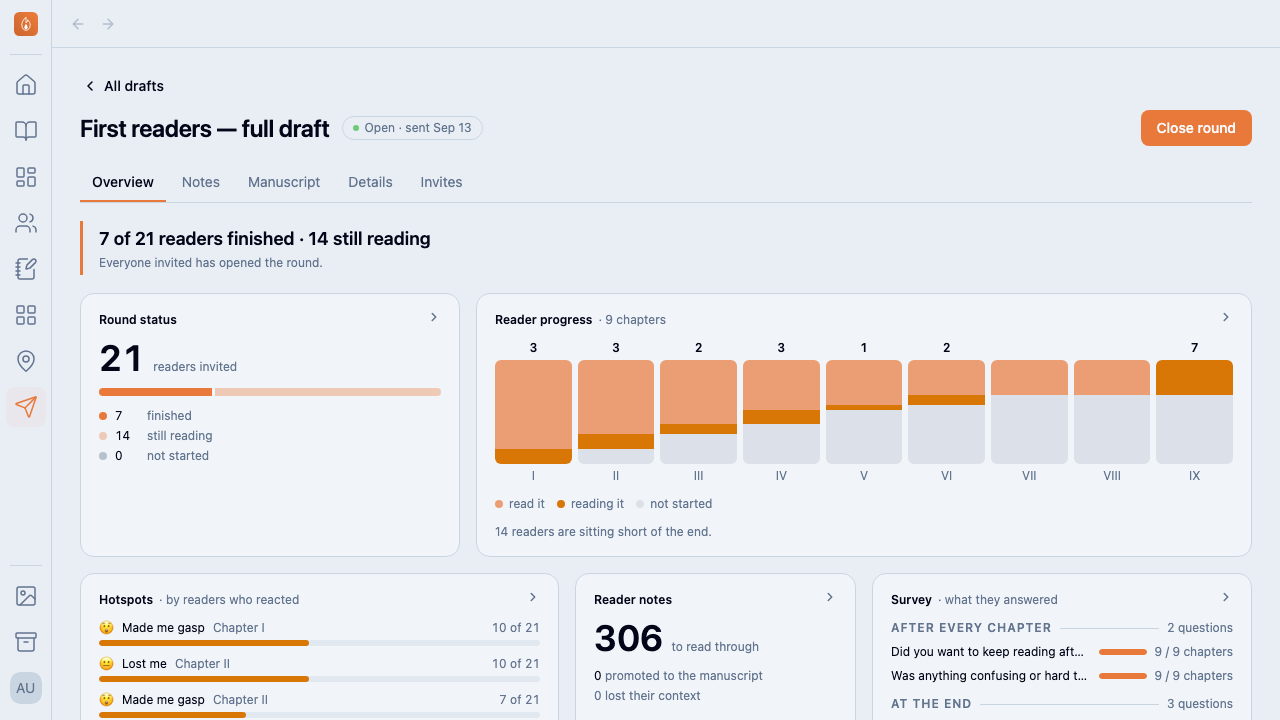
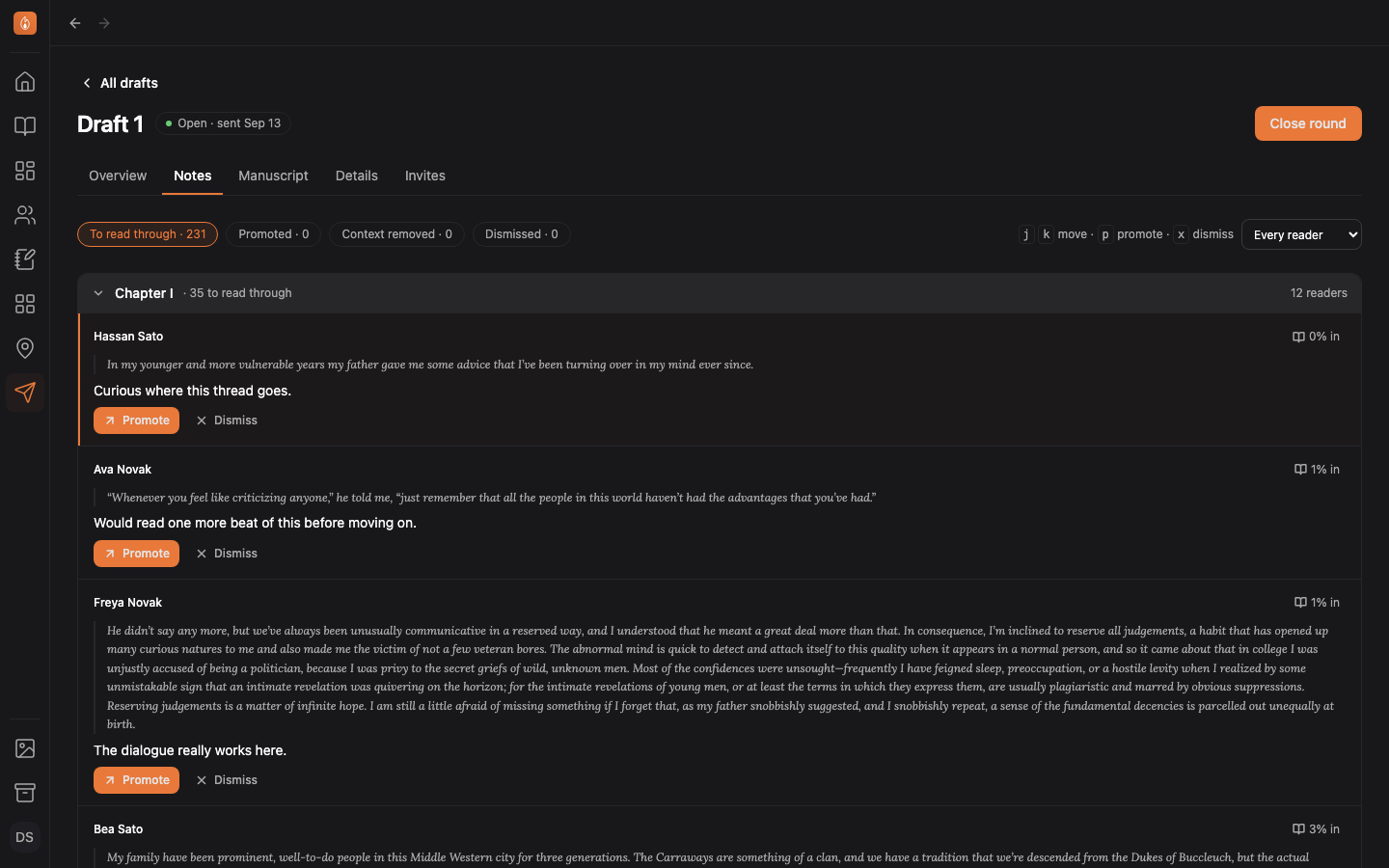
Import comments directly into your working manuscript
Work through the comments, and promote them straight into your manuscript, so your readers’ feedback sits beside the passage while you revise.
Read how to turn notes into revisions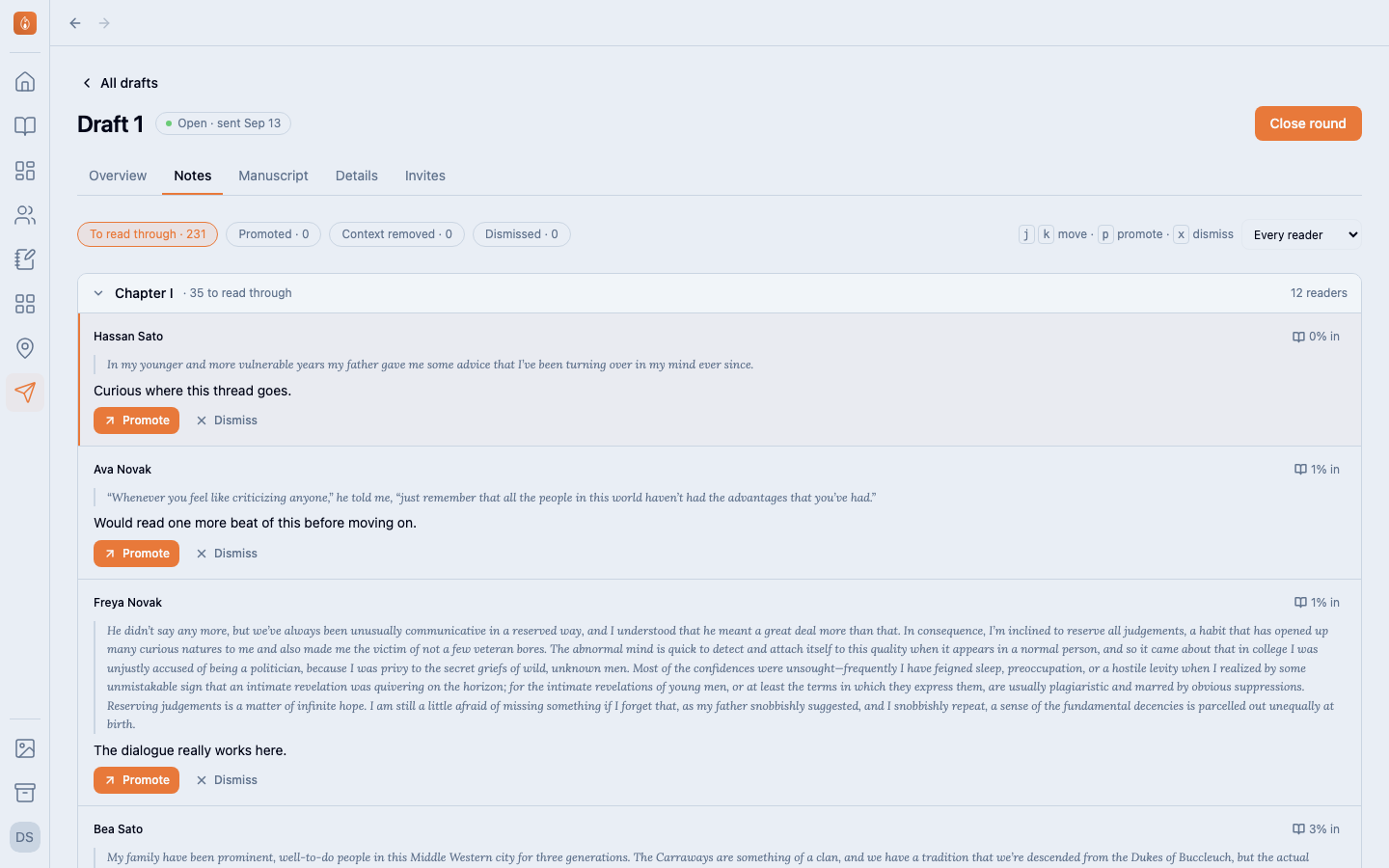
Also in Beta readers
On the Studio plan, free during the beta. See the plans
Questions
- Do readers have to sign up?
- When they accept your invitation, an account is created for them and they go straight to your draft. It’s quick and easy.
- Can they see my other chapters?
- No. They see a frozen copy of the chapters you sent, and nothing else: not your Studio, your notes, or anything you’ve written since.
- Can I send it again after a rewrite?
- Yes. Close the round and start the next one. It keeps your questions, and readers from earlier rounds are listed to invite again.
- Do readers see each other’s comments?
- No. Each reader sees only their own reactions and comments.
Send your next draft with one link.
Start writing free