Keep your research and ideas linked to your story
Write notes beside the book and link them to your characters and scenes. Lay your ideas out on a virtual white-board until the shape of the story appears.
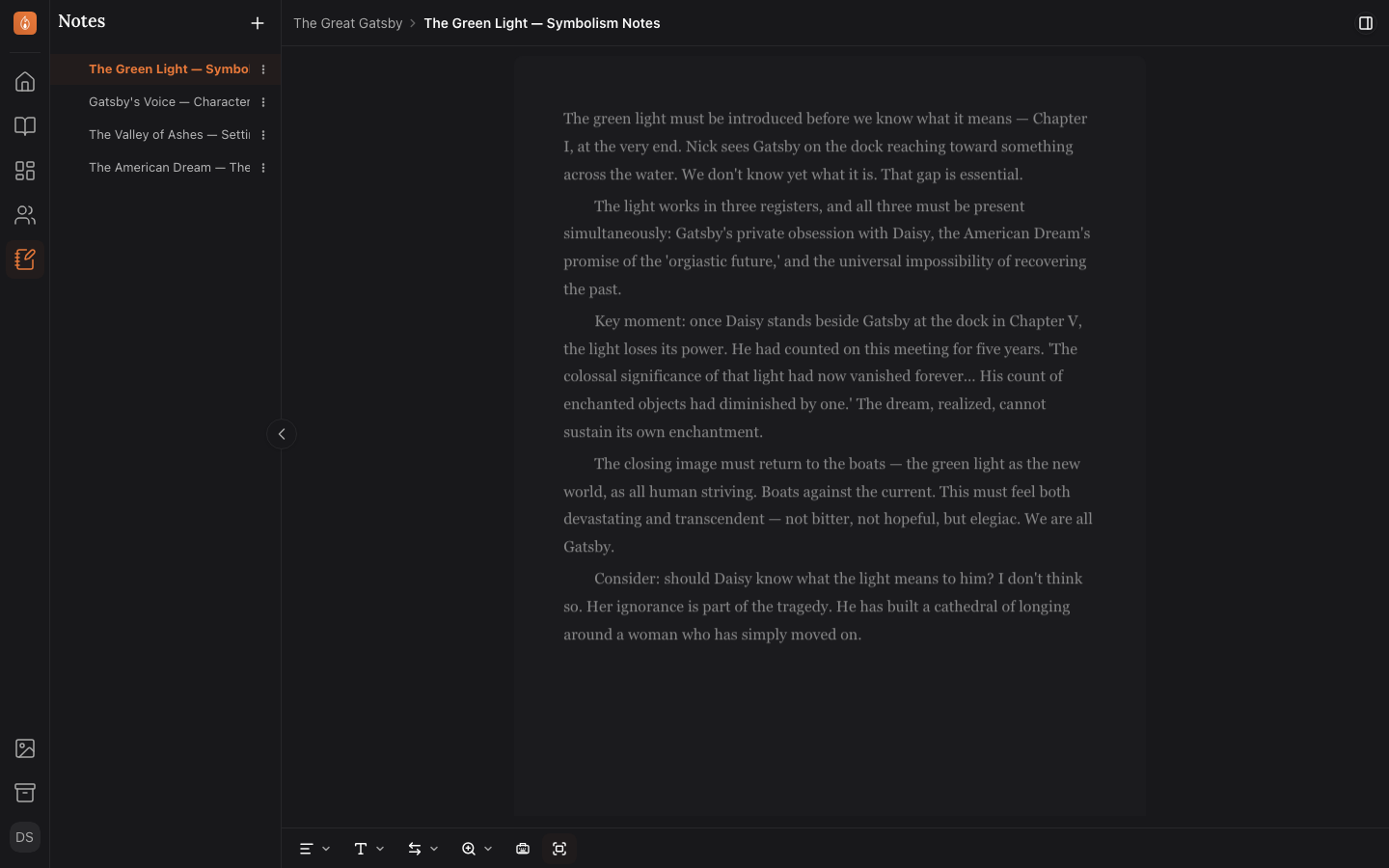
Keep your research beside the book
Write world-building, research, timelines and questions to come back to in notes. They stay organized and easily accessible as you write. Press ⇧⌘↵ mid-sentence to save a thought to your Inbox without leaving the page.
Read about notes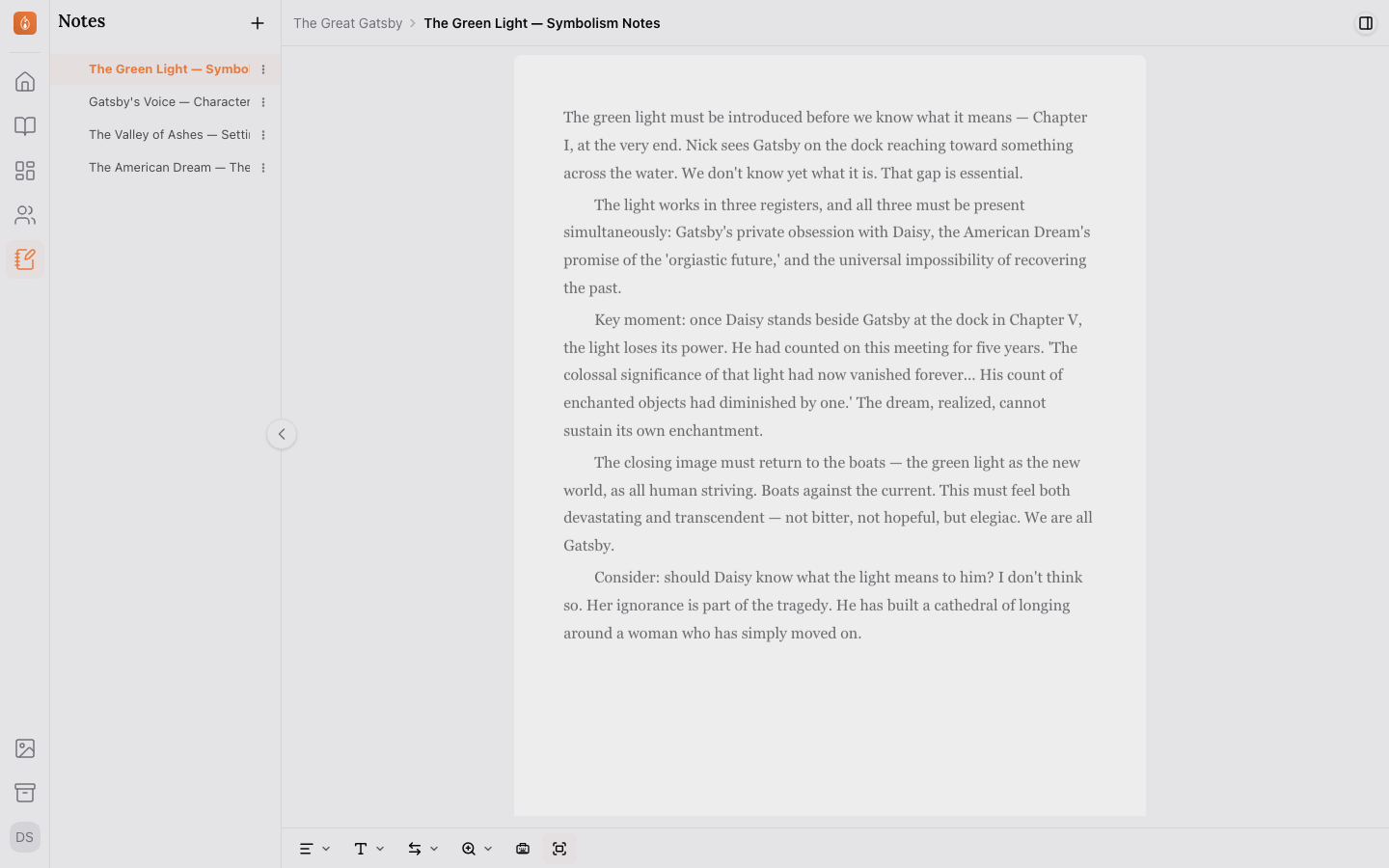
Leave yourself a note right in the sentence
Type {{ mid-sentence, or press ⌘J, and write what you need to come back to: a fact to check, a scene to fix. Jots stay out of your word count and your finished book. Hide them while you read, and find every one from the Jots list.
Read about jotsLink notes to your characters and scenes
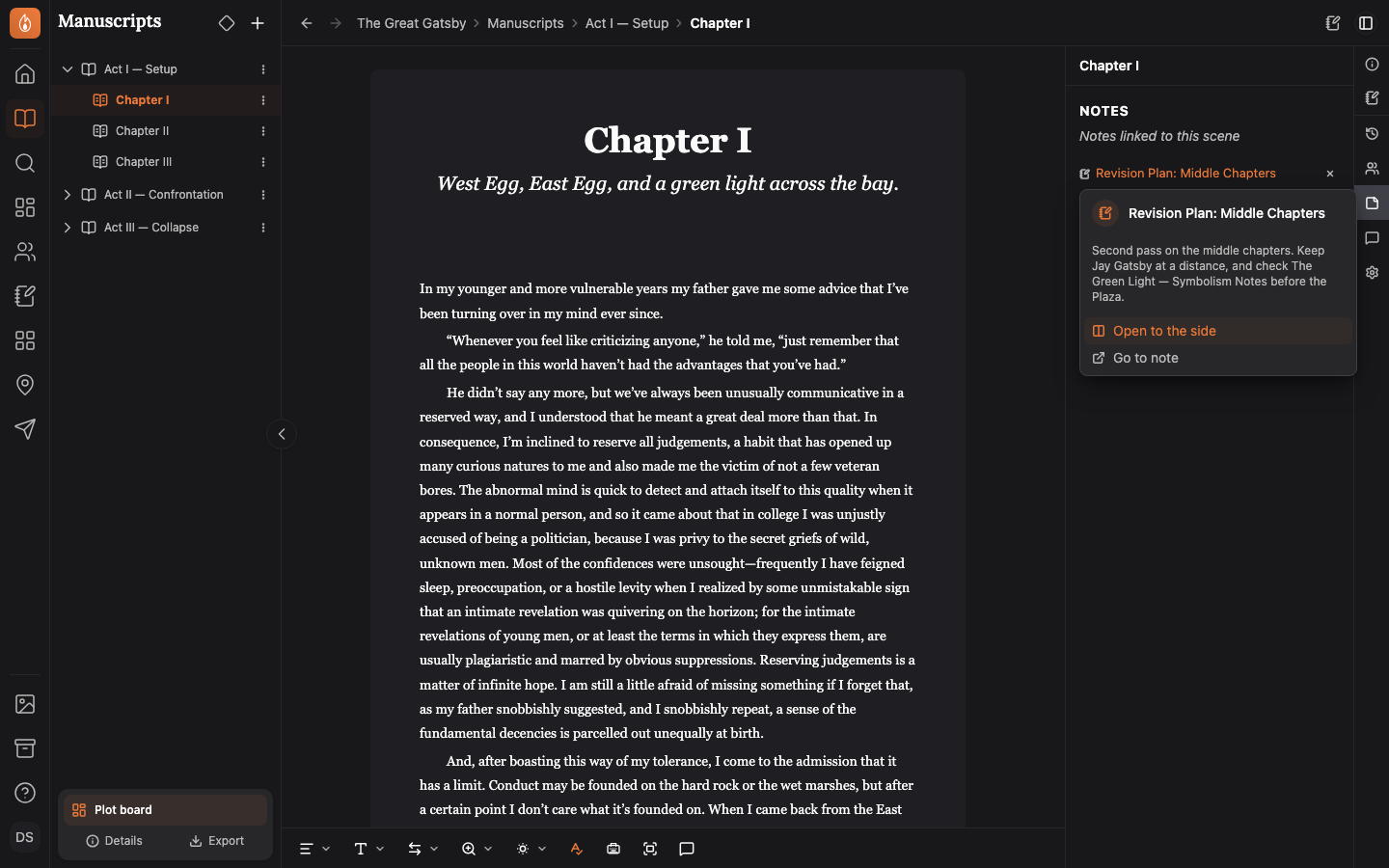
Your notes are a wiki that can link items together. Type [[ in a note to link a character, a chapter, a scene or another note. Your scenes, chapters, characters and locations each have a Notes tab, so your research sits beside the page it’s about.
Read about linking notes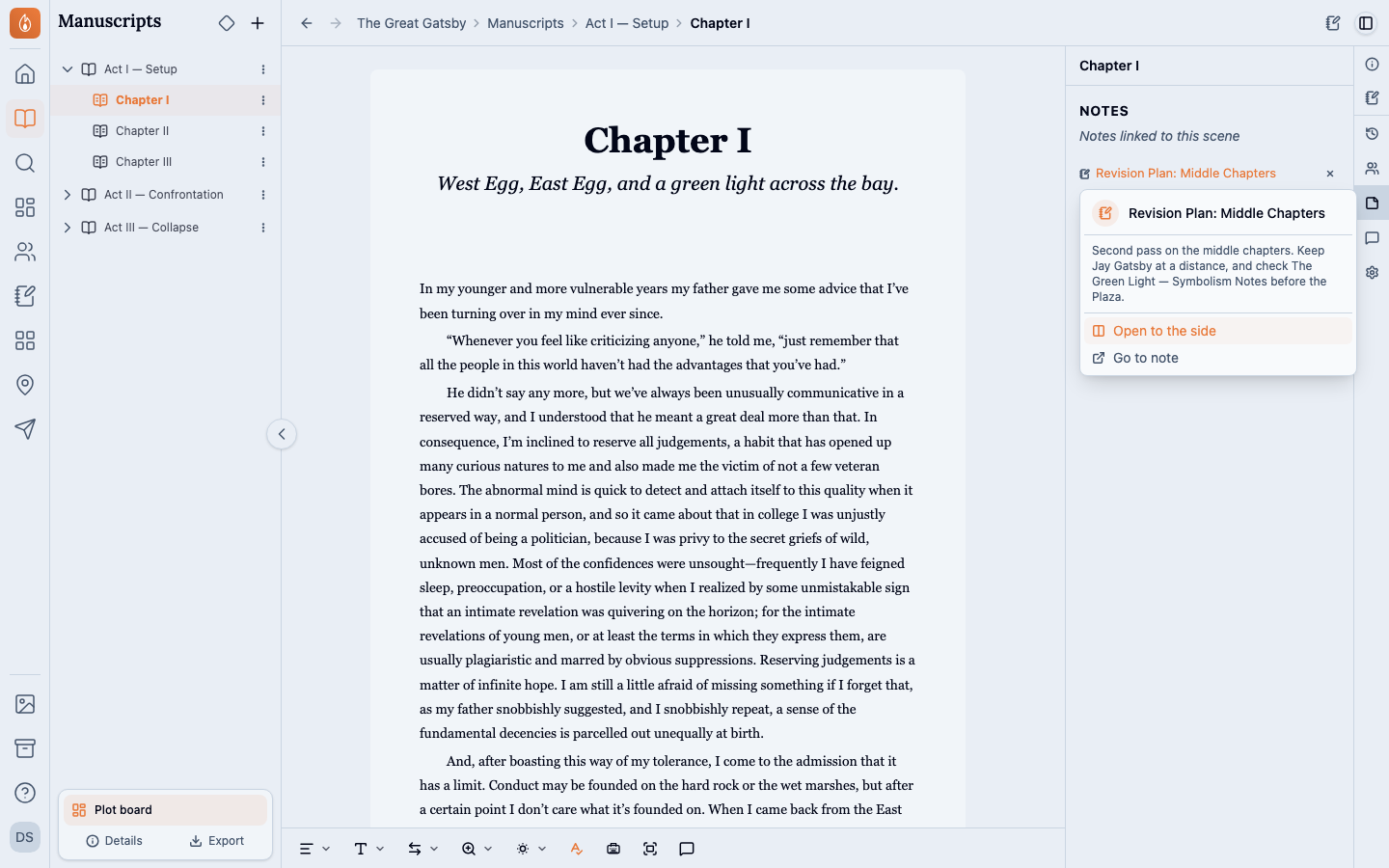
Mark up your notes with checklists and callouts
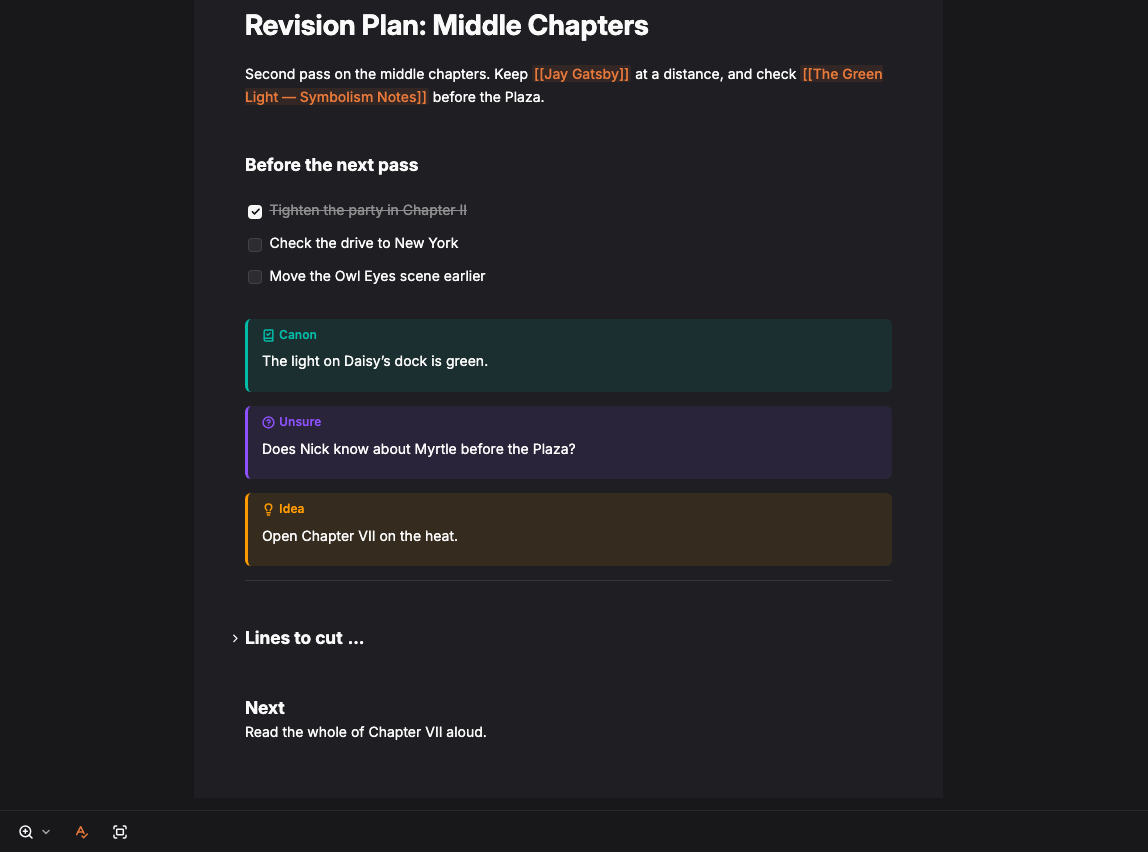
Keep a revision checklist and tick items off as you go. Mark what’s settled as Canon and what’s still Unsure, and fold the sections you’re not working on.
Read about checklists and callouts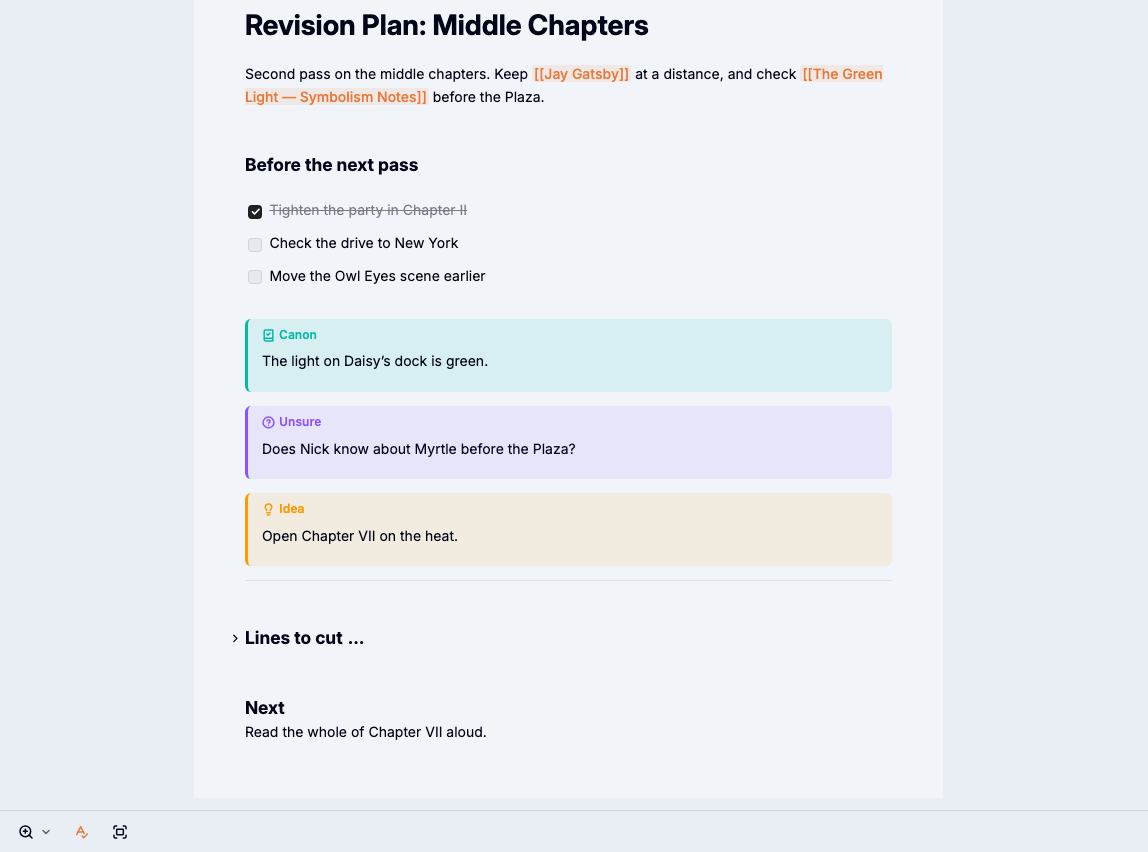
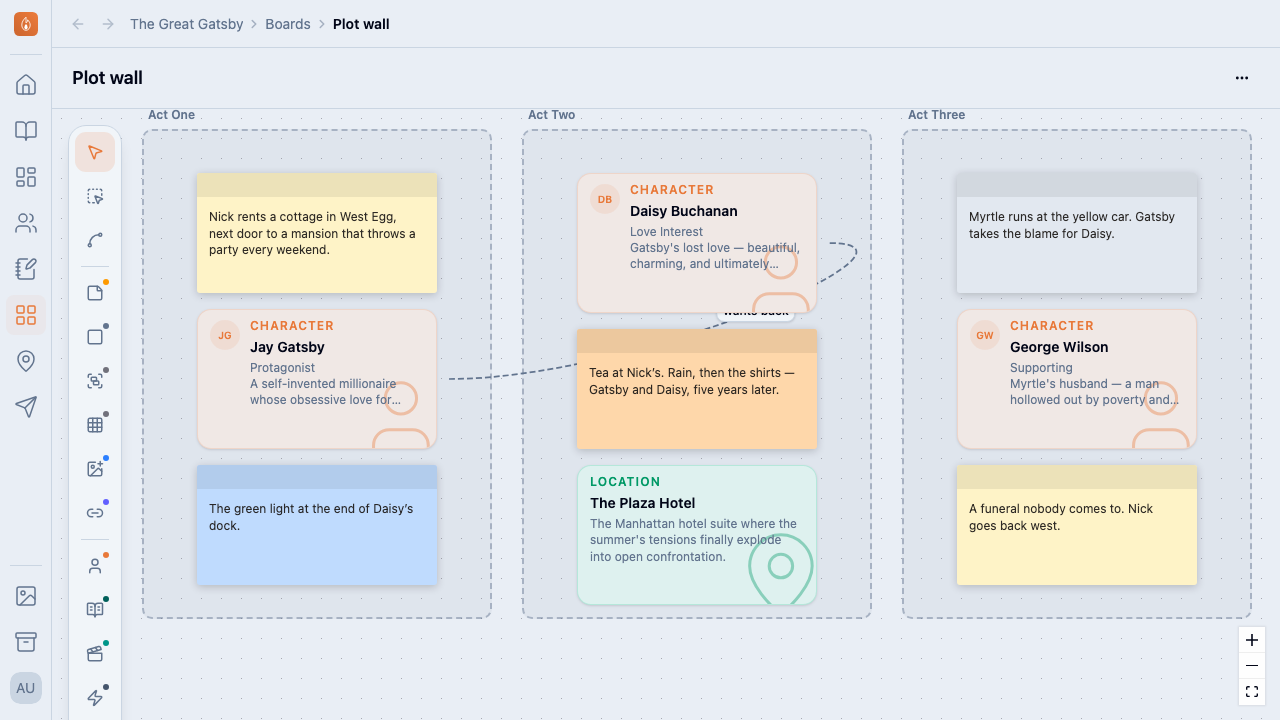
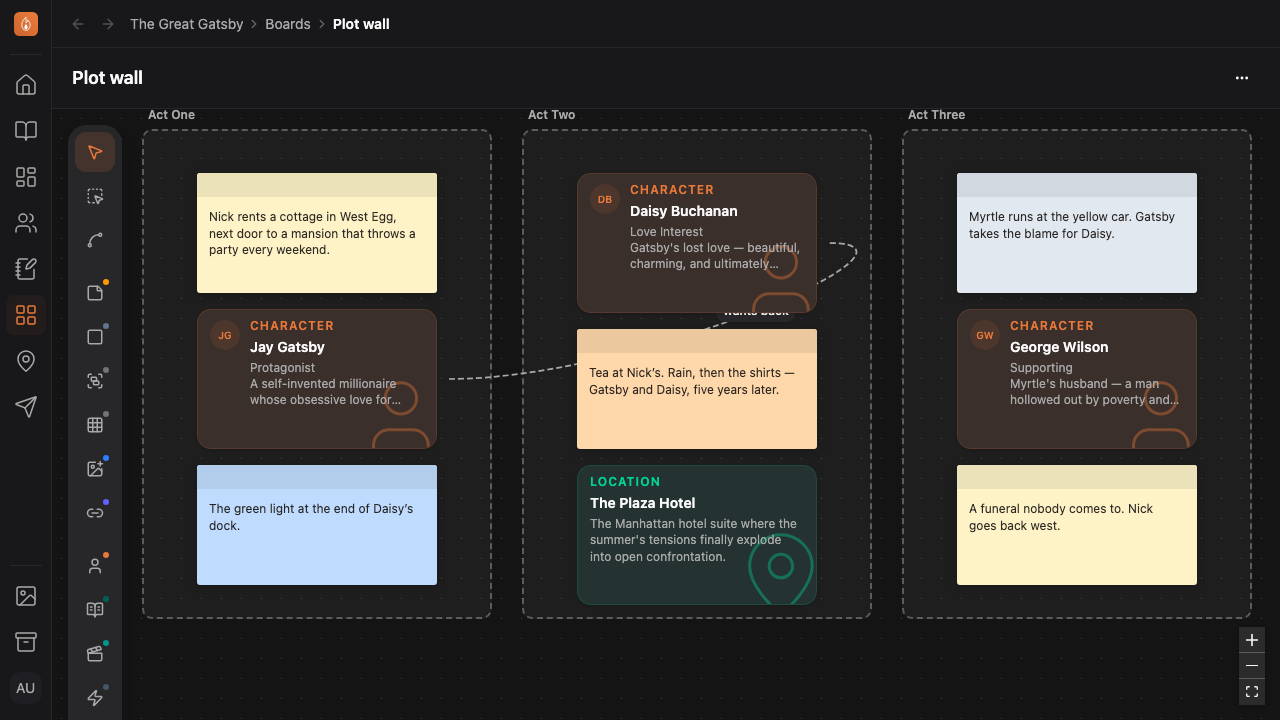
Lay out your ideas visually on a virtual white-board
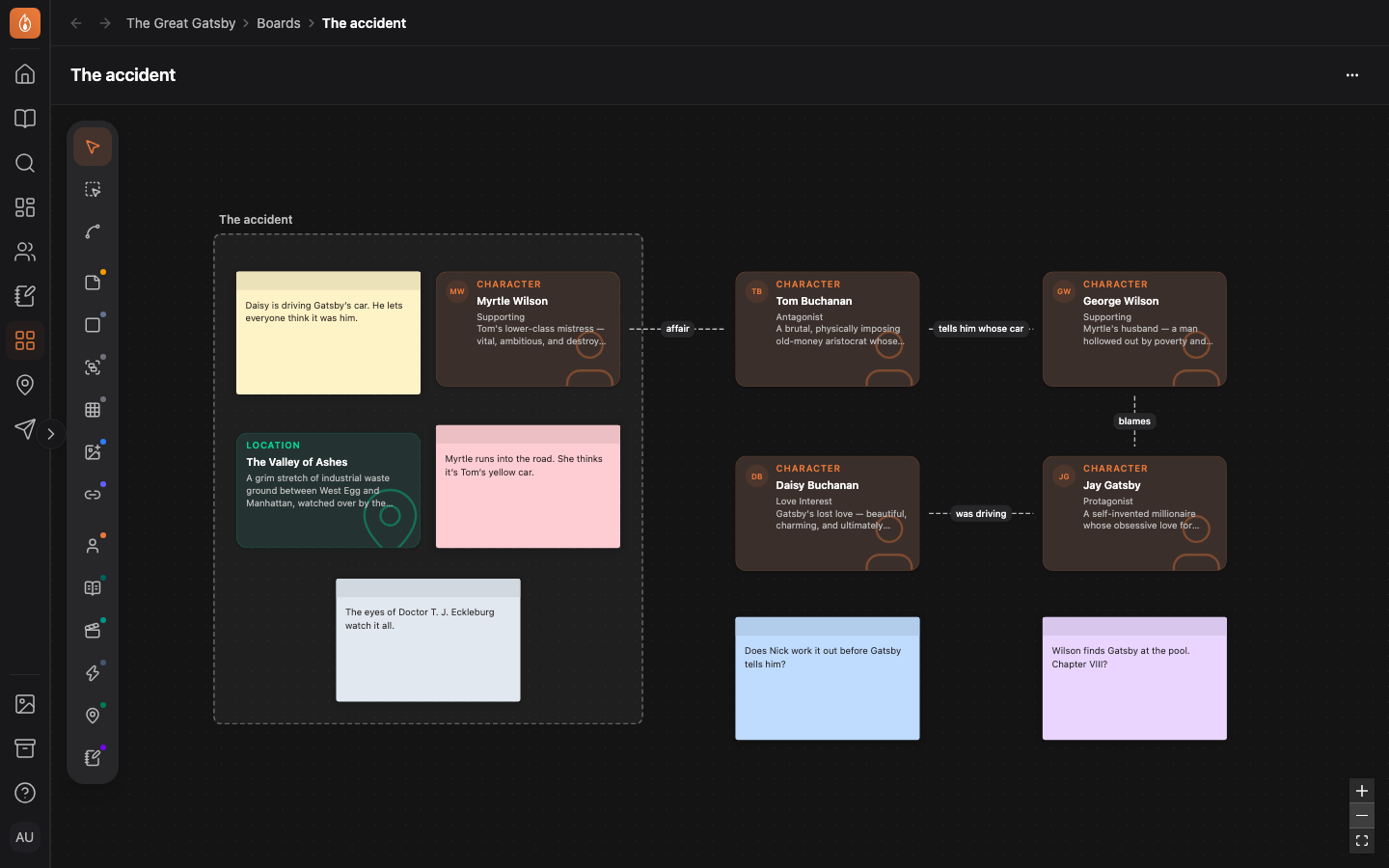
Add your characters, chapters, scenes, beats, places and notes to a board as cards that always show the item as it is now. Draw a line between two cards to link them in your project too. Write an idea on a sticky note, and when it’s ready, promote it to a character, scene, beat, location or note.
Read what goes on a board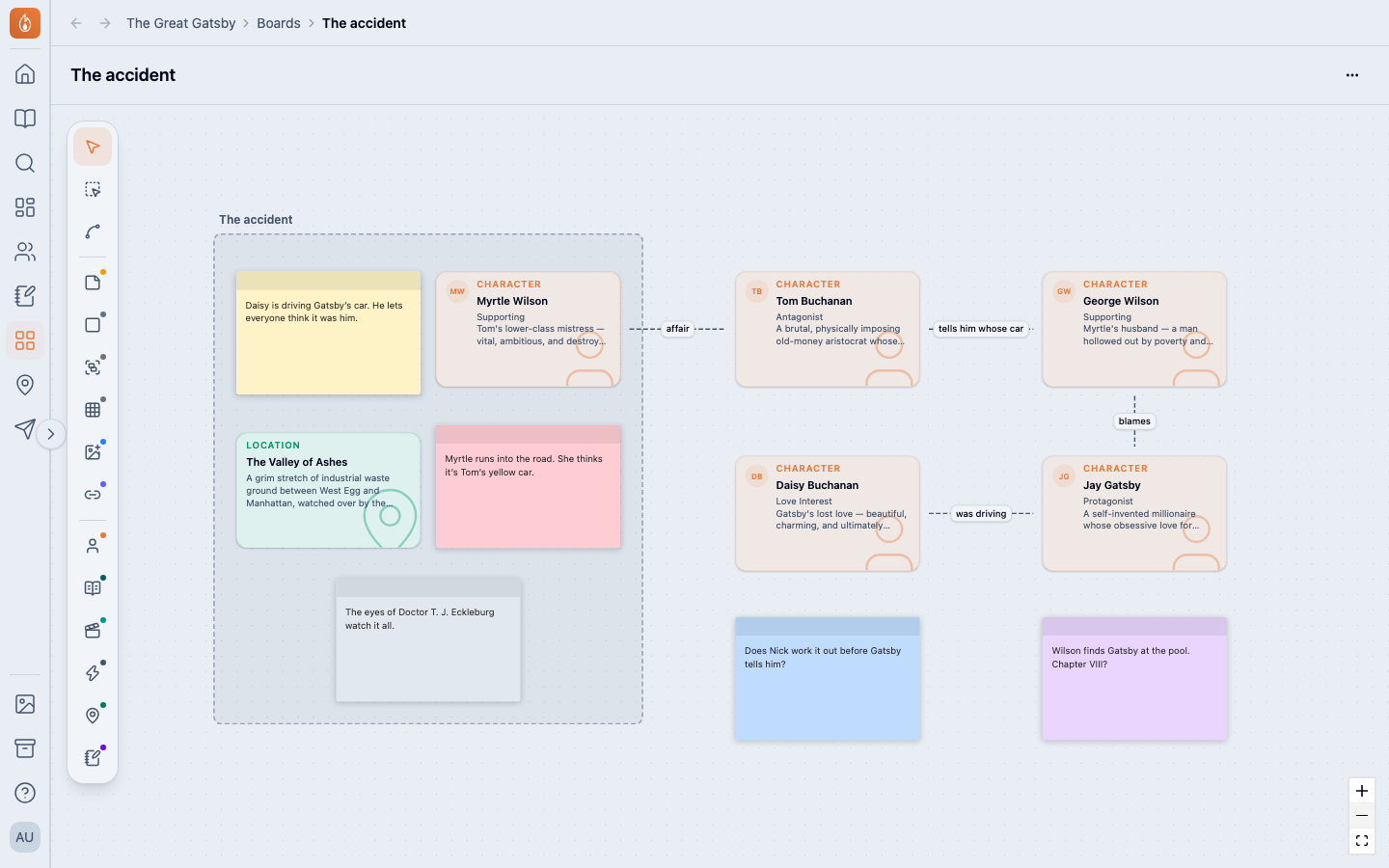
Start a board from a template
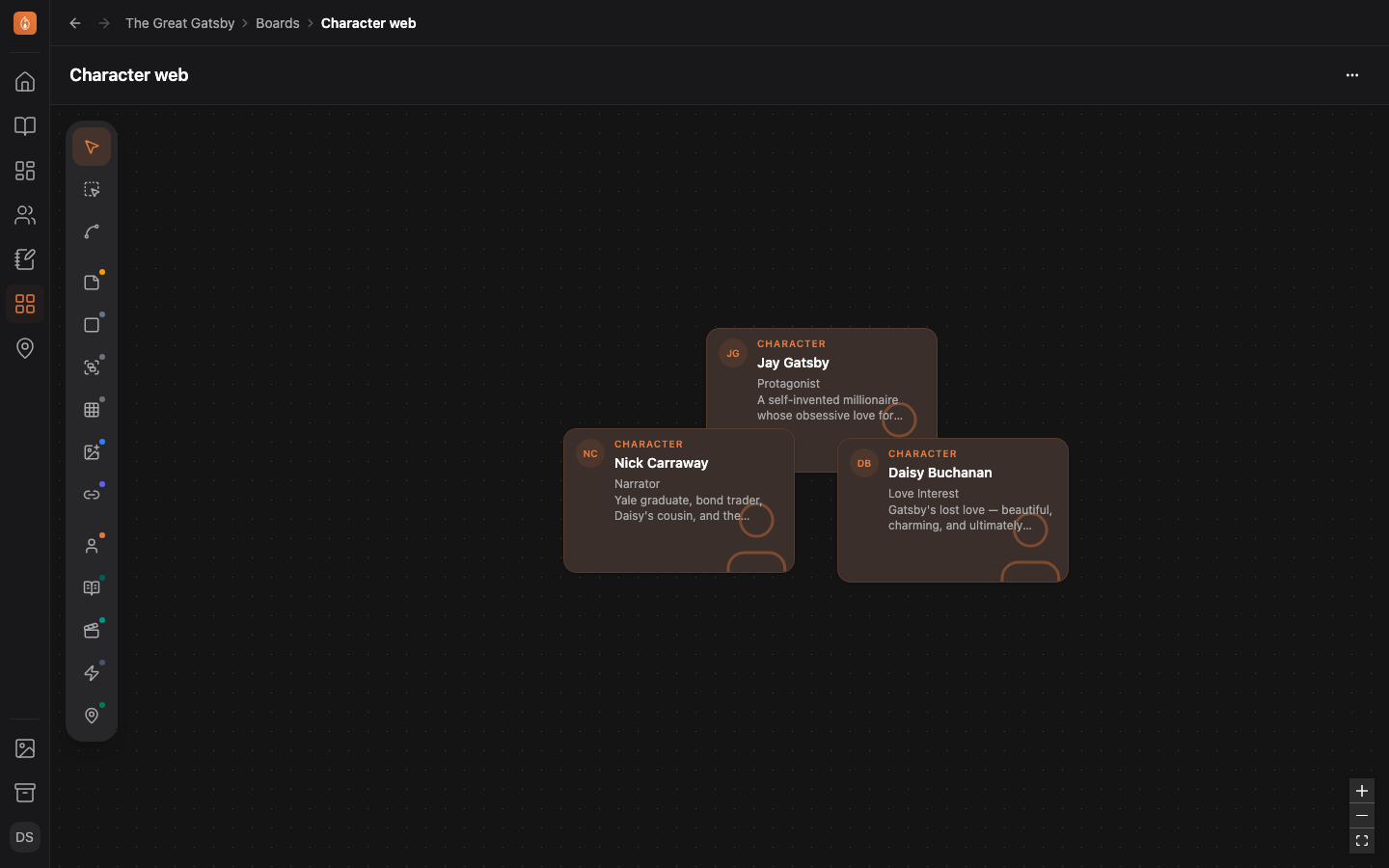
Begin with a 3-act plot grid, a character web or a beat wall. Save your own layout as a template, and it’s there in all your projects.
Read about board templates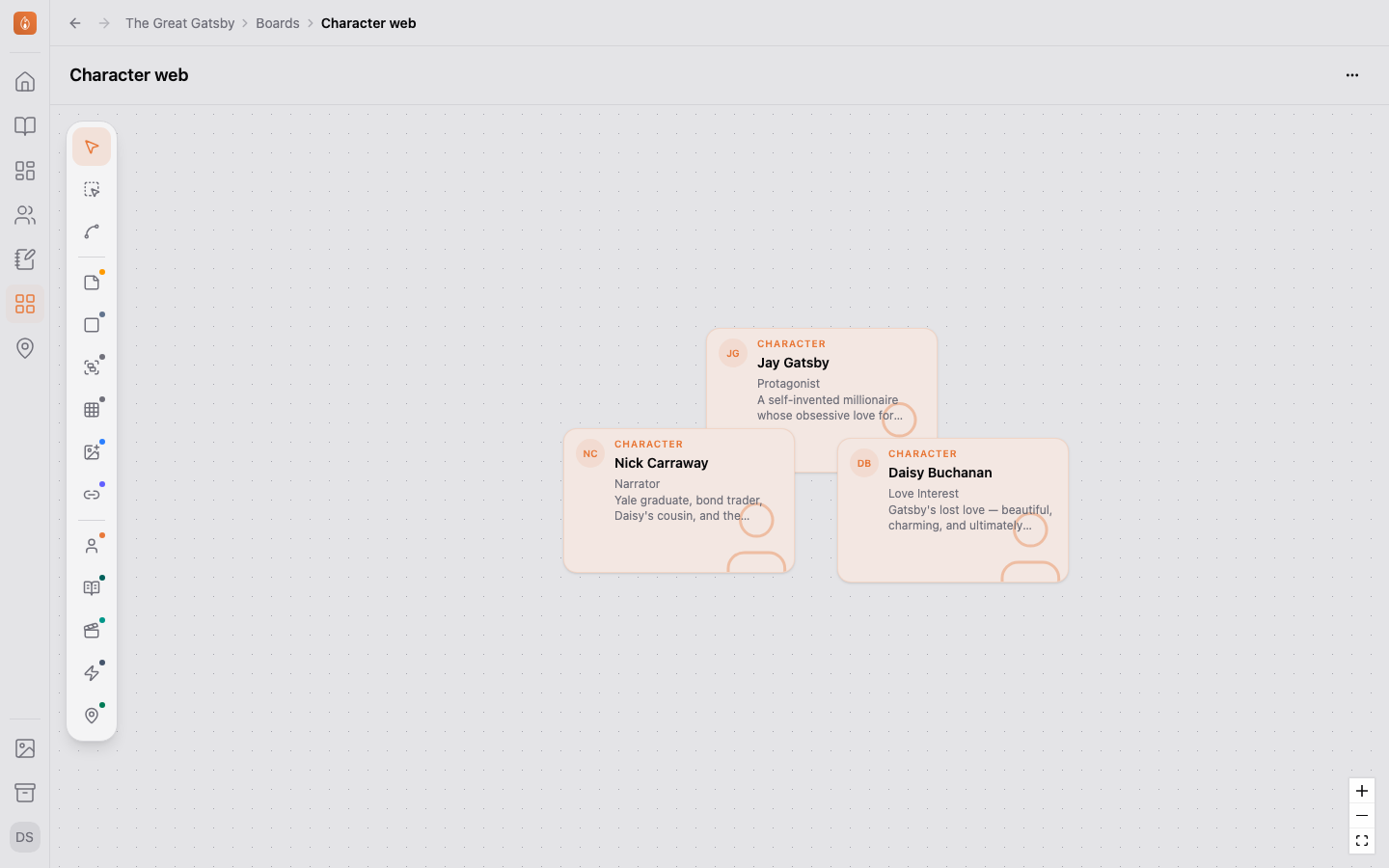
Also in Notes and boards
On every plan, Free included. See the plans
Questions
- How many boards can a project have?
- Any number.
- Can my co-author work on a board with me?
- Yes. You can both work on the same board at once and see each other’s cursors. Writing together is on the Studio plan, free during the beta.
- Can I bring in notes I already have?
- Yes. Import a file into Notes, and each top-level heading becomes a note.
Start your first board.
Start writing free