Export your book to publish it to the world
Pick a style for your book, then export the EPUB and print PDF files that popular stores take for ebooks and print. Preview how your novel will look on a Kindle or a phone, live in the browser.
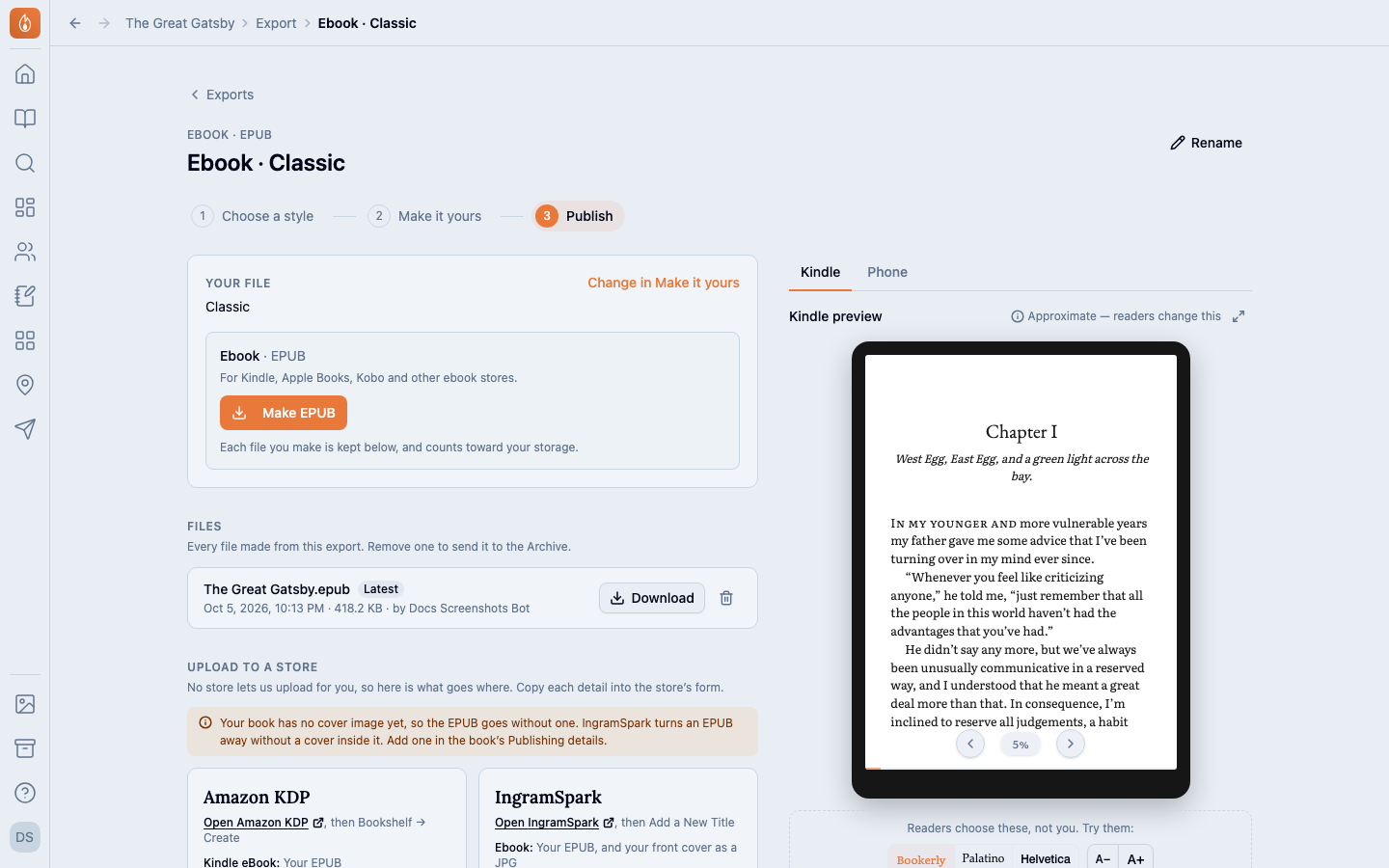
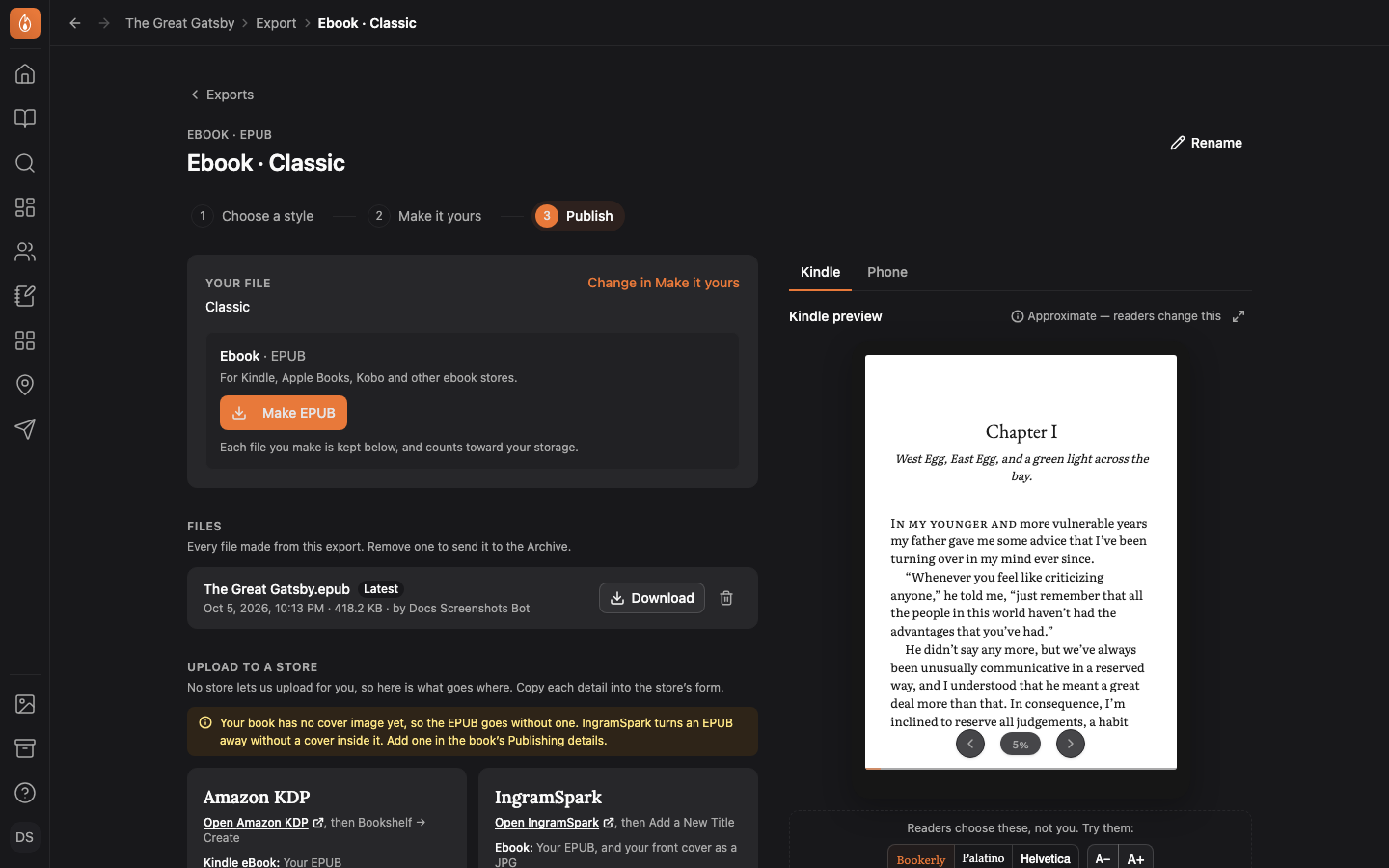
Your book, ready for the stores
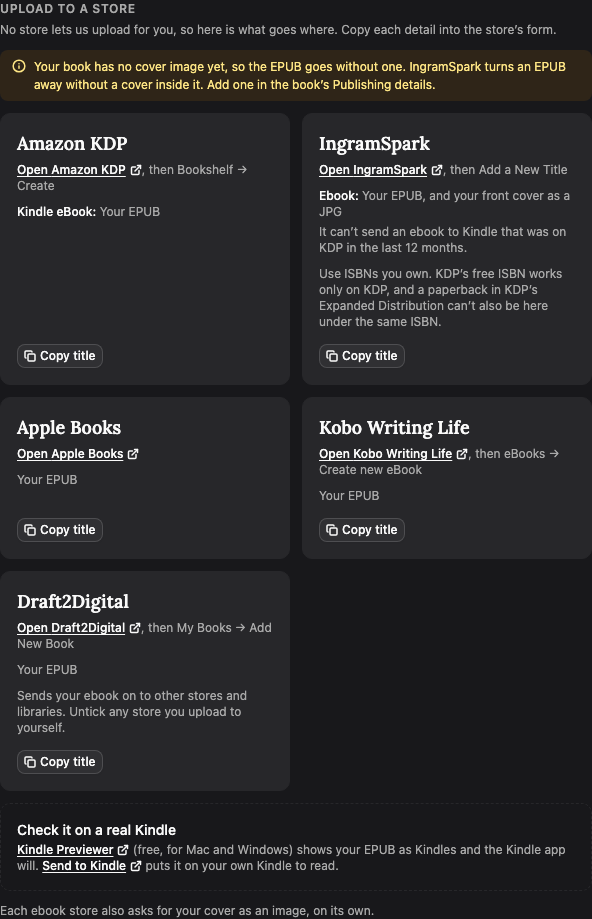
Publish lists what each store asks for: Amazon KDP, IngramSpark, Apple Books, Kobo and Draft2Digital. Copy buttons put your title and the right ISBN on your clipboard.
Read how to publish to a store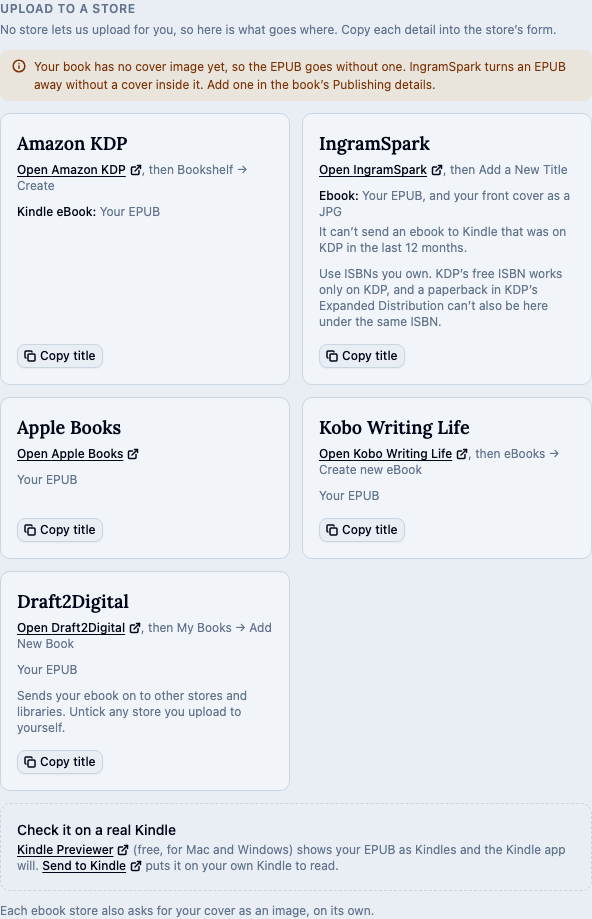
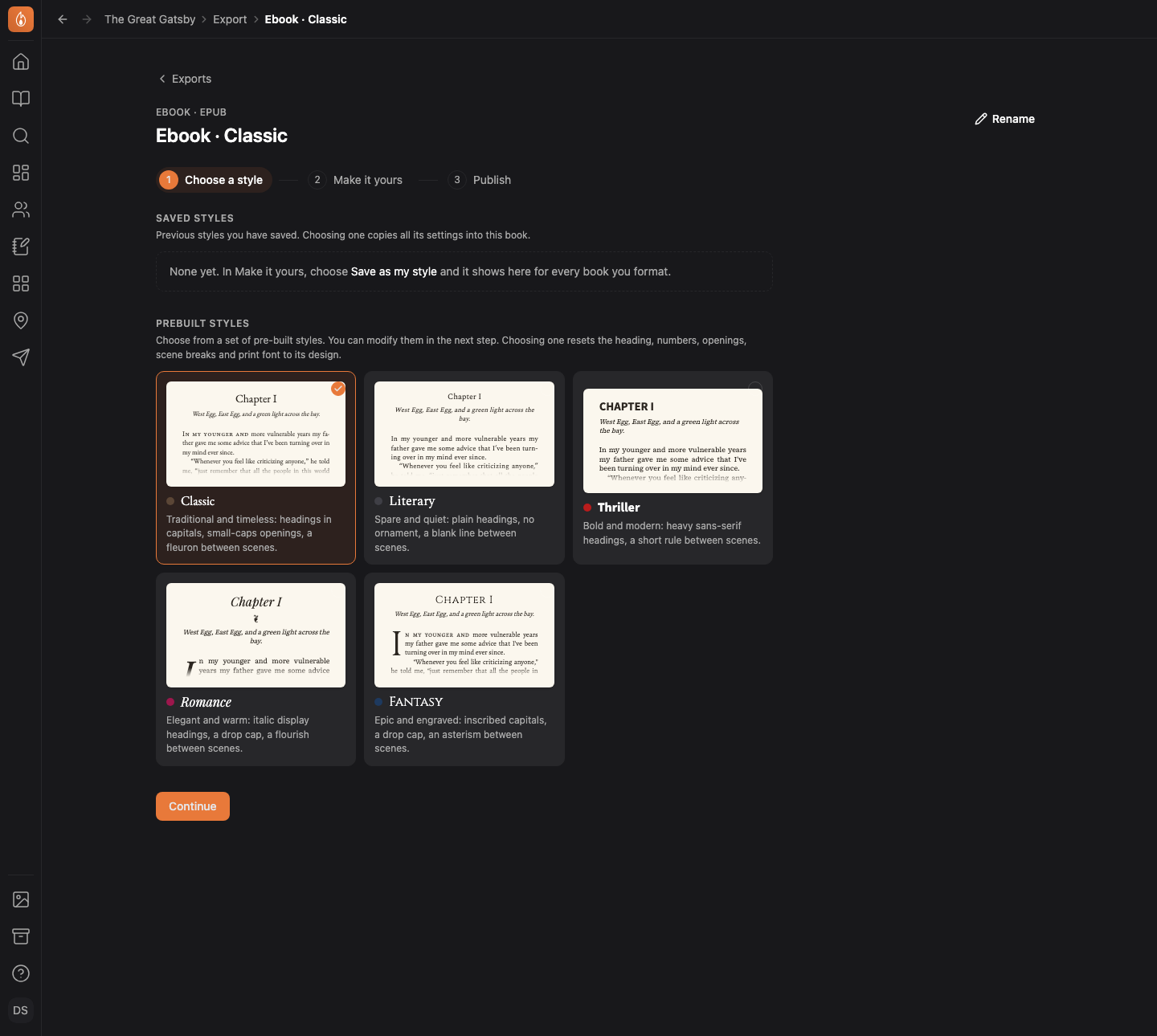
5 book styles, previewed before you export
Classic, Literary, Thriller, Romance or Fantasy, each drawn on your own first chapter. Then change the headings, scene breaks, trim size and font.
Read how to format your book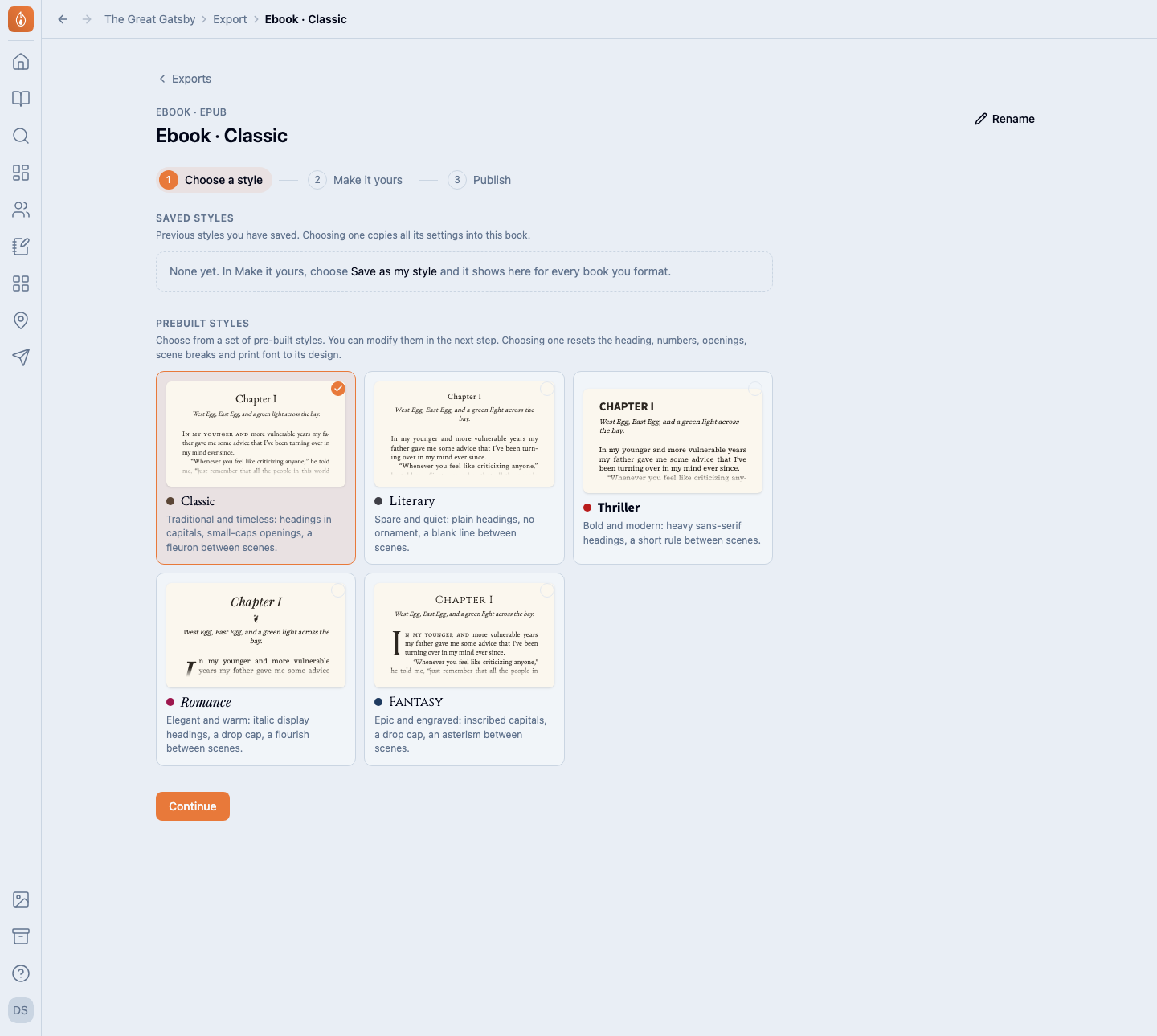
Export your manuscript for an agent
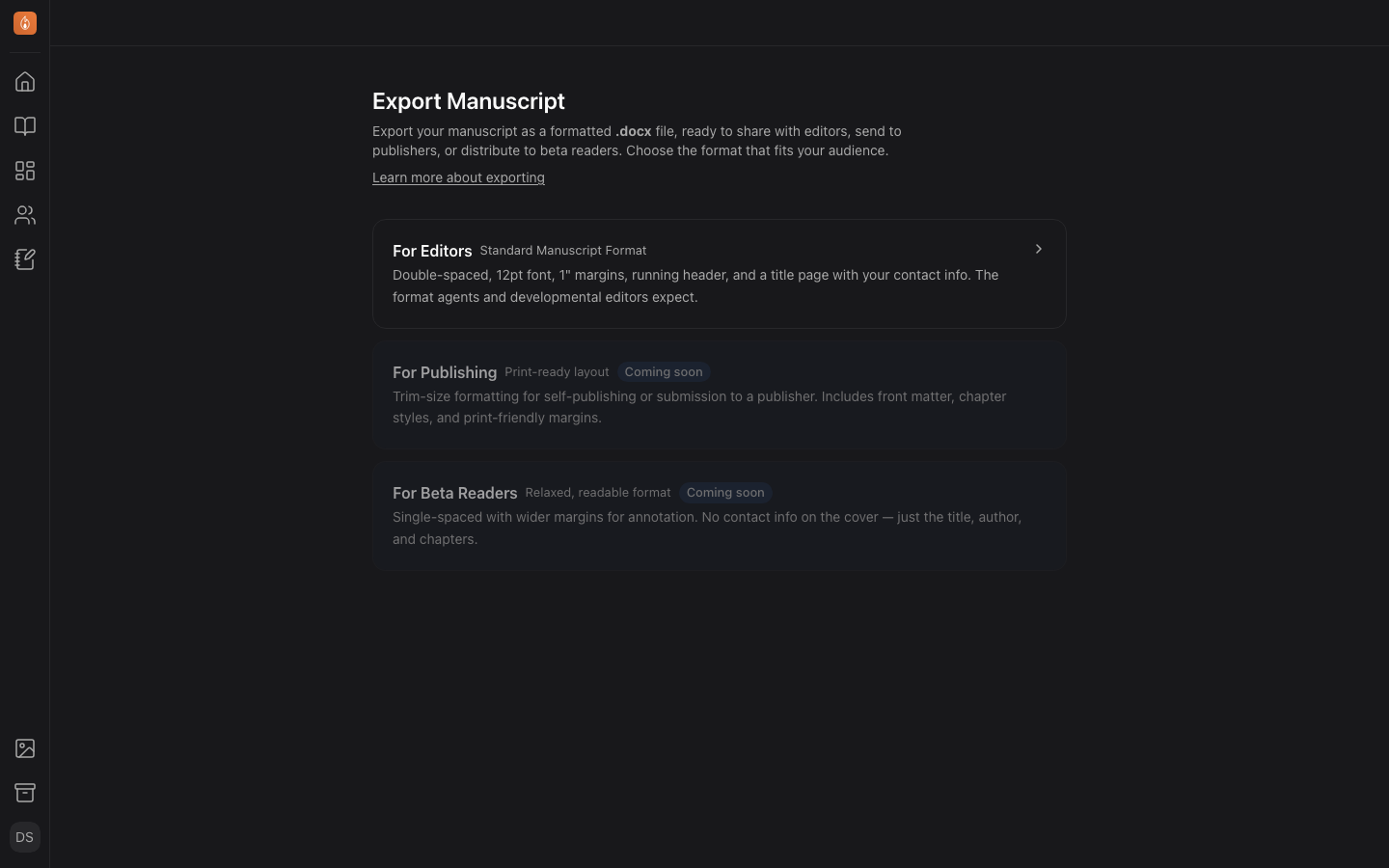
Send an agent or an editor a Word file in Standard Manuscript Format: double-spaced 12pt text, one-inch margins, and a header with your surname and the page number.
Read how to export a Word file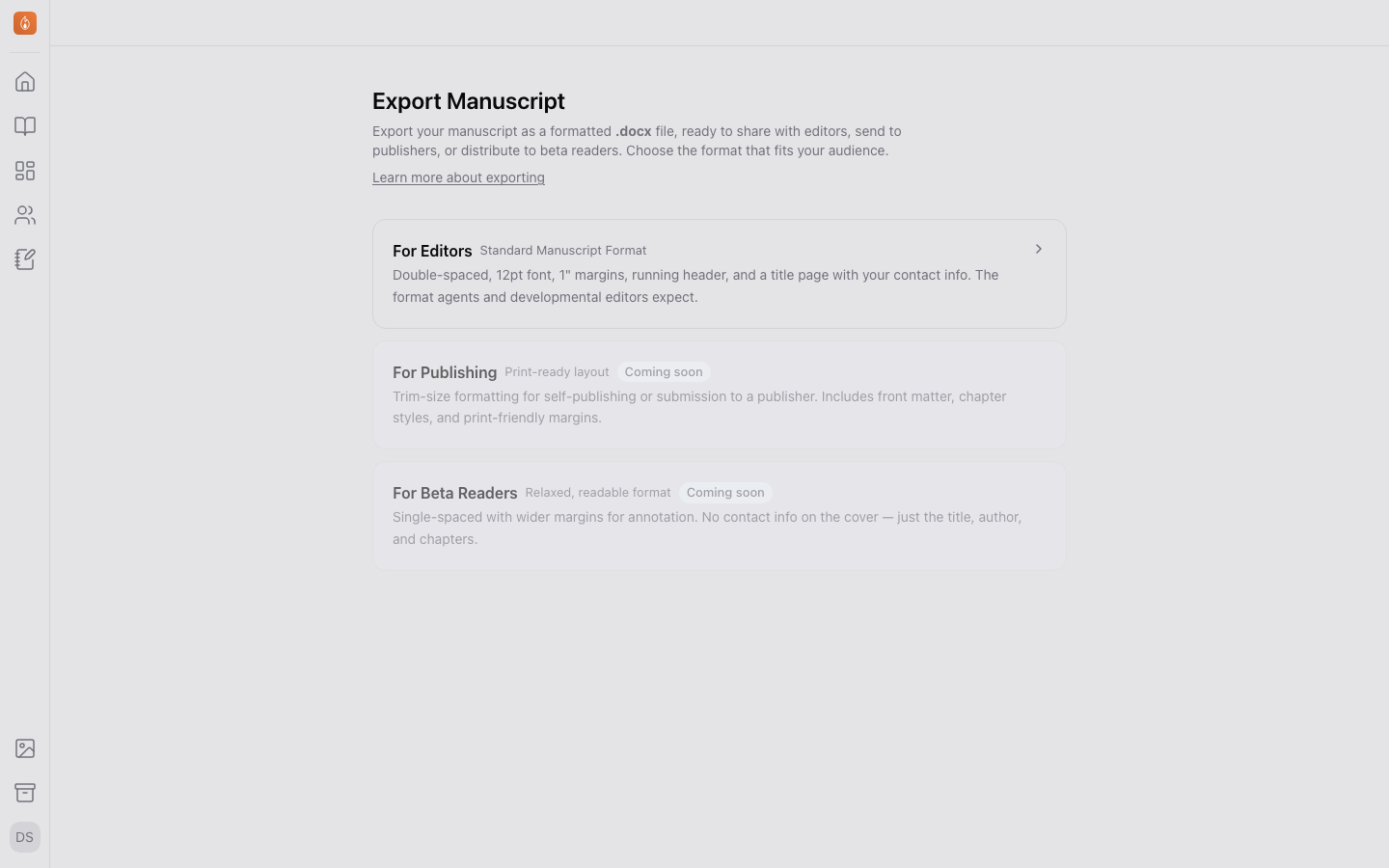
Show readers the finished look
Give a beta round your book’s design, and readers see its chapter headings, scene breaks and Passages as they read.
Read about the round’s lookAlso in Publishing
Word and Markdown files are on the Writer plan, and book formatting on Studio. Both are free during the beta. See the plans
Questions
- Does it make a cover?
- No. Add your cover image to the book’s Publishing details and the EPUB carries it. For a KDP paperback, Publish gives your cover designer the spine width and full cover size, from your exact page count.
- Do I need an ISBN?
- It depends on the store. KDP’s free ISBN works only on KDP, and IngramSpark needs ISBNs you own. Add yours to the book’s Publishing details and each file prints its own.
- Which stores take the EPUB?
- Amazon KDP, Apple Books, Kobo Writing Life, Draft2Digital and IngramSpark. You upload it to each store yourself.
- Can I sell a book set in these fonts?
- Yes. Every font in your exports is released under the SIL Open Font License, so you can publish and sell books set in them.
Make the EPUB from the book you’re writing.
Start writing free